– 137 –
34-4 Performing sensor check
1
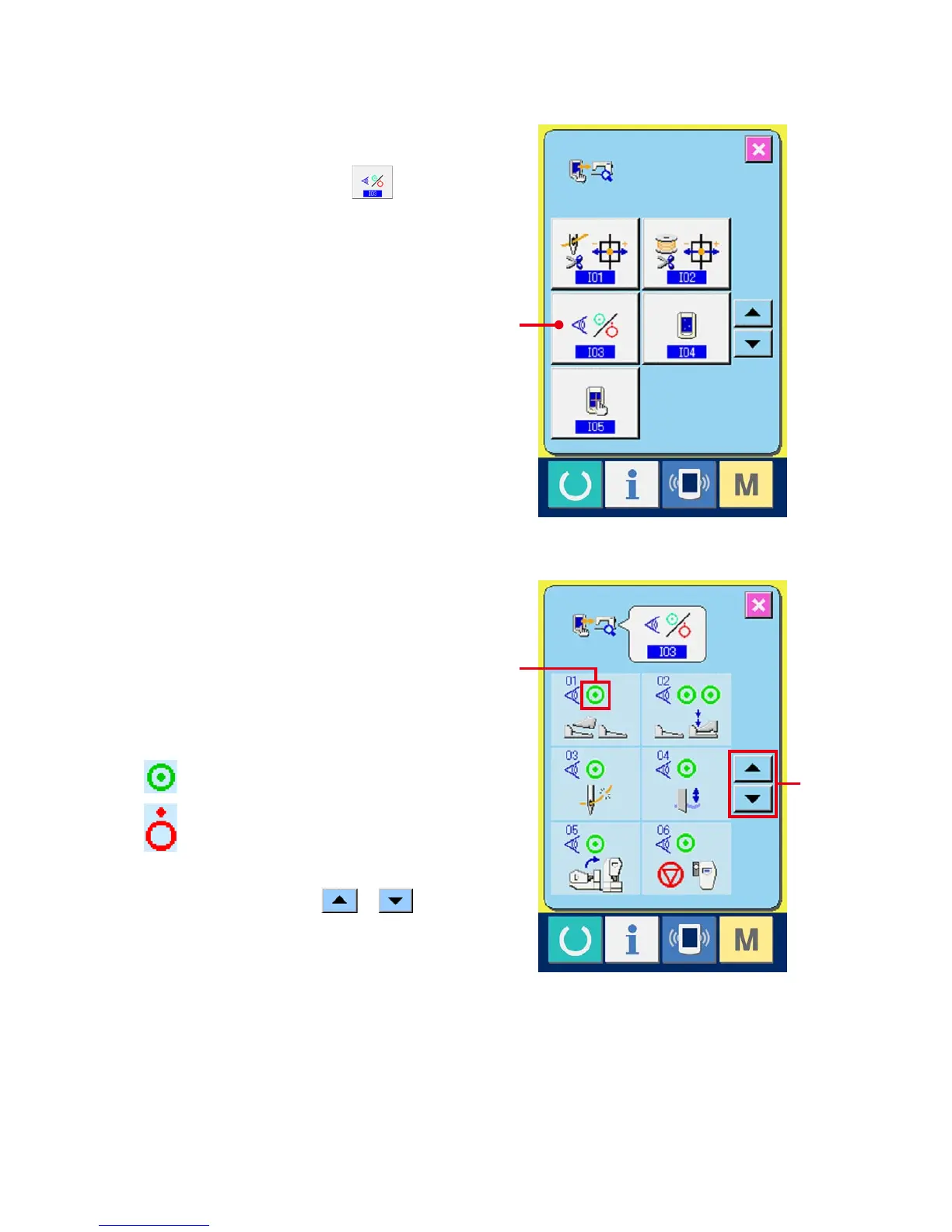
Display the sensor check screen.
When SENSOR CHECK button (A) on
the check program screen is pressed, the sensor
check screen is displayed.
2
Perform the sensor check.
Input status of the various sensors can be
checked on the sensor check screen.
Input status of each sensor is displayed as (B).
The display of ON status/OFF status is displayed
as below.
: ON status
: OFF status
Press UP or DOWN button or (C) and
display the sensor which has been checked.
A
C
B



 To Next Page