34-6 Performing touch panel compensation
1
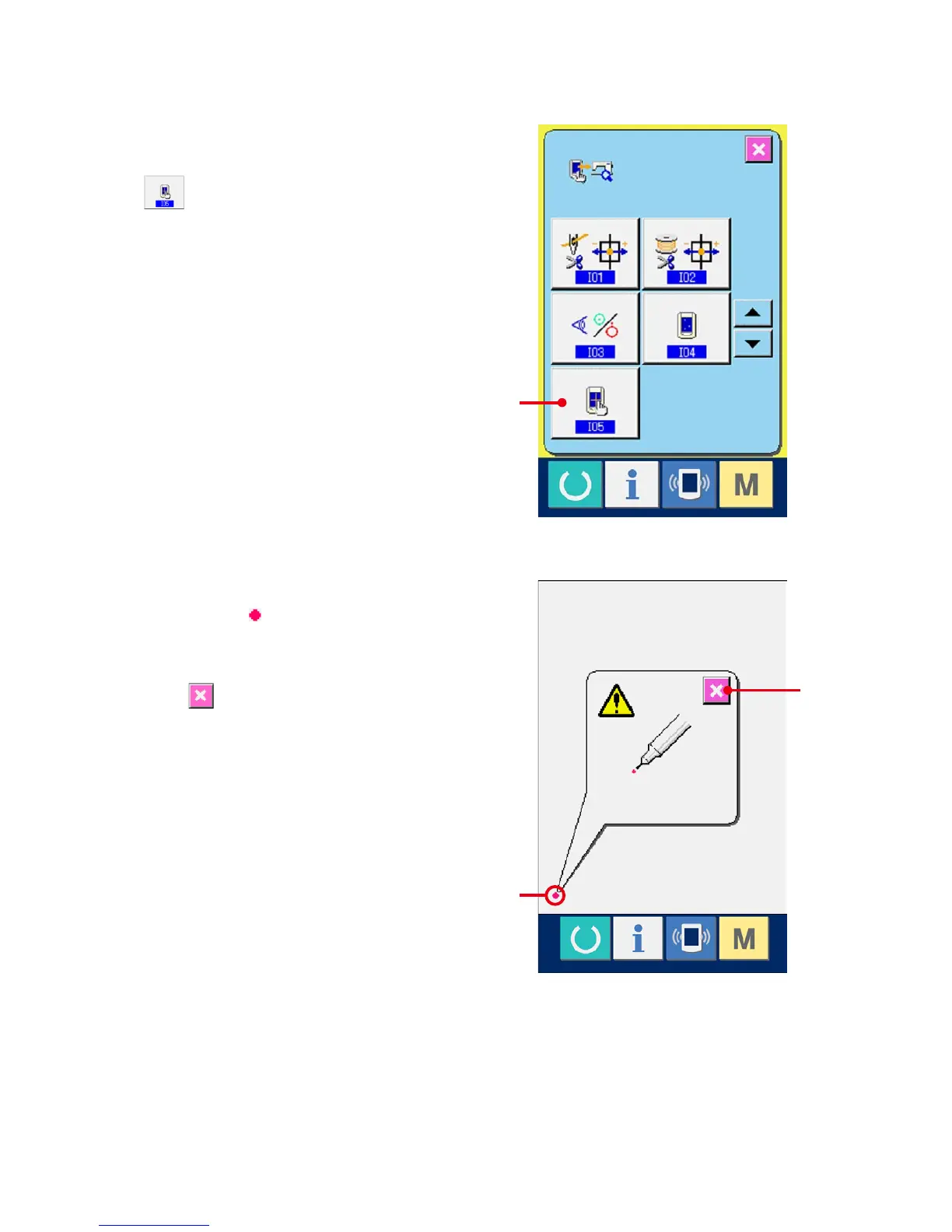
Display the touch panel compensation screen.
When TOUCH PANEL COMPENSATION button
(A) on the check program screen is
pressed, the touch panel compensation screen is
displayed.
2
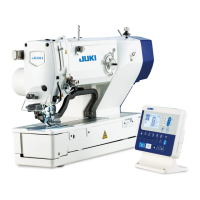
Press the lower left position.
Press red circle (C) located at the lower left
position on the screen.
Whennishingthecompensation,pressCANCEL
button (B).
A
C
B



 To Next Page