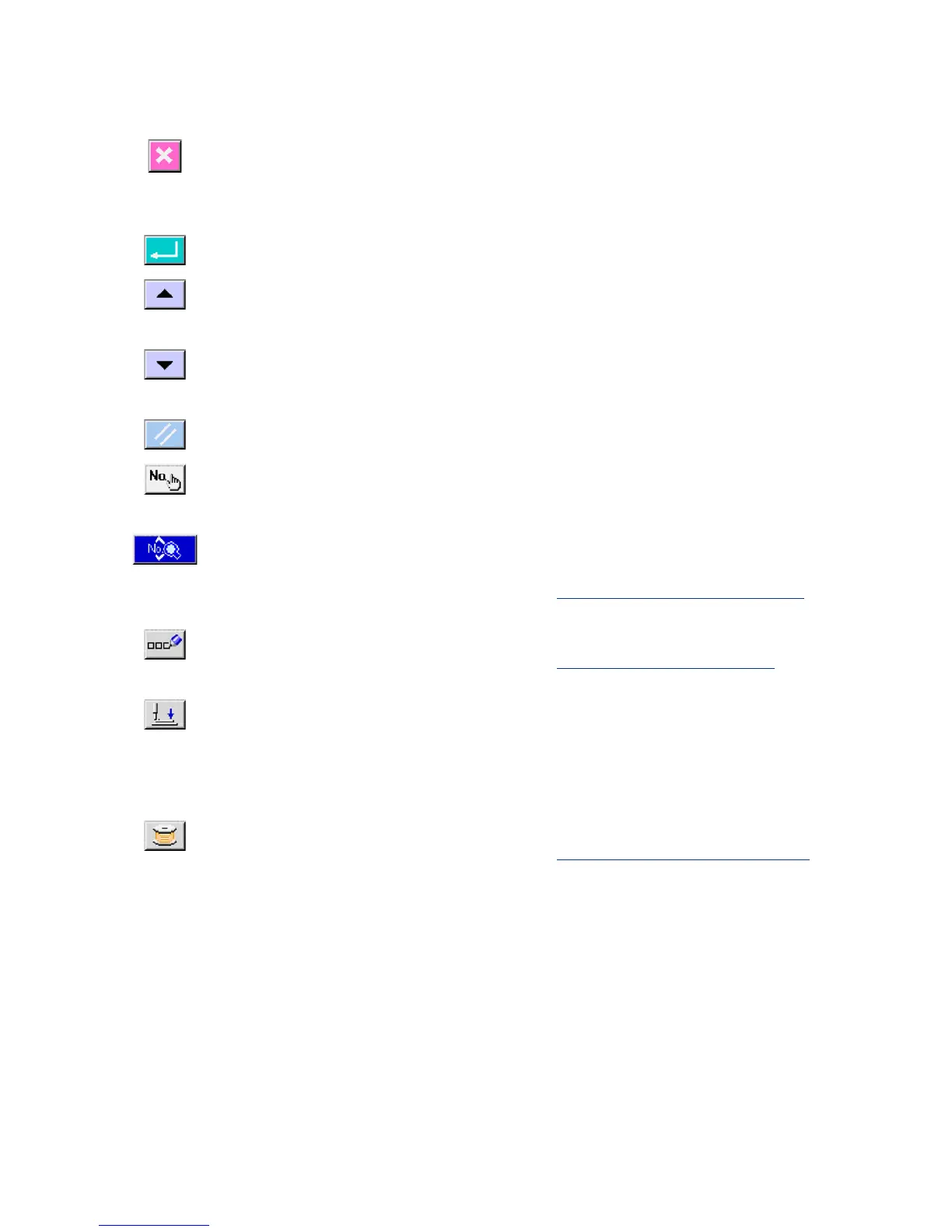
1-2 Buttons to be used in common
The buttons which perform common operations in each screen of IP-310 are as follows :
CANCEL button
→
This button closes the pop-up screen. In case of the
data change screen, the data being changed can be
cancelled.
ENTER button
→
This button determines the changed data.
UP SCROLL button
→
This button scrolls the button or the display in the
upward direction.
DOWN SCROLL button
→
This button scrolls the button or the display in the
downward direction.
RESET button
→
This button performs the release of error.
NUMERAL INPUT button
→
This button displays ten keys and input of numerals
can be performed.
SEWING DATA DISPLAY button
→
This button displays the sewing data list
corresponding to the pattern No. being selected.
→
Refer to
15. CHANGING SEWING DATA, p.37
.
CHARACTER INPUT button
→
This button displays the character input screen.
→
Refer to
7. NAMING THE PATTERN, p.22
.
PRESSER DOWN button
→
This button lowers the presser and displays the
presser down screen. To raise the presser, press
PRESSER UP button displayed in the presser down
screen.
BOBBIN WINDER button
→
This button performs bobbin thread winding.
→
Refer to
11. WINDING BOBBIN THREAD, p.29
.



 To Next Page