3
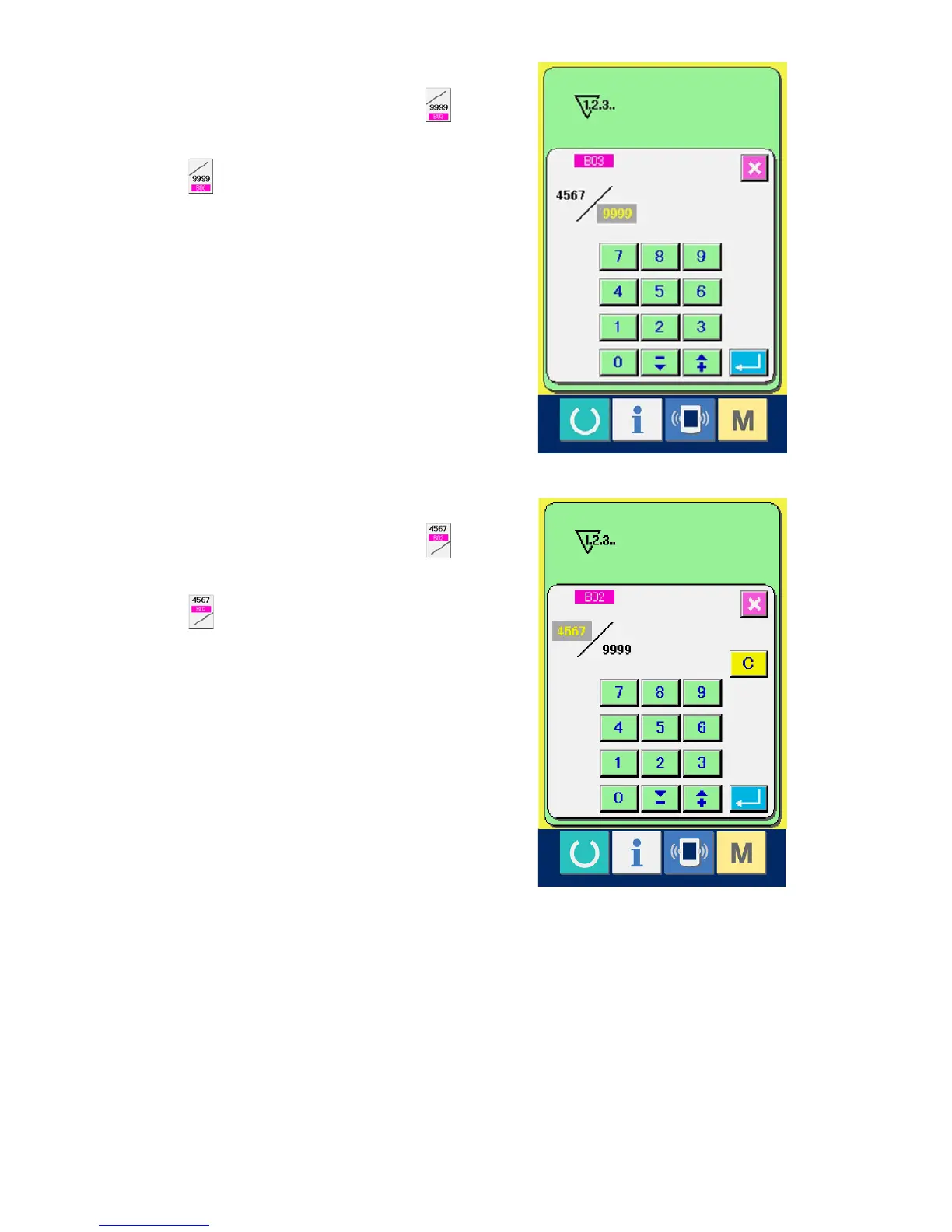
Change of counter set value
In case of the sewing counter, press button
(F) and in case of the No. of pcs. counter, press
button (G) and the set value input screen is
displayed.
Here, input the set value. (See p.30.)
4
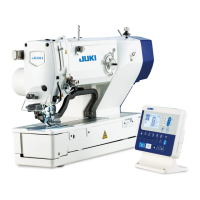
Change of counter existing value
In case of the sewing counter, press button
(D) and in case of the No. of pcs. counter, press
button (E) and the existing value input screen
is displayed.
Here, input the existing value. (See p.30.)



 To Next Page