103
5 Setup software
5.6.2 Transfer via interface
Data transfer via interface is possible via one of the following interfaces:
v The setting for the interface parameter can be found in Chapter 4.2 “Table
of configuration parameters”.
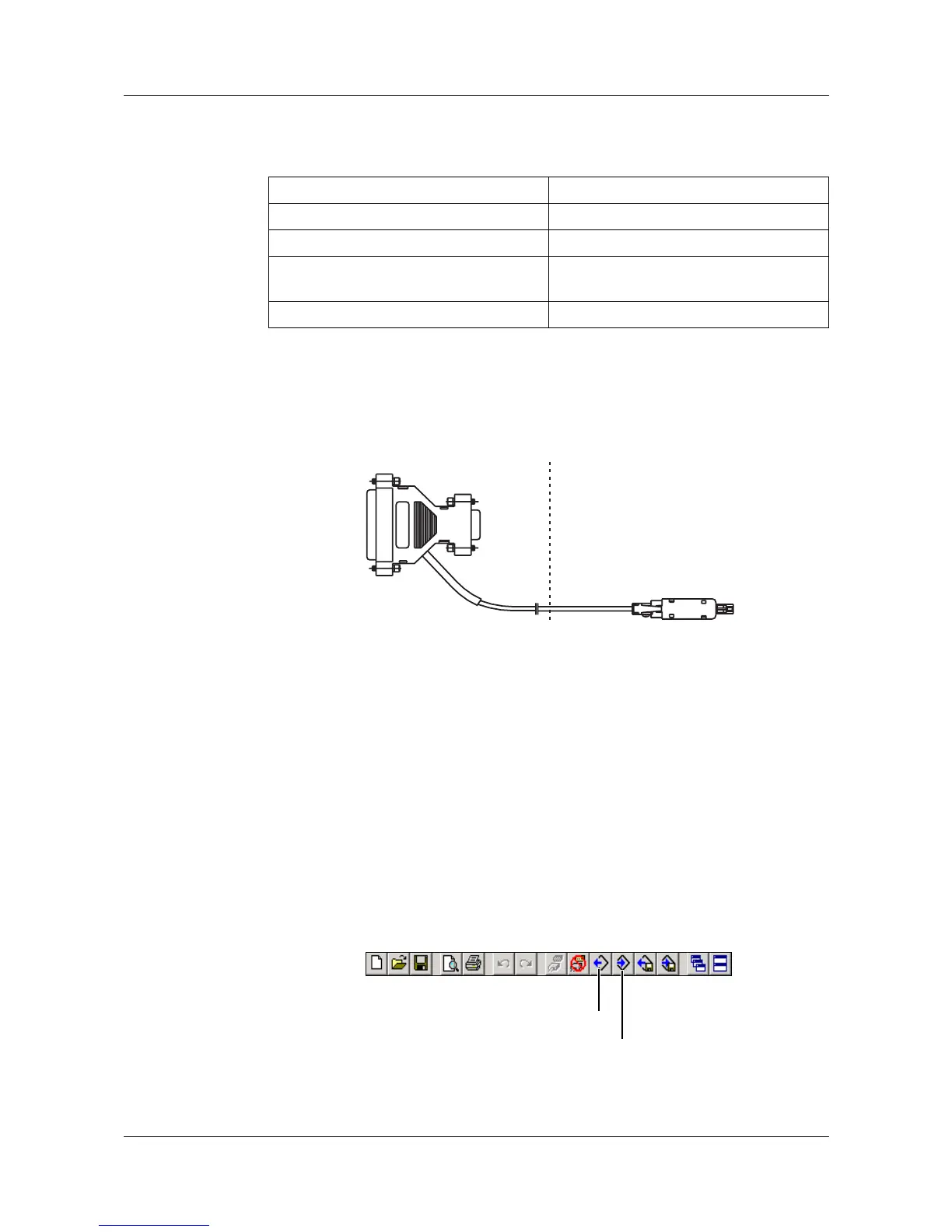
Setup - RS232C You will need the interface cable (including adapter) here. It is available as an
accessory to the recorder.
RS232C v For the pin assignment, please refer to the Interface Description
B 70.6570.2.0.
RS422/485 v For the pin assignment, please refer to the Interface Description
B 70.6570.2.0.
Ethernet The recorder or the PC can be connected to the network using the usual
network cables (RJ45 connector). If the recorder and a PC are to be directly
connected, please use a crossover cable.
Starting the
transfer
Use the toolbar or the Data transfer menu with its functions “Data export to
device” and “Data transfer from device” in order to transfer the setup data.
Paperless recorder PC
Setup interface RS232C
RS232C RS232C
RS422 / 485 RS422/485
(plug-in card or converter)
Ethernet Ethernet
Adapter
PC
Device
TTL/RS 232
converter
H
Only one 1 PC (client) at a time can access the device (server) via
the Ethernet interface.
Data transfer from device
Data transfer to device



 To Next Page