5 Setup software
104
5.7 Connection between the PC and the recorder
If data are to be exchanged between a recorder and a PC, it is essential to
define which device and which route is used for communication, and
establishing the connection to the device.
Connection to a device is made by using the function Data transfer ➔ Esta-
blish connection or by a click on the symbol.
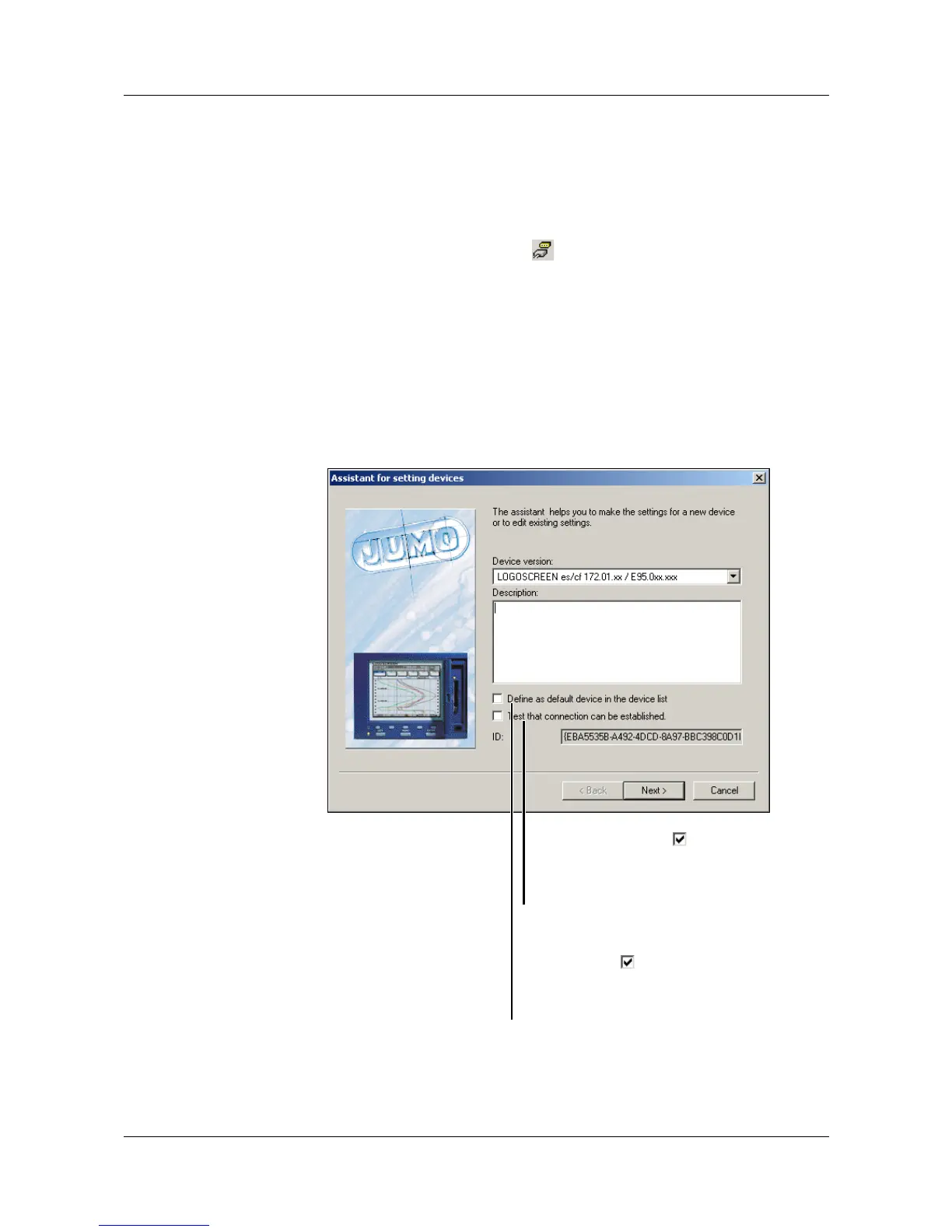
5.7.1 Assistant for Device Settings
If there has never been any previous communication with a device, the
“Assistant for Device Settings” will automatically be started when the first
attempt at communication is made. This helps you to set up a device list.
H
If a connection has been established (communication is taking
place) between the setup software and a device, then no other
software component (e.g. PCC) can access this device.
If the option is active ( ), a check is
made at the end whether the
chosen device can be accessed via
the selected interface.
Here you can choose whether the
device should be defined as the
default device ( ). The system will
automatically access a default
device, other devices must be
linked through the device list.



 To Next Page