5 Setup software
94
5.2 Installation
Running the
installation
program
h Start Microsoft Windows®
h Insert CD into the disk drive, then close it.
After the CD has been inserted, the installation program starts automatically; if
not, proceed as follows:
h Start the file “Start.exe” in the main directory of the CD.
The installation program will lead you through the rest of the installation with
screen messages.
Program start h Start the setup software by selecting the “Setup program ...” entry in the
chosen program folder.
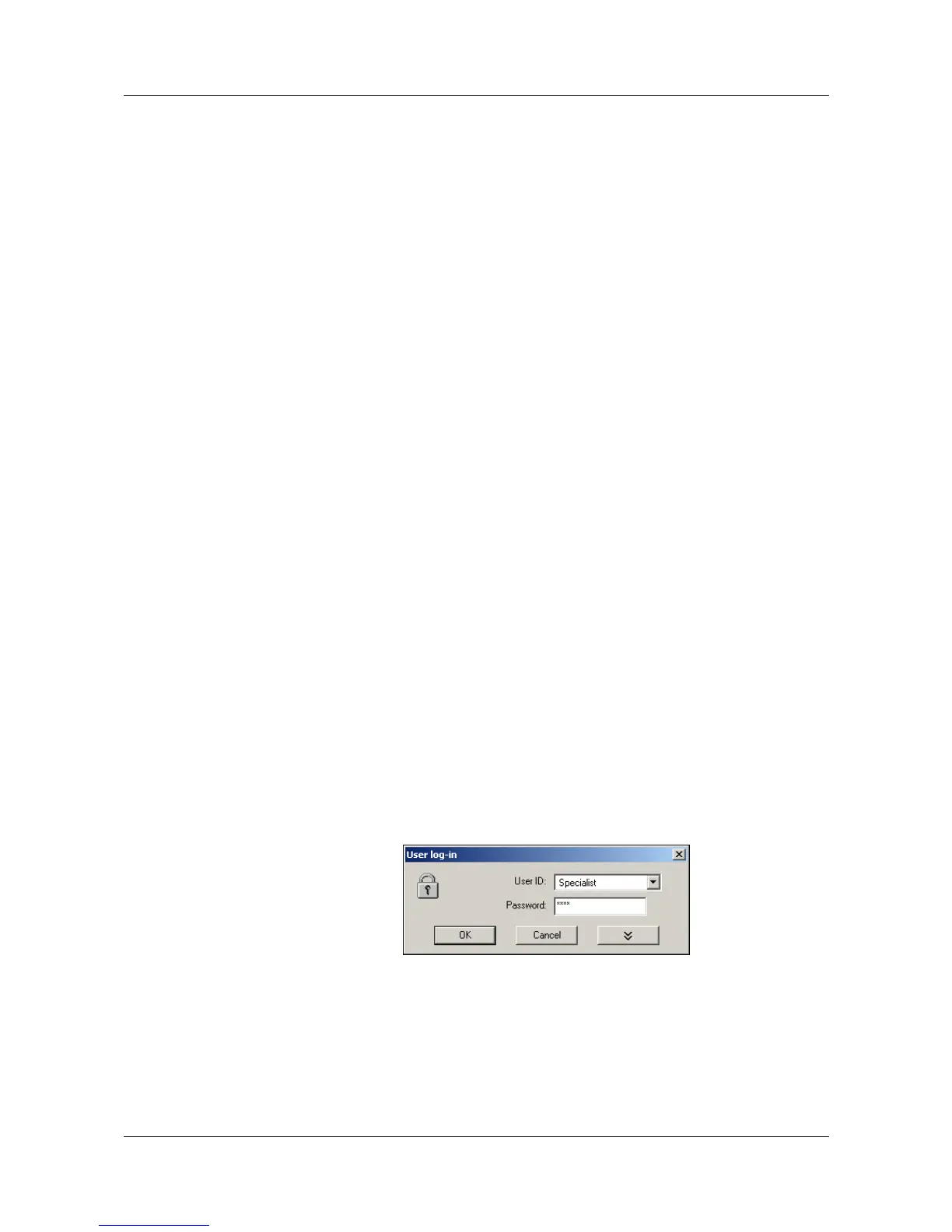
When the software is first installed, there will be no user name and password
query. The function Fresh log-in / Alter password in the Extras menu can be
used to activate the query at the program start.
By activating the log-in function, a distinction can be made between the “Spe-
cialist“ and “Maintenance” users. They have different rights with respect to the
functions of the PC Setup software.
v “Fresh log-in / alter password” on page 116
v Chapter 6 “Rights”
If the query is active, proceed as follows:
h Log in.
H
If Microsoft Windows has already been started, all Windows
programs must be shut down before installing the setup program.
H
If no valid license number is entered during the installation, the data
transmission, data storage and print-out functions are inhibited.
H
Please note that not all functions are available to all users.



 To Next Page