67
3 Operation and visualization
3.7 Device info
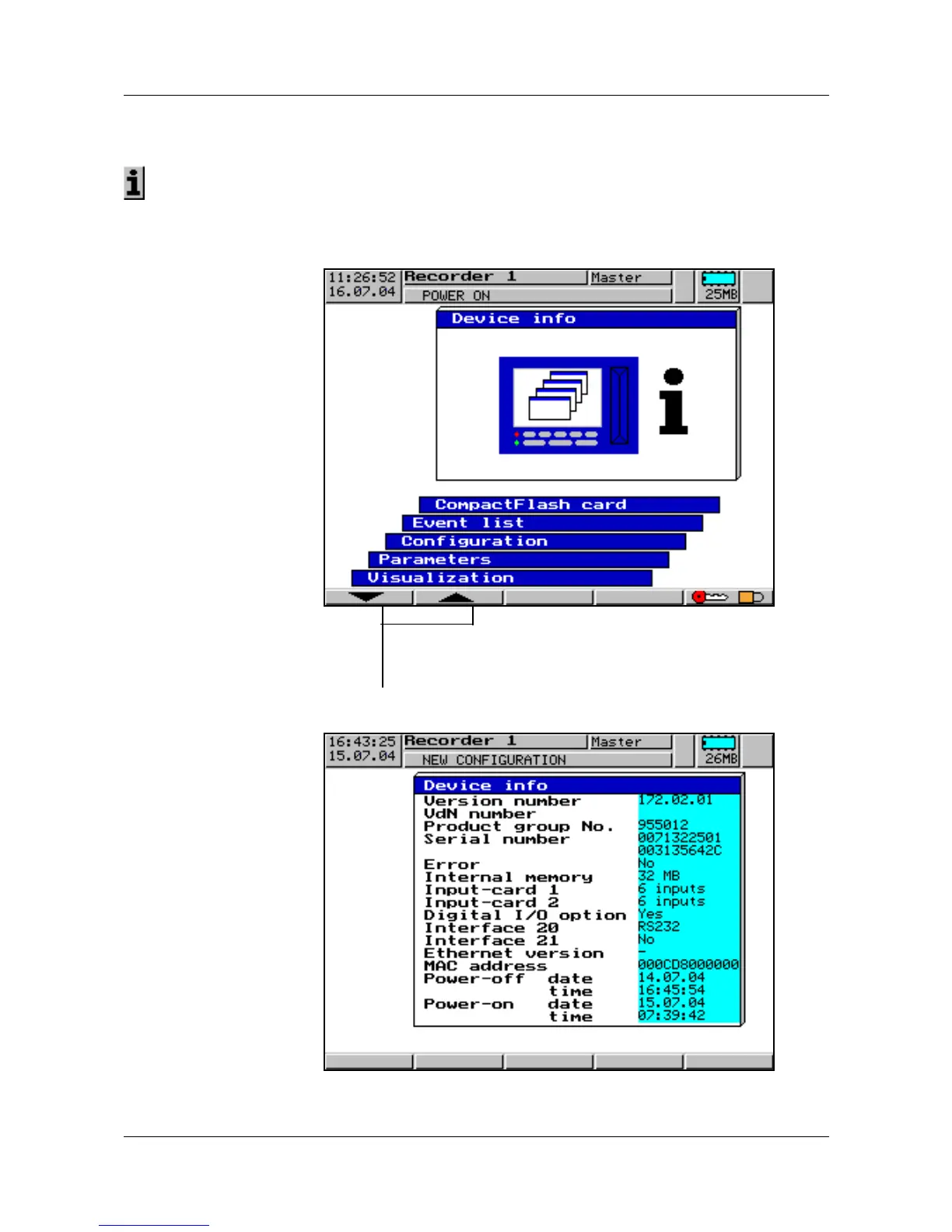
The device info window displays general information about the instrument. It
also includes the errors “Battery empty” and “Data lost”. If one of these
instrument errors occur, the info symbol flashes in the status line.
Start menu➔
Device info
The device info is called up from the start menu:
Device info
h Select operating level Device info
h Enter selection with E



 To Next Page