5 Setup software
100
5.5 Teleservice
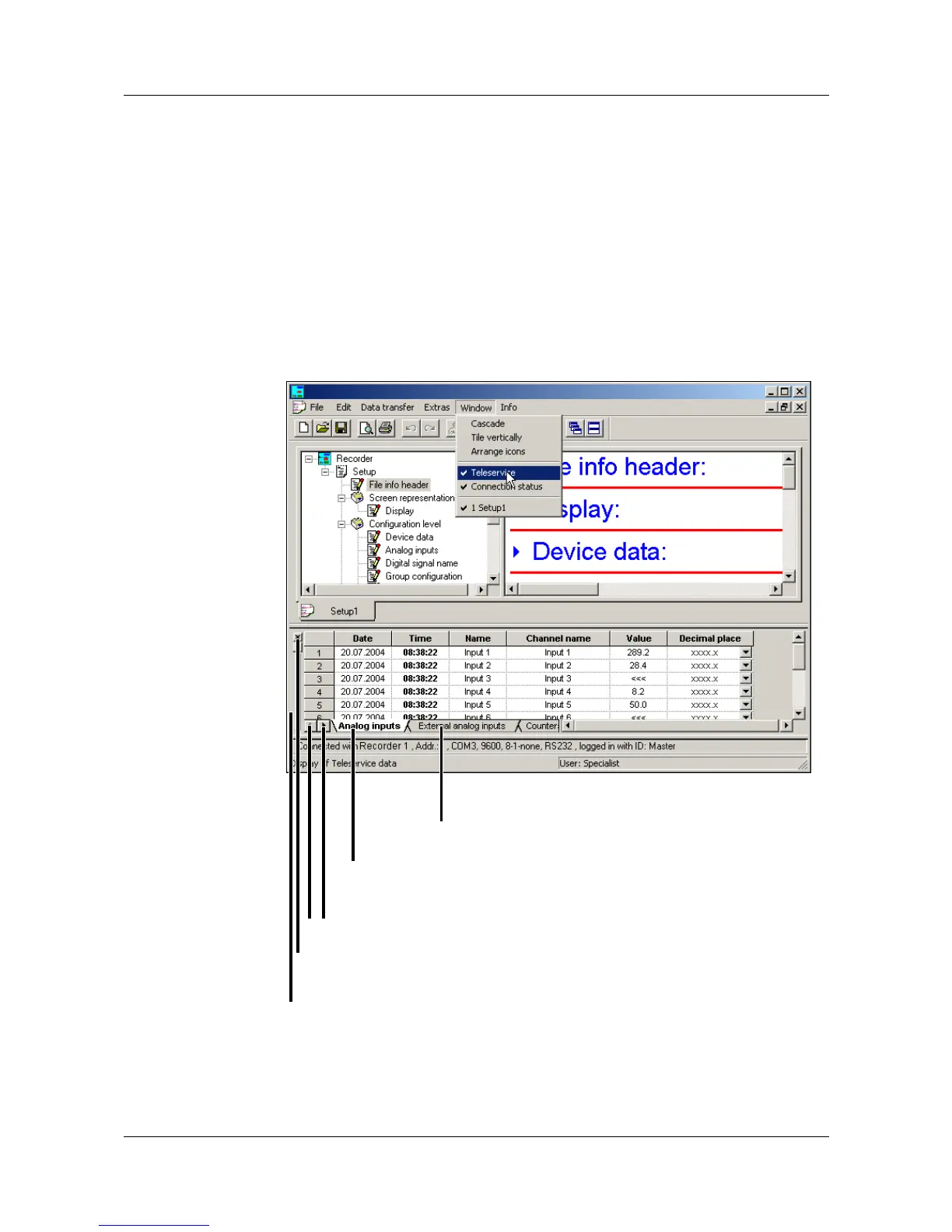
Using the Teleservice, you can poll the latest data of a recorder. In addition,
the external logic inputs and the Modbus flag can be switched (activated).
v You will find further information about the external logic inputs and the
status flag in Chapter 2.4 “Digital signals”
In order to use Teleservice, there must be an existing connection to a device.
v Chapter 5.7 “Connection between the PC and the recorder”
Via the Window menu, you can switch Teleservice into or out of display.
Close Teleservice window
Click here to switch further registers
into display (if available)
Active register
Click here to select the register as
the active register
Shift the Teleservice window
v “Shifting the toolbar” on page 96



 To Next Page