95
5 Setup software
5.3 User interface
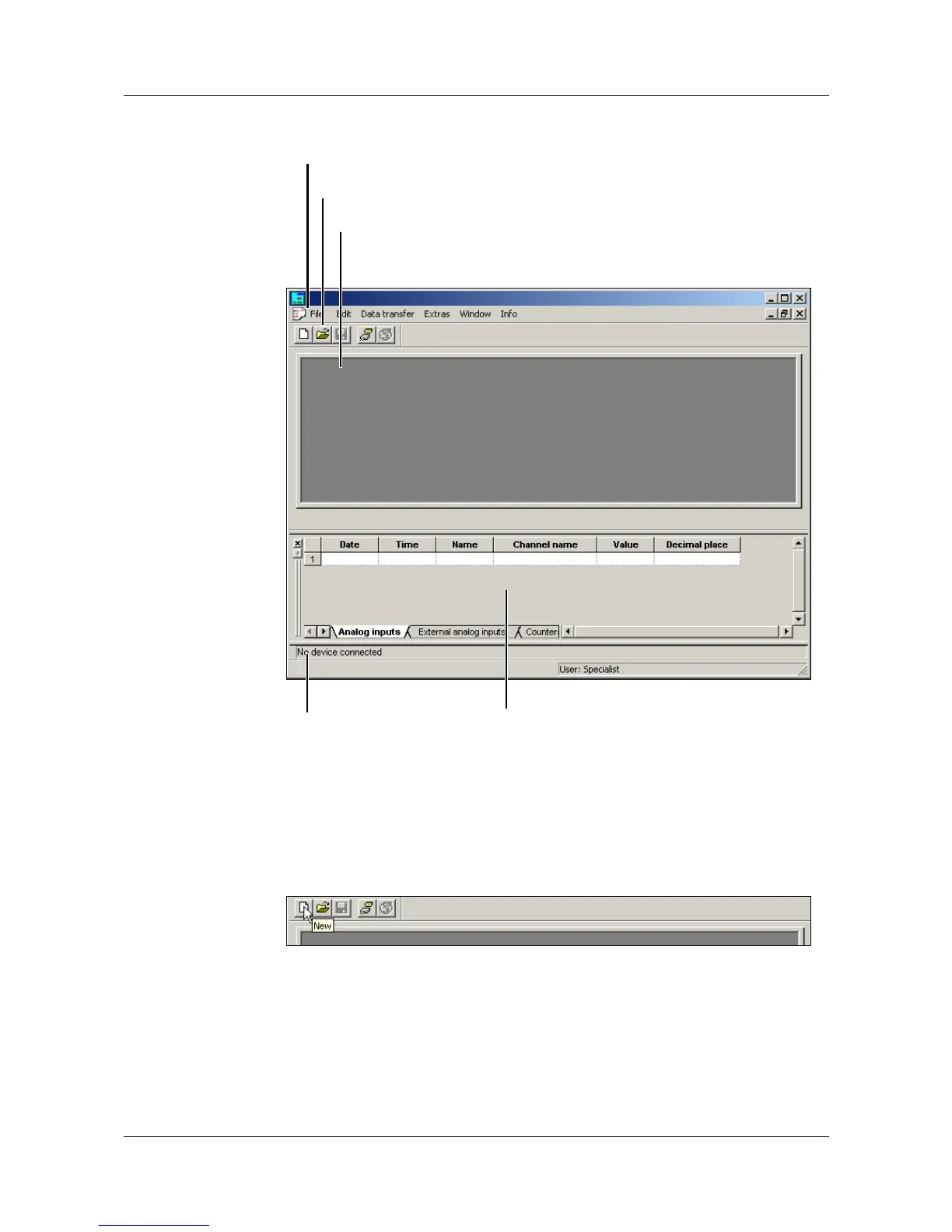
Menu bar Using the menu bar, the individual functions of the setup software can be
started.
v Chapter 5.8 “Menu functions”
Toolbar The tool bar contains selected functions of the menu bar. They can be started
from the left mouse button. By resting the mouse pointer on one of the
symbols, you will see the function title after a short while.
Menu bar
Toolbar
Working area
Connection status
Teleservice



 To Next Page