5 Setup software
102
5.6 Data transfer from and to the device
There are two ways of transferring the setup data to or from a recorder:
- transfer via the CompactFlash memory card and
- transfer via interface.
5.6.1 Transfer via CompactFlash memory card
In order to be able to read or write to CompactFlash memory cards from a PC,
you will need a reader/writer.
When you have installed the reader/writer and have inserted a CompactFlash
memory card, you will automatically have a new disk drive under Windows.
You can use the new disk drive just like a normal hard disk using the Windows
Explorer.
Paperless
recorder
You can write setup data to the CompactFlash memory card, or read from it,
using the recorder.
v Chapter 3.6 “CompactFlash card”
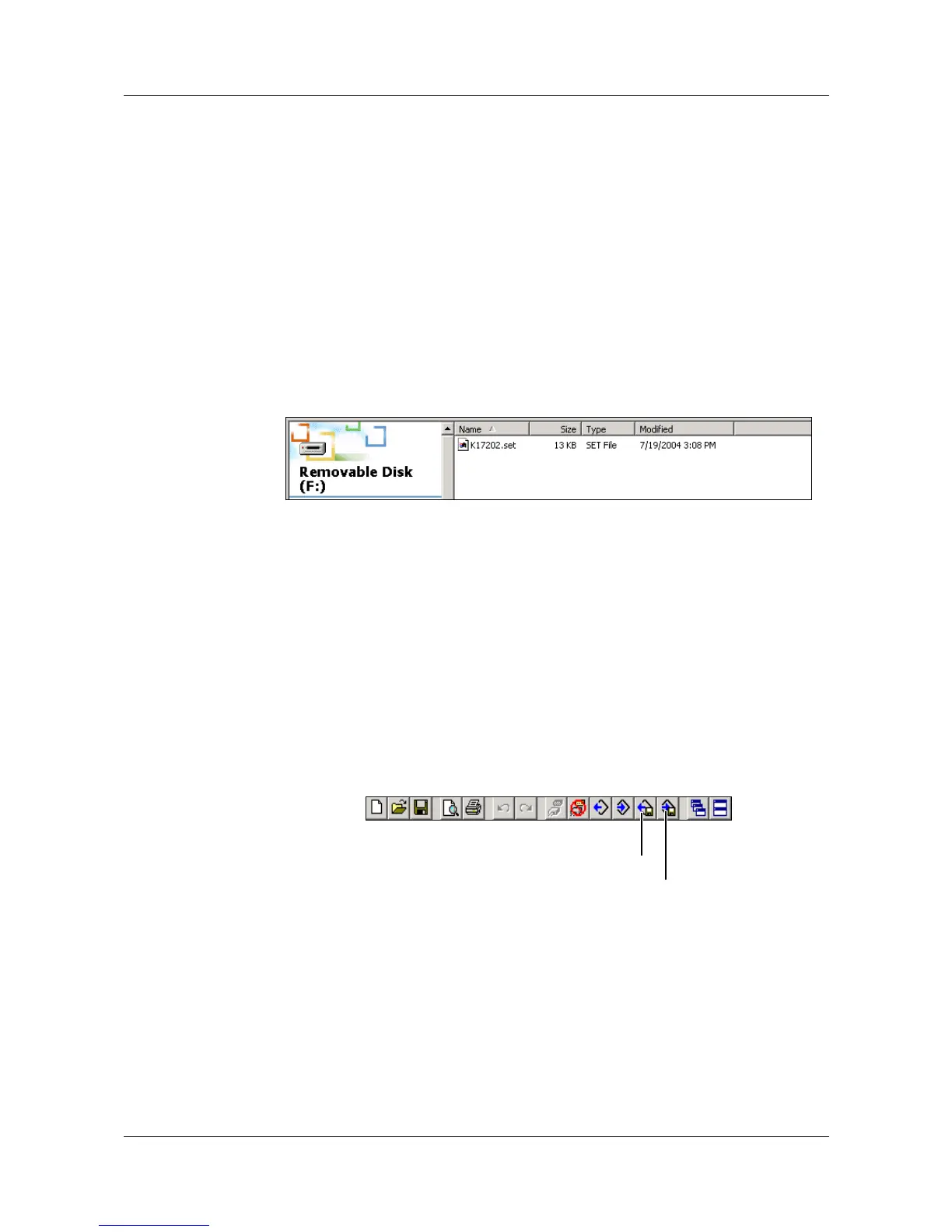
Setup software Use the toolbar or the Data transfer menu with its functions “Data export to
CompactFlash” and “Data import from CompactFlash” in order to transfer the
setup data.
A
CompactFlash memory cards may only be removed from the read-
er/writer if the function “Eject removable medium” (function of the
PC operating system) is executed first.
Data import from CompactFlash
Data export to CompactFlash



 To Next Page