27
2 Instrument description
2.11 Web server
If the paperless recorder is equipped with the extra code 008 “Ethernet inter-
face”, and the device-internal Ethernet software (“Ethernet version“) has the
number 183.02.04 or higher, then the paperless recorder has an integrated
web server for displaying process data in an alphanumeric form. The web ser-
ver can be started by entering the IP address in an Internet browser on the PC
(e.g. http://10.10.90.45).
v See “IP address” on page 91.
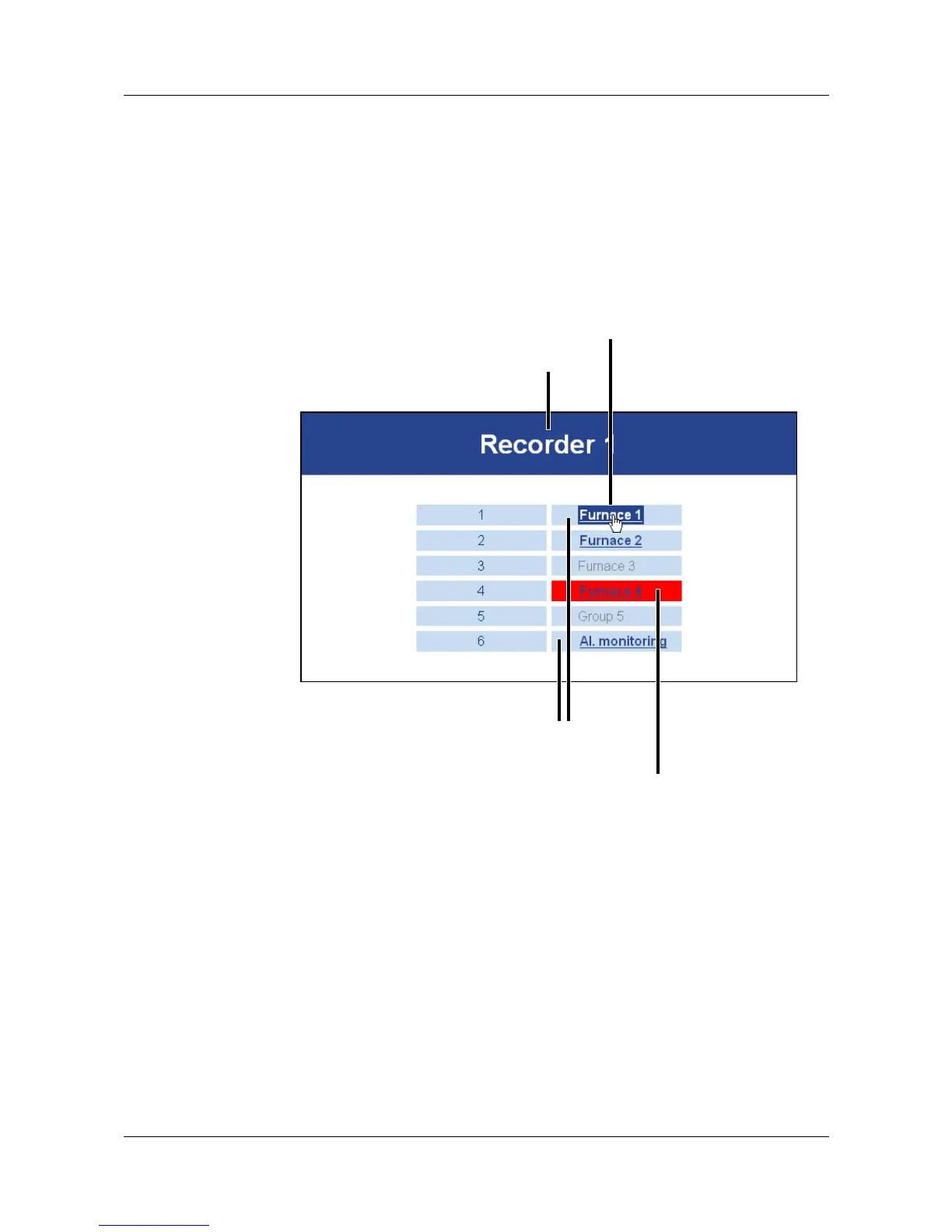
After starting the web server, the user has to select the group.
device name
group selection
group alarms are indicated
by a color switch (red)
group name



 To Next Page