109
5 Setup software
5.7.3 Incorrect log-in to device
If you want to access a device from within the setup software, it is possible
that you will be unable to log in to the device. Probably, you are not registered
as a user (incorrect device-rights file), or PC and device password do not
match, or the device password has expired (remedy: alter password).
Incorrect
log-in
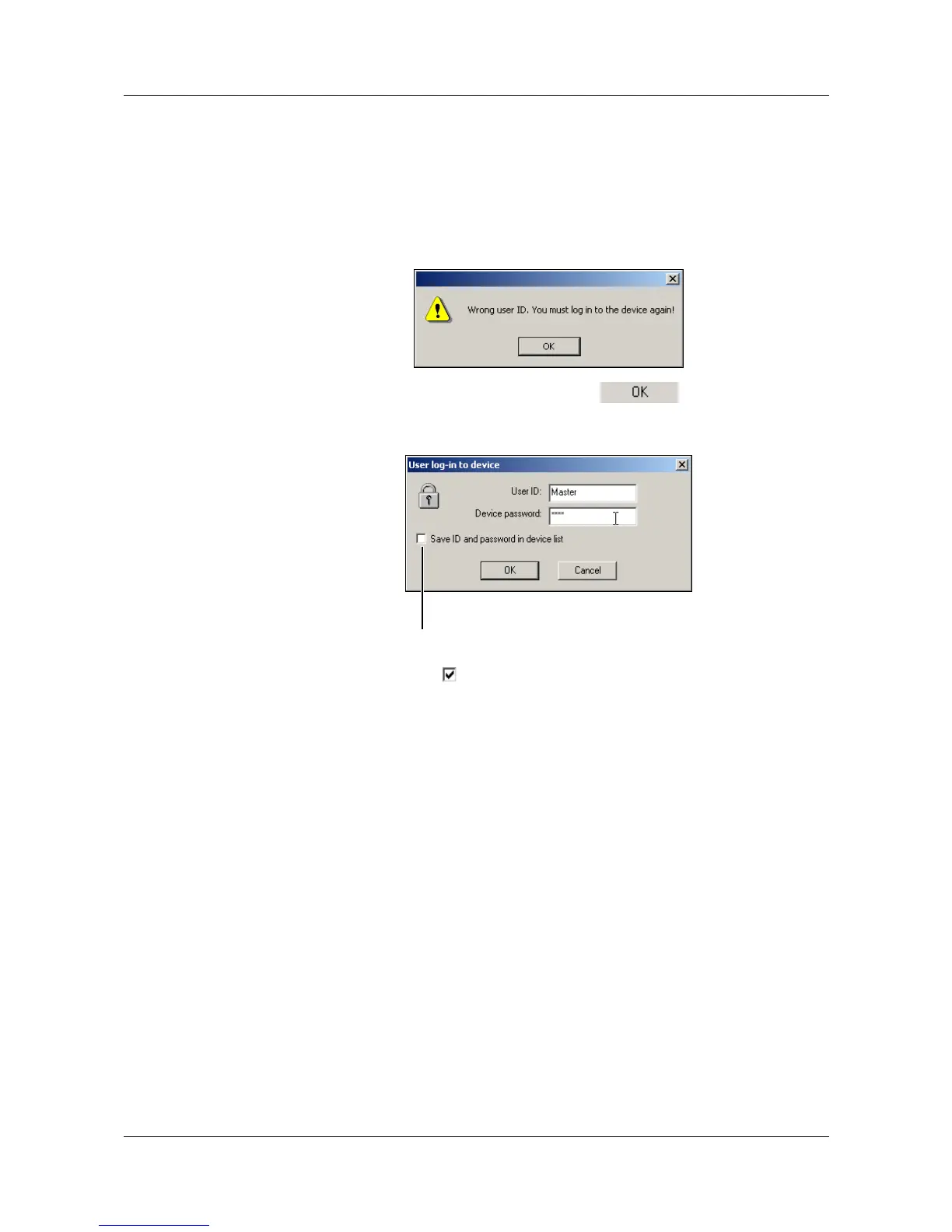
The picture below shows an example of a possible error message:
h Confirm the error message by pressing the button.
A dialog window now appears, in which you can log in to a device by using a
valid device-user ID.
Save ID and
password to
device list
If you set the option ( ), the ID and password will be saved, and then
automatically transmitted to the device when the next connection is made.
v See “Saving ID and password” on page 105.
You can delete the ID and the password from the device list via the device list
(properties of a connection).
Save ID and password.



 To Next Page