115
5 Setup software
Password
administra-
tion ...
This function can be used to alter the factory-set user administration for the
recorder. You can alter the user names (master and user), the passwords (9200
and 0) as well as the standard rights.
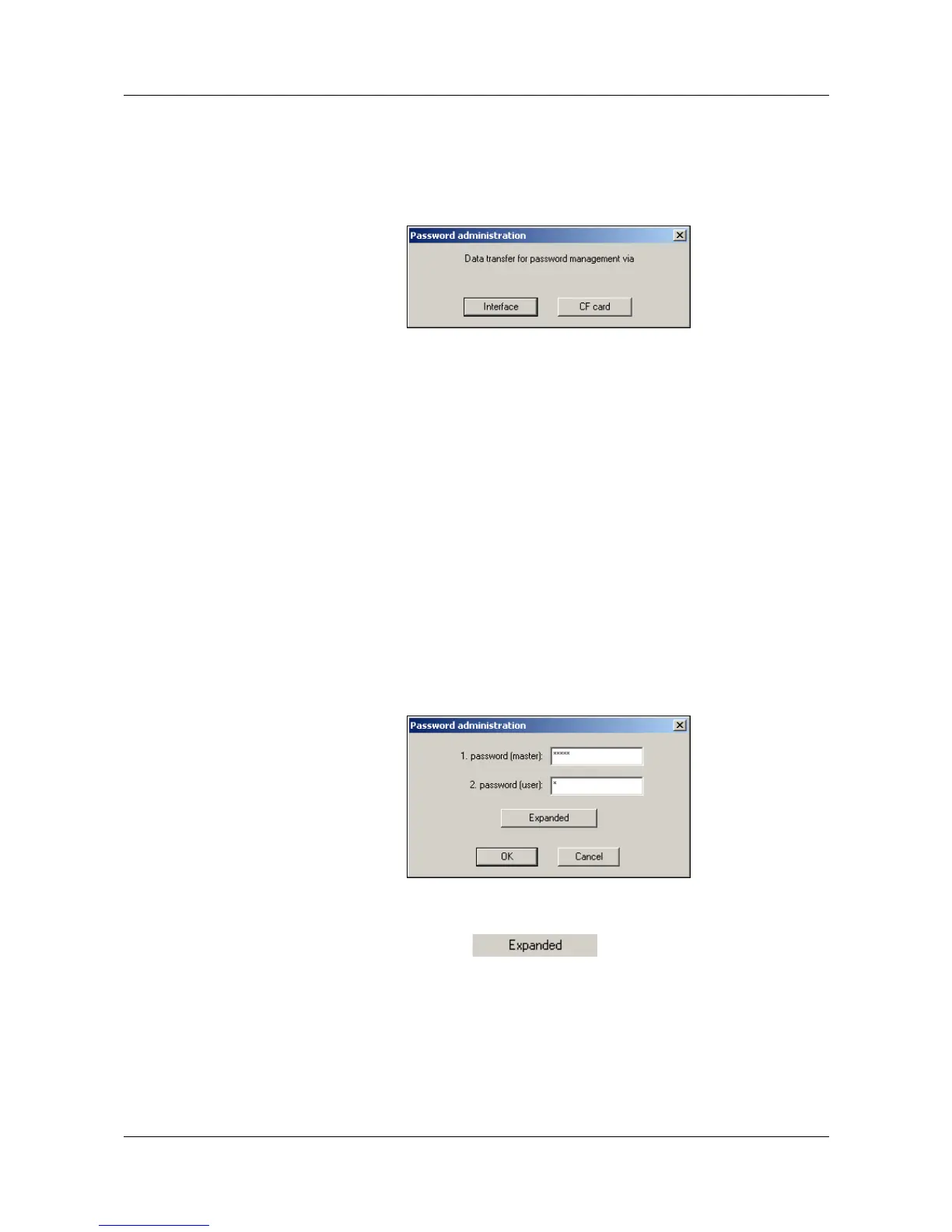
After starting the function, you can select how the data are to be transmitted
to the recorder.
Interface
The data are read out from the recorder via an interface, can be modified and
sent back to the recorder.
CF card
The data are read out from a file (P17201.SET), can be modified and stored in
the file again. After selecting the drive or folder, a check is made whether the
file already exists. If this is not the case, then a default file is generated. During
processing, the file may be located in any folder. However, for a transfer to the
recorder, it must be located in the main folder of a CompactFlash card. On the
recorder, use the CF card
Î User list function in the CompactFlash card menu
for transferring the password and rights file to the recorder.
When the transfer mode has been selected, the actual password administra-
tion can take place.
Password administration
In the standard dialog, you can only change the two passwords for the users.
If, however, you would also like to change the user names and their rights, you
will first have to activate the button.



 To Next Page