3 Operation and visualization
34
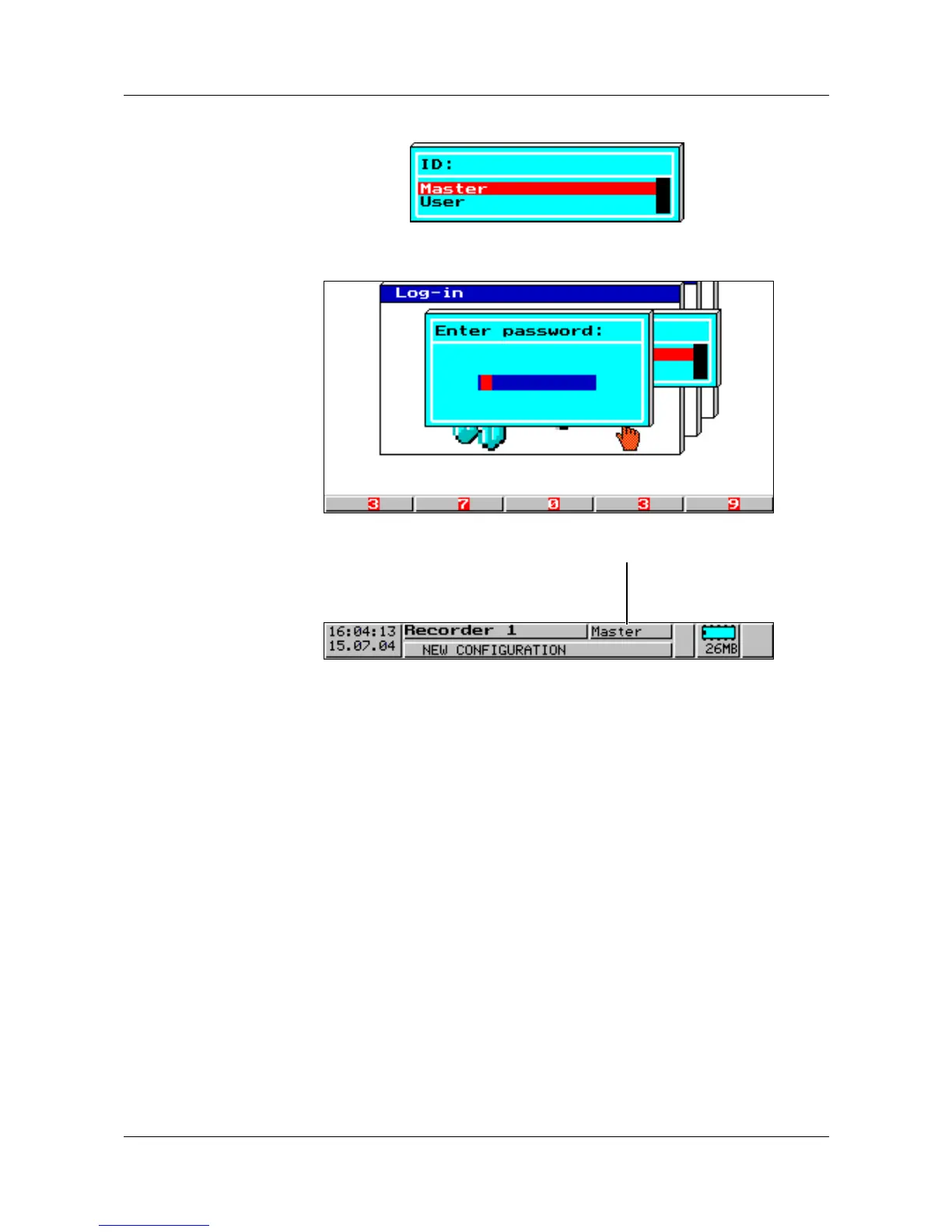
Logging in h Select ID (user name) and confirm with E.
h Enter password via softkeys.
h Conclude password entry by pressing the
E key.
H
An error message is output for wrong entries.
Please confirm the message by pressing any key, then repeat
entry.
This position shows
the logged-in user



 To Next Page