3 Operation and visualization
36
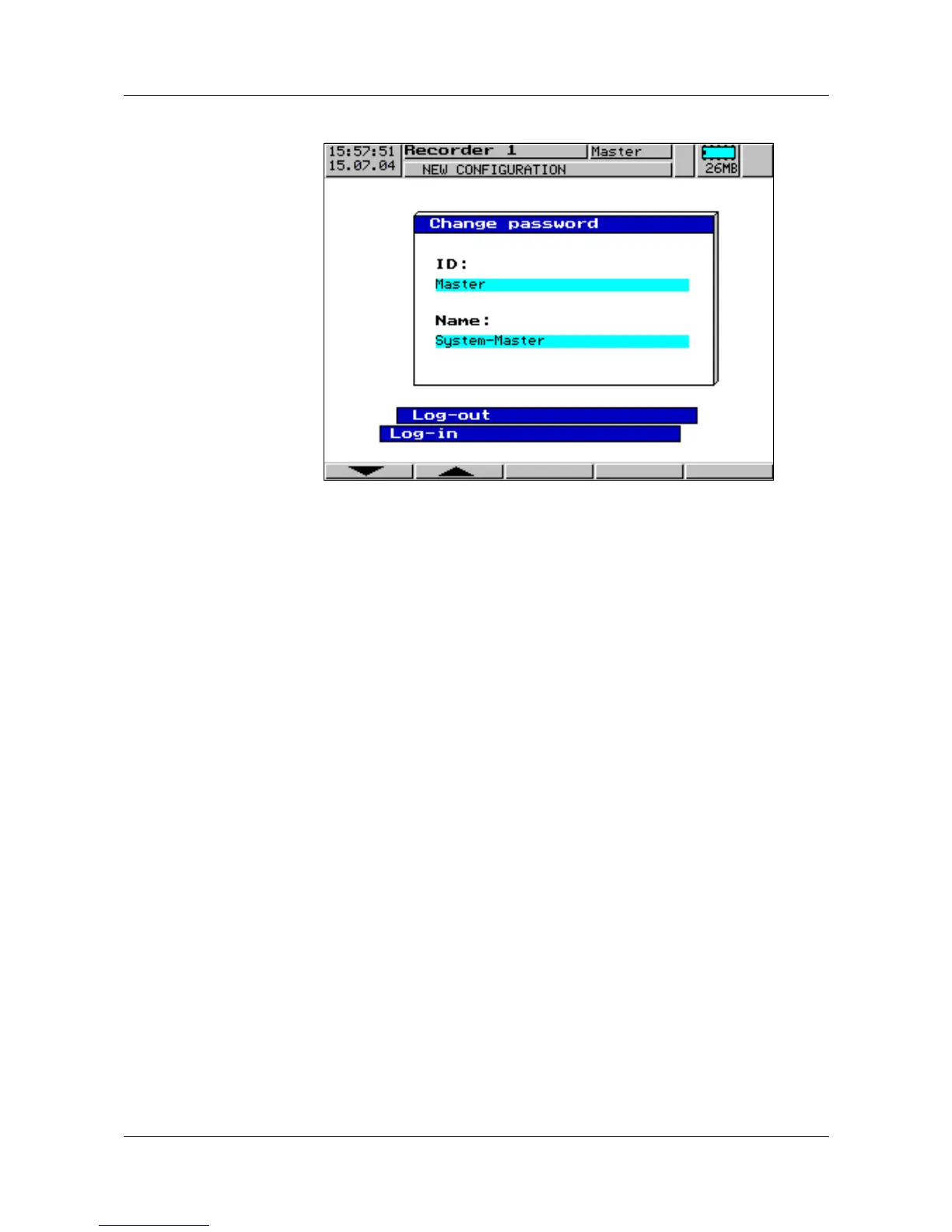
Altering the
password
h Select the function “alter password” and press the E key.
h From the list, select the user who the password has to be altered for, and
confirm with
E.
h Enter the current password (conclude with
E).
h Enter the new password (conclude with
E).
The new password is entered as described in Chapter 3.8 “Text entry”.
h Enter the new password once more (via the softkeys).
Conclude entry with
E.
If the entry was free from errors, then the new password is active now.
H
Wrong entries will produce an error message.
Confirm the message with
D and repeat entry.



 To Next Page