14
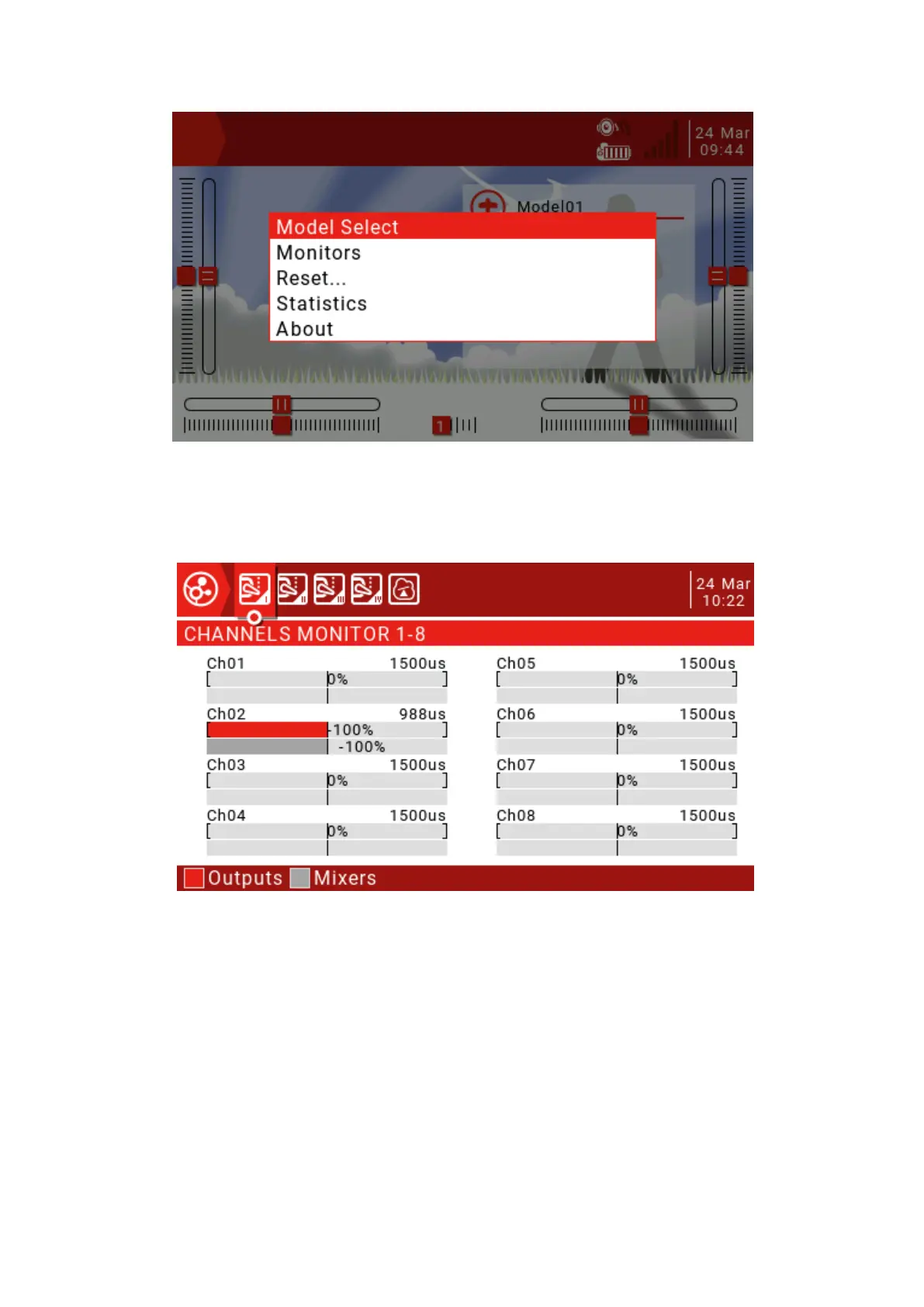
Model Select: The Model Selection menu is used to create new, select to switch,
delete and copy models.
Monitors: Used to display the monitoring interface of channel output, mixed output
and logic switch.
You can use the page up button (PAGE) to switch other interfaces.
The logic switch page can display the status of 64 logic switches. The default is that the
active state is gray and black is active.



 To Next Page