27
3.1. Trainer
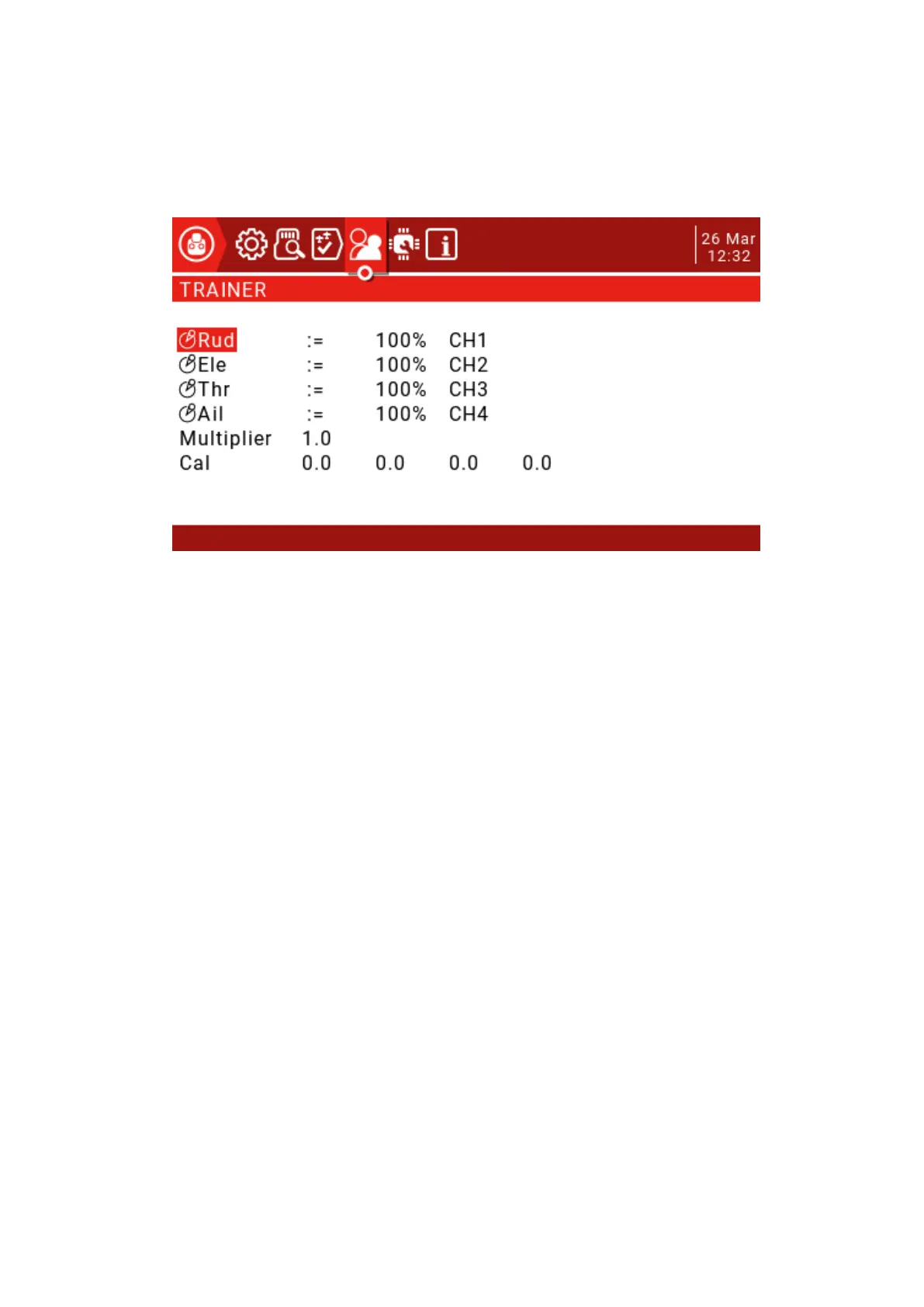
This page is used to configure the master remote control settings for the coach mode,
which are activated by setting the Trainer Mode to Master in the MODEL SETUP page.
The mode can be set for 4 basic channels.
OFF: Channels that do not use the coach mode.
+=: Select the add mode, the coach and the student can operate the channel.
:=: Set the mode to Replace so the student has full control. This is the normal usage mode.
Usually set to 100%, can be used to scale the input of the slave, the latter CH is the
channel map.
These settings are the global settings available for each model. For each model that wants
to use the coaching function, you must specify a switch in the Special Functions page.
In the Model Setup page, set the Trainer Mode to Master / Jack.
In the "Special Functions" page, add a special function as shown below.



 To Next Page