52
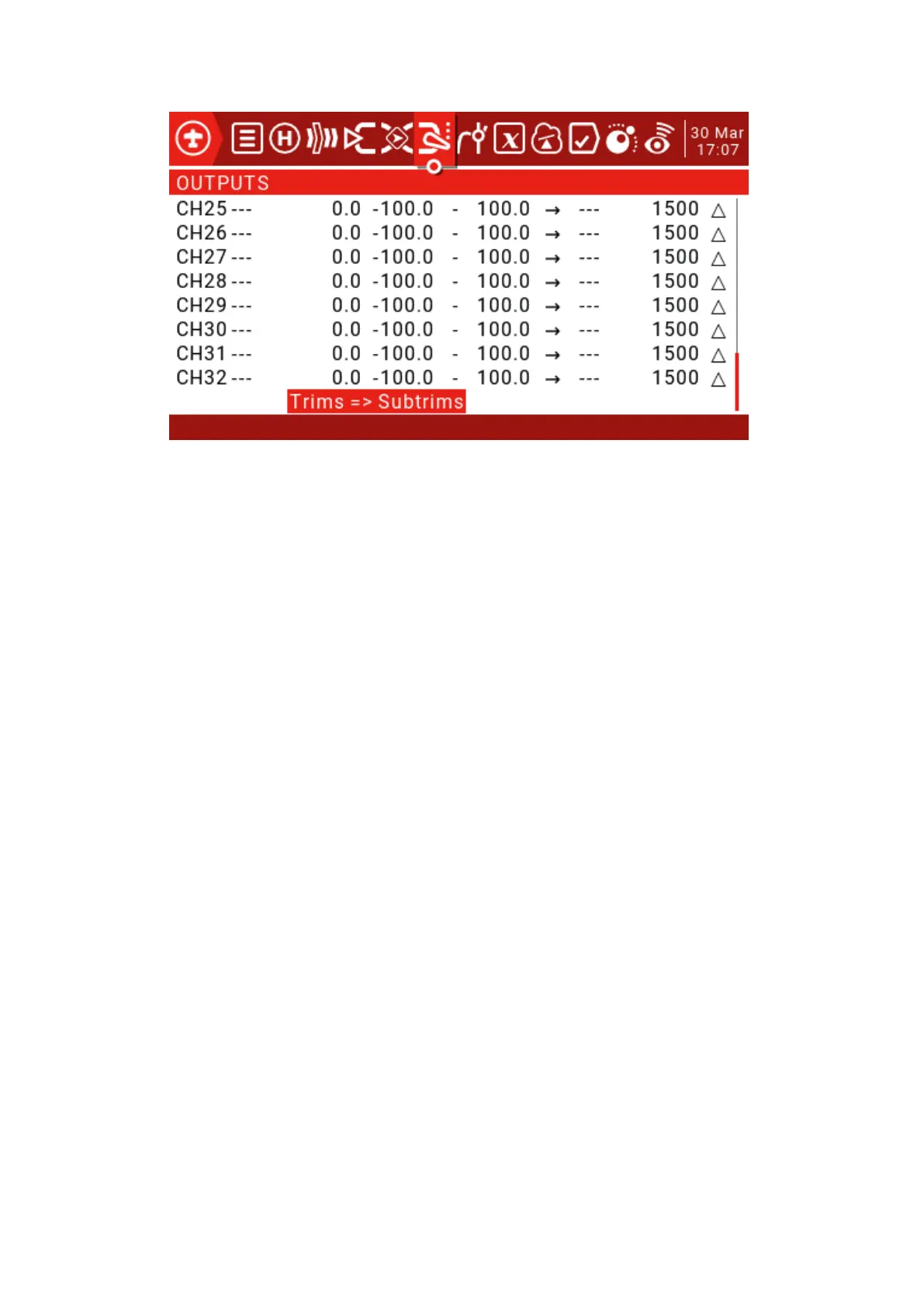
Min and Max limits: These are "hard" limits, ie. They will never be covered. Note that they
are used as gain or “end point” settings, which can be extended to +/- 150% by checking
the “Extended limits” option on the “Model Setup” page.
For multi-rotor and helicopter flight controllers, the minimum and maximum limits
must usually be adjusted to match your remote control travel to the expected flight
controller travel.
Direction: Used to reverse the servo or output direction.
Curve: Allows you to select predefined custom curves numbered CV1 through CV32 (or
their reverse, ie !CV1 to !CV32). After selecting the curve number, long press the ENT key
to open the “Curve” page. After configuring the curve, press RTN to return.
PPM Center adjustment: Similar to a symmetric subtrim, except that the adjustments
made here will change the entire servo motion range (including hard limits). This
adjustment is not visible on the channel monitor.
Subtrim mode: When set to the default value, adjusting the subtrim will only move the
center of the server.
4.1. Curves (Curves)
The curve can be used to modify the control response in the input, mix or output
page. Standard curves containing Expo and Differential can be used directly in these
sections, and this page is used to define any custom curves that may be needed.
There are 32 curves to choose from.
4.1. Curves
The curve can be used to modify the control response in the input, mix or output page. Standard curves
containing Expo and Differential can be used directly in these sections, and this page is used to define
any custom curves that may be needed.
There are 32 curves to choose from.



 To Next Page