54
Press and hold the ENT key on the coordinate point to enter the submenu:
Preset: Allows selection of standard preset linear curves with slopes of -45, -33, -22, -11,
0, 11, 22, 33, 45. These can also be used as a starting point for more complex curves.
Mirror: The curve will be mirrored vertically.
Clear: All points will be reset.
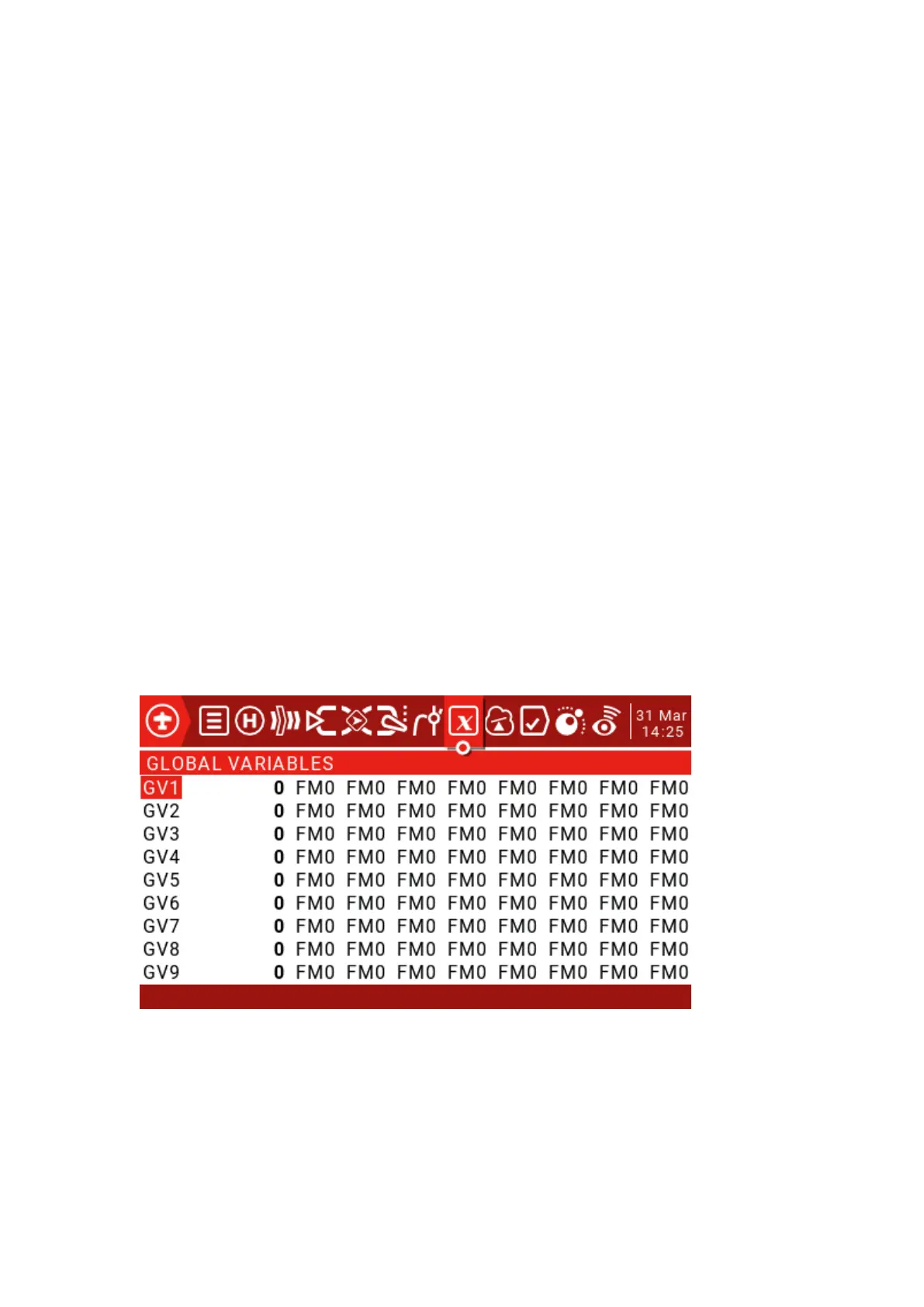
4.2. Global Variables
Ideally there is an adjustment value that is used in multiple places.
For example, a glider uses ailerons as flaps when landing.
Global variables can replace normal values in each Weight, Offset, Differential, or Expo
setting.
They are also specific flight modes, which avoids having to use separate mixing lines with
different values for each flight mode. This greatly simplifies the mixing of the pages and makes
them easier to understand.
By using the "Adjust GVx" option in Special Functions, you can even adjust global variables
in flight, so you can quickly optimize settings such as double rate ratio, expo, differential, flap to
elevator transform, and more. If a pop-up is enabled (indicated by ! next to the GV tag), a pop-
up window with the variable name and new value will be displayed on the main view when the
variable is updated.
The term global means that global variables can be used to set pages for the entire model,
but not for all models. Each model has its own set of global variables.
There are 9 global variables available.
Press and hold the ENT key to display the edit menu and then press the ENT key briefly
to open the edit window.



 To Next Page