24
Units: The number of values will be displayed in metric or imperial depending on this
setting (Metric Metric, Imperial Inch)
FAI Mode: Disables all digital display except RSSI and RxBt to comply with the game
regulations (requires Companion software check function).
Play delay: This delay is the delay that does not report the midpoint of the switch when
the midpoint of the 3-segment switch is reached. The default value is 150ms.
USB Mode: You can set the default mode for plugging in USB. There are Joystick and
Mass Storage options. If you set it to Ask, you will have a pop-up menu to select the
mode to use when you plug in the USB.
Default Channel Order: Sets the order of 4 basic channels (the new model takes effect
after the setting is completed). The default is TAER (Spektrum/JR channel order), and
AETR is the channel order of Futaba/Hitec.
Mode: Set the remote joystick mode (Mode 1 Japanese hand, Mode 2 American hand)
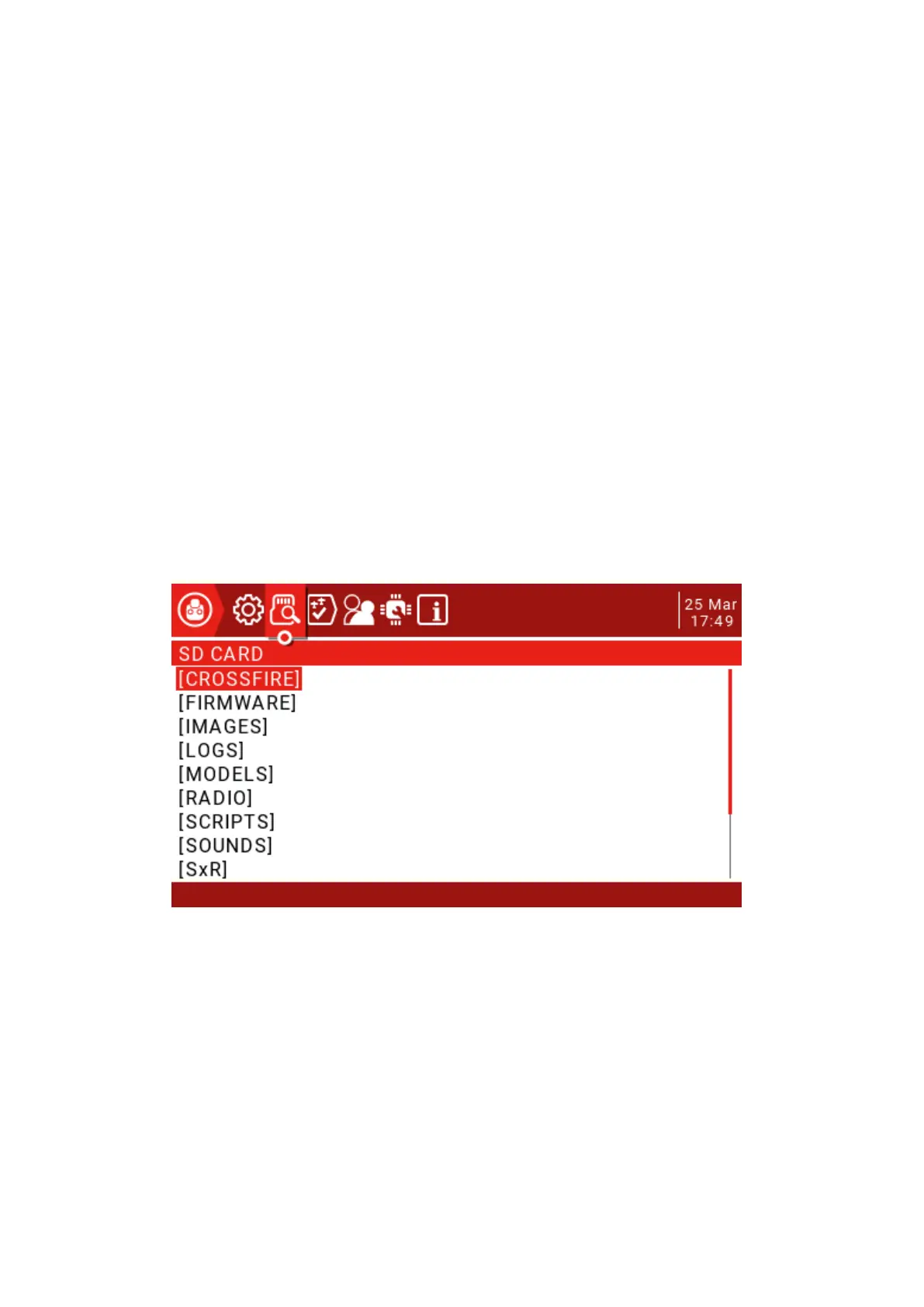
2.9. SD Card
This page has access to SD Card content.
CROSSFIRE: LUA script for Black Sheep tuner.
FIRMWARE: Remote controller firmware upgrade directory (downloaded remote
controller firmware is added to this folder to upgrade)
IMAGES: Model image folder.
LOGS: Log folder.
MODELS: This folder contains model information.
RADIO:
SCRIPTS: lua script folder.
SOUNDS: Voice folder.



 To Next Page