29
Then the slave will center the joystick, select Cal and press the ENT key to calibrate the input.
After calibration, the 4 values should be close to 0.0.
3.2. Hardware
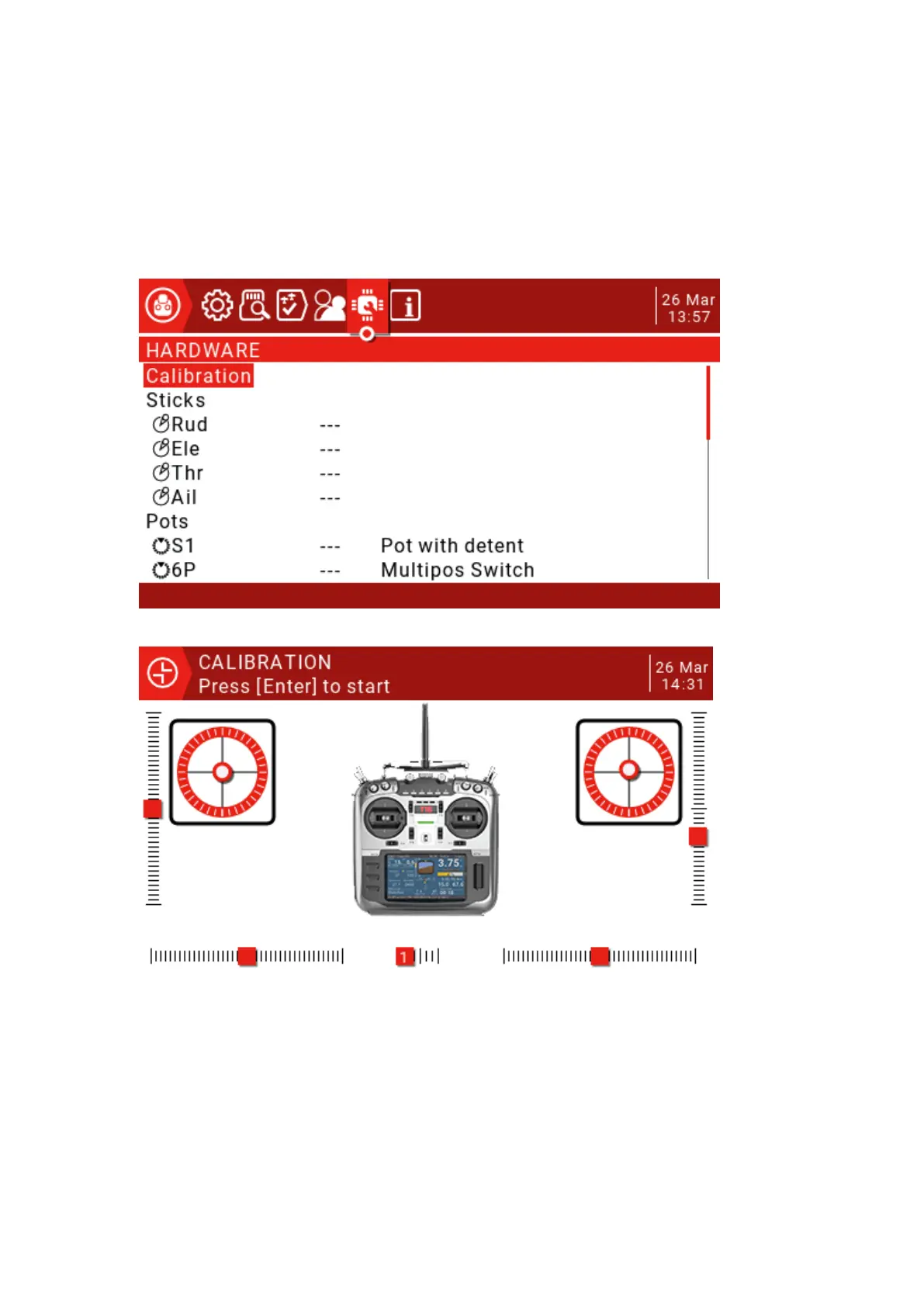
This page lists the hardware physical input device types. A short three-character name can
be given for identification on the setup page. The calibration of the joystick and knob is also on
this page.
Calibration: Joystick calibration interface.
Press the ENT key to start the calibration process, then center all the joysticks and
potentiometers (physical neutral point) by pressing the ENT key, move the
potentiometer and joystick to the maximum and then press the ENT key to end the
calibration. (The 6-speed switch also needs to be pressed from 1 to 6 in order.) Note:
Do not use too much force to push during the joystick calibration, which will affect the
maximum and minimum values.



 To Next Page