51
Multpx: The Multpx setting defines how the current mixline interacts with other
mixlines on the same channel.
Add: Add to output.
Multiply: Multiplies the results.
Replace: Replace.
The combination of these operations allows for the creation of complex
mathematical operations and is often considered one of the biggest benefits of using
JumperTX.
Delay Up/Dn: The output response can be delayed depending on the input change.
(in seconds).
Slow Up/Dn: Regarding the input change, the response of the output can be slowed
down. For example, slow speed can be used to slow down the retraction driven by a
normal proportional servo. The output will cover the time in seconds (in seconds) from
100 to +100%.
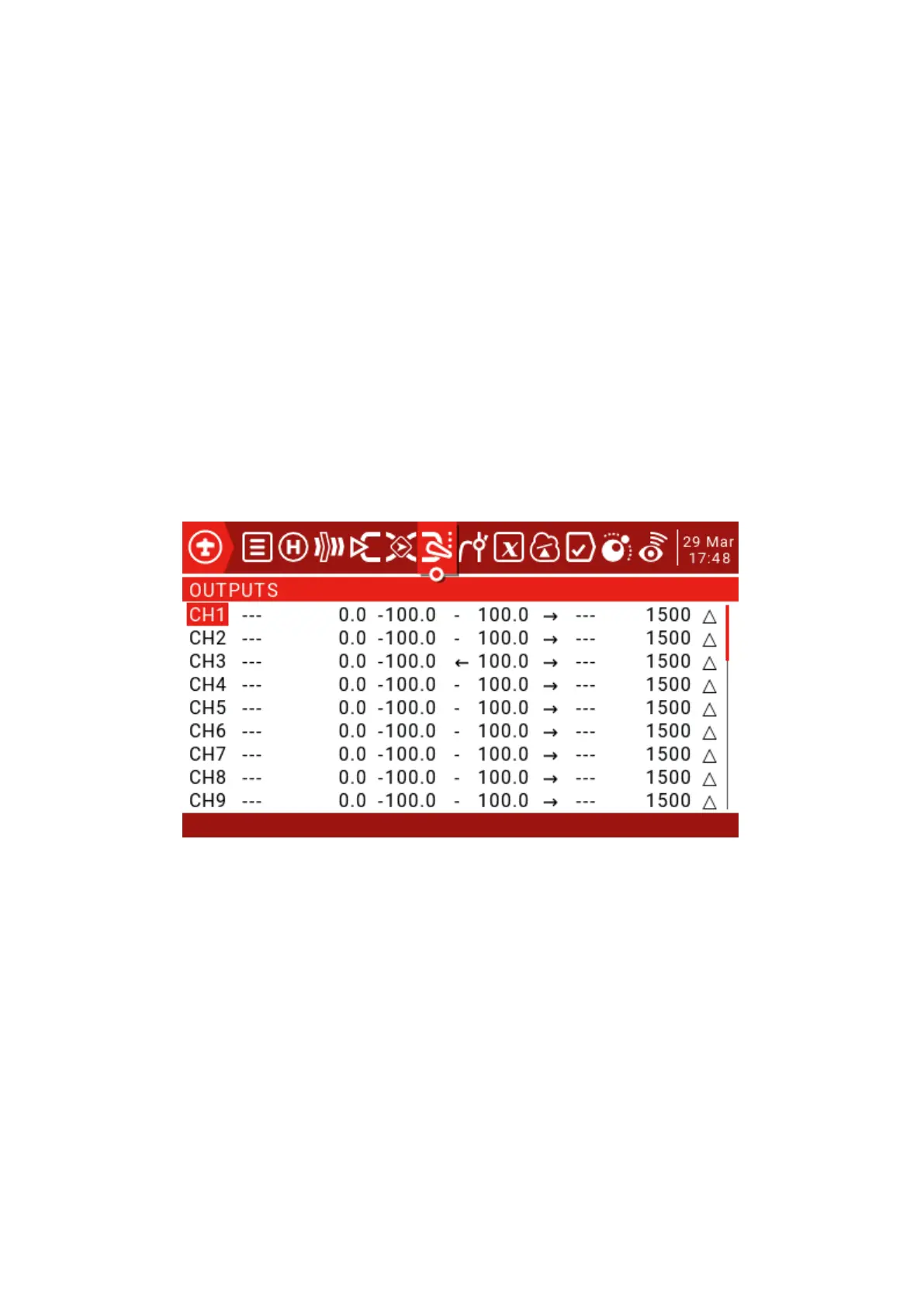
4.0. Outputs
Name: This name will be displayed on the Channel Monitoring and Runaway Protection Settings page.
Subtrim: Used to introduce an offset on the output. A common use is to transfer the fine-tuning to
Subtrims using the "Trims => Subtrims" feature at the bottom of this page. By shifting the offset to
Subtrim, you can fine tune the button again after fine-tuning the model.



 To Next Page