21
Press the ENT key to enter the setting and use the scroll wheel to select the part to be set.
2.8. System settings
The System Setup menu is used to configure the remote hardware section and set global
features for all models.
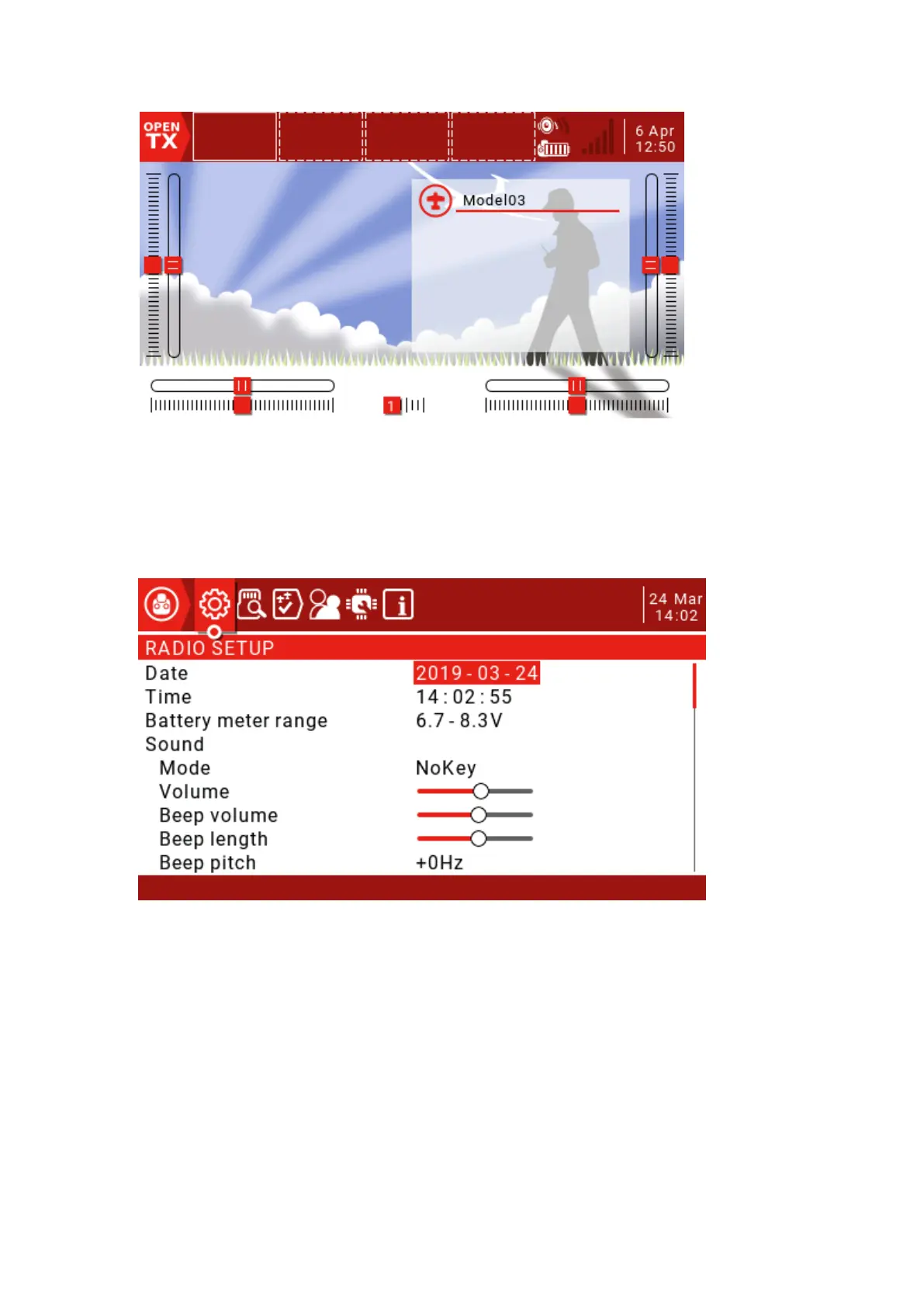
RADIO SETUP: The remote control settings page is used to configure settings
common to all models. Press and hold the SYS button to enter.
Date/Time: The date and time of the remote.
Battery meter range: The battery voltage range. If the range is set incorrectly, it will
affect the display of the battery icon on the main interface.
Sound
Mode
All: A beep will sound and the button will sound.



 To Next Page