20
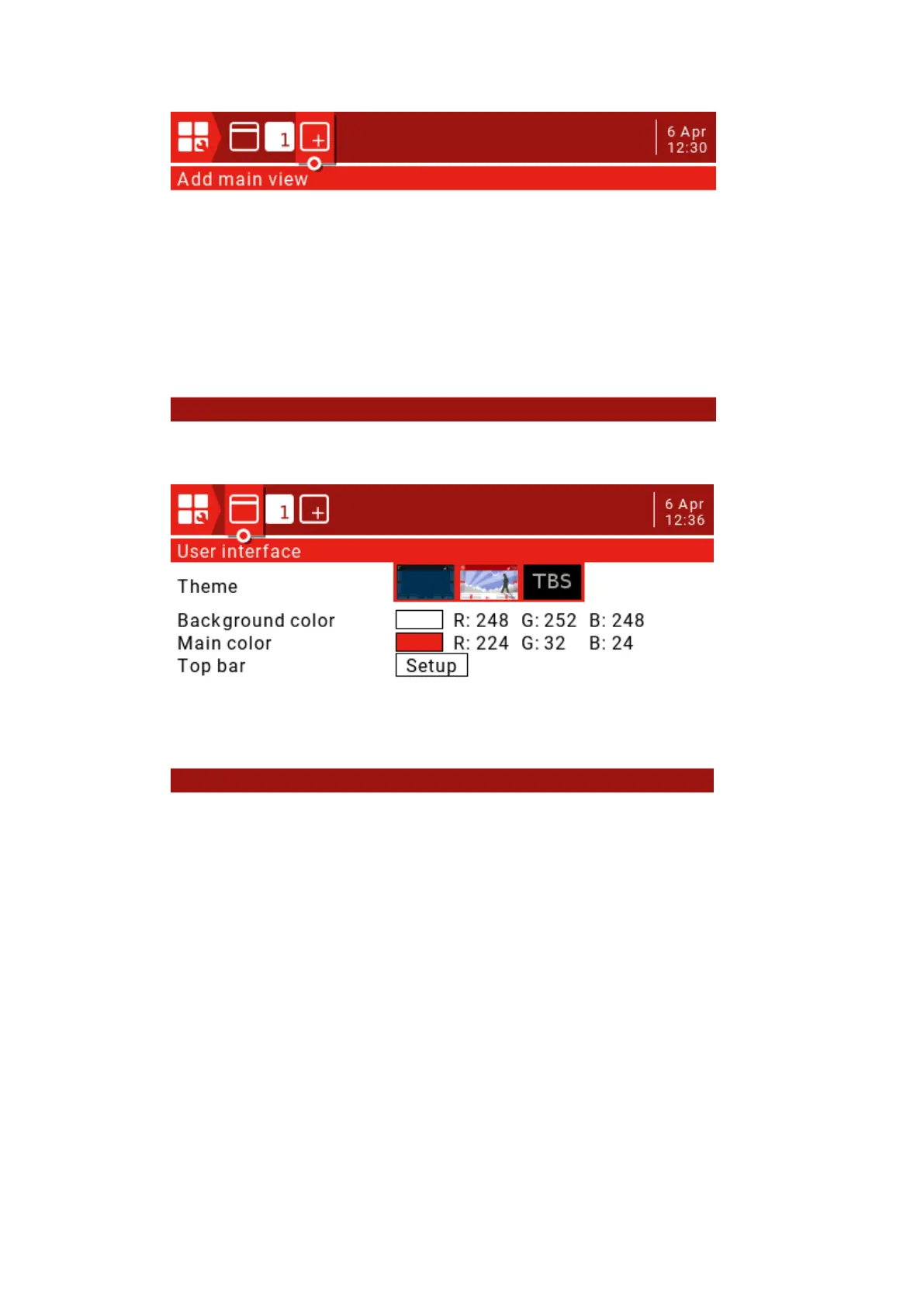
Press the PAGE key to enter the User Interface settings page.
Theme: theme selection.
Background color: Sets the RGB value of the background color. The default is R:248,
G:252, B:248.
Main color: Sets the RGB value of the foreground color. The default is R:224, G:32,:B:24.
Top Bar: There are 4 small areas that can be used to add widgets to the Top Bar. Select
Setup and press the ENT key to enter the settings.



 To Next Page