43
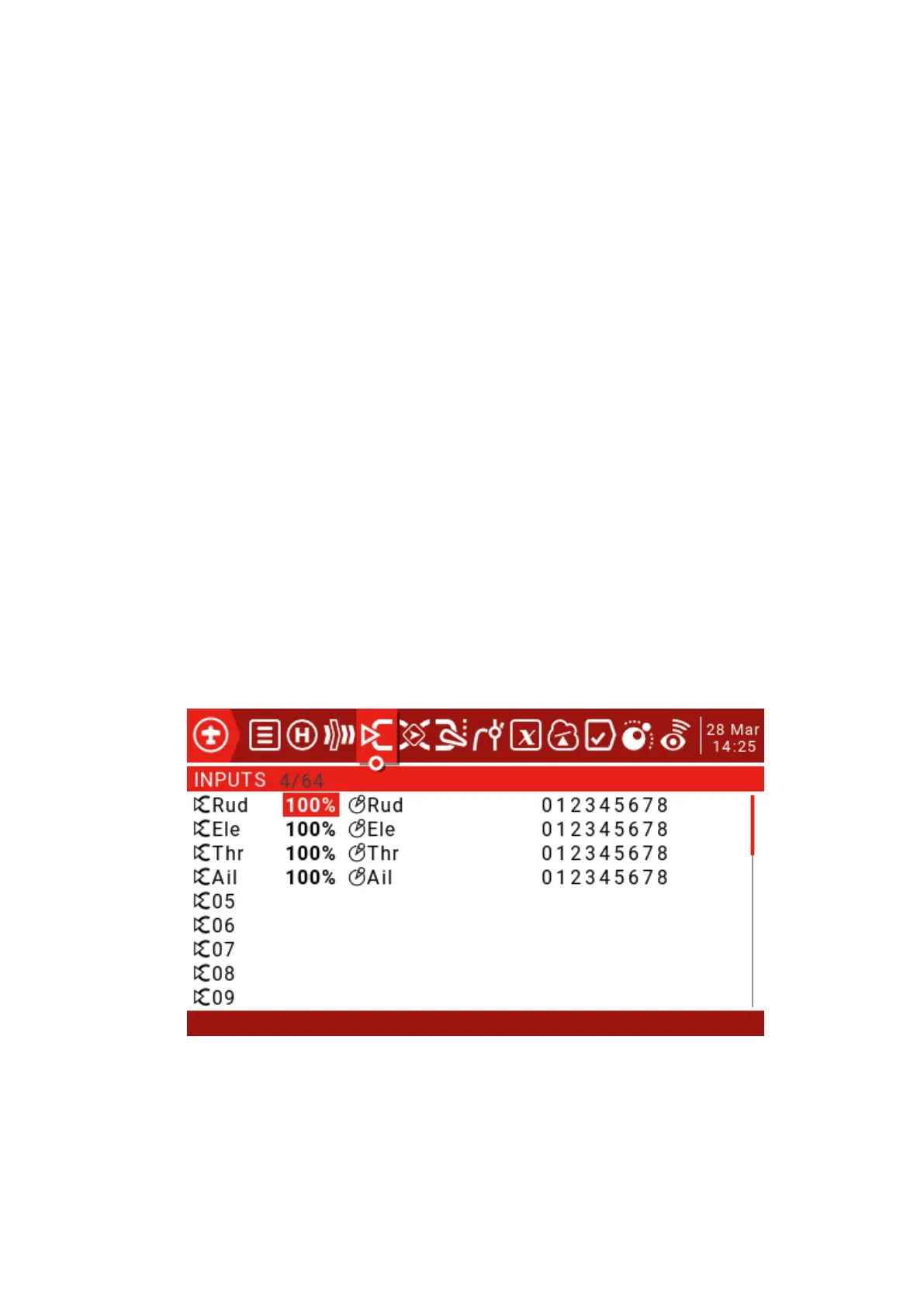
Inputs->Mixer->Outputs: This is the top 3 pages of the remote control.
Because JumperTX is very flexible and powerful, there is no standard mixing
settings, and there are many ways to set the same effect. For this reason, the best
practice is to describe the actual operation directly, so that you can develop a logic and
a consistent way to write all the models. This will help ensure that you still understand
how your model programming works when you return to it after a while.
This method goes from the physical model to the logical model and then back to
the physical model again.
The Inputs section defines the conversion of logic inputs from physical inputs
(rockers, switches, potentiometers, sliders, etc.) to models (ailerons, elevators, rudders,
throttles, flaps, pitches, gyroscopes, etc.). Sources can also include basic mixing and
more advanced features such as logic switches.
Physical inputs can be adjusted by defining weights/rates and adding curves (such
as Expo).
The Mixer section allows any of a number of input sources to be combined as
needed and mapped to any of the 32 output channels. There is no standard mixing
settings, which means you have complete flexibility to control mixing from any input to
any output channel. You can design new blends to control unique model types.
The Outputs section allows pure logic output to accommodate the mechanical
properties of the model. You can set the minimum and maximum outputs, reverse the
channel, and use the PPM center adjustment to adjust the servo or channel center point,
or use subtrim to add the offset. You can also define curves to correct any actual
response problems.
3.8. Inputs (Inputs)
Press and hold the ENT key to enter the submenu.



 To Next Page