42
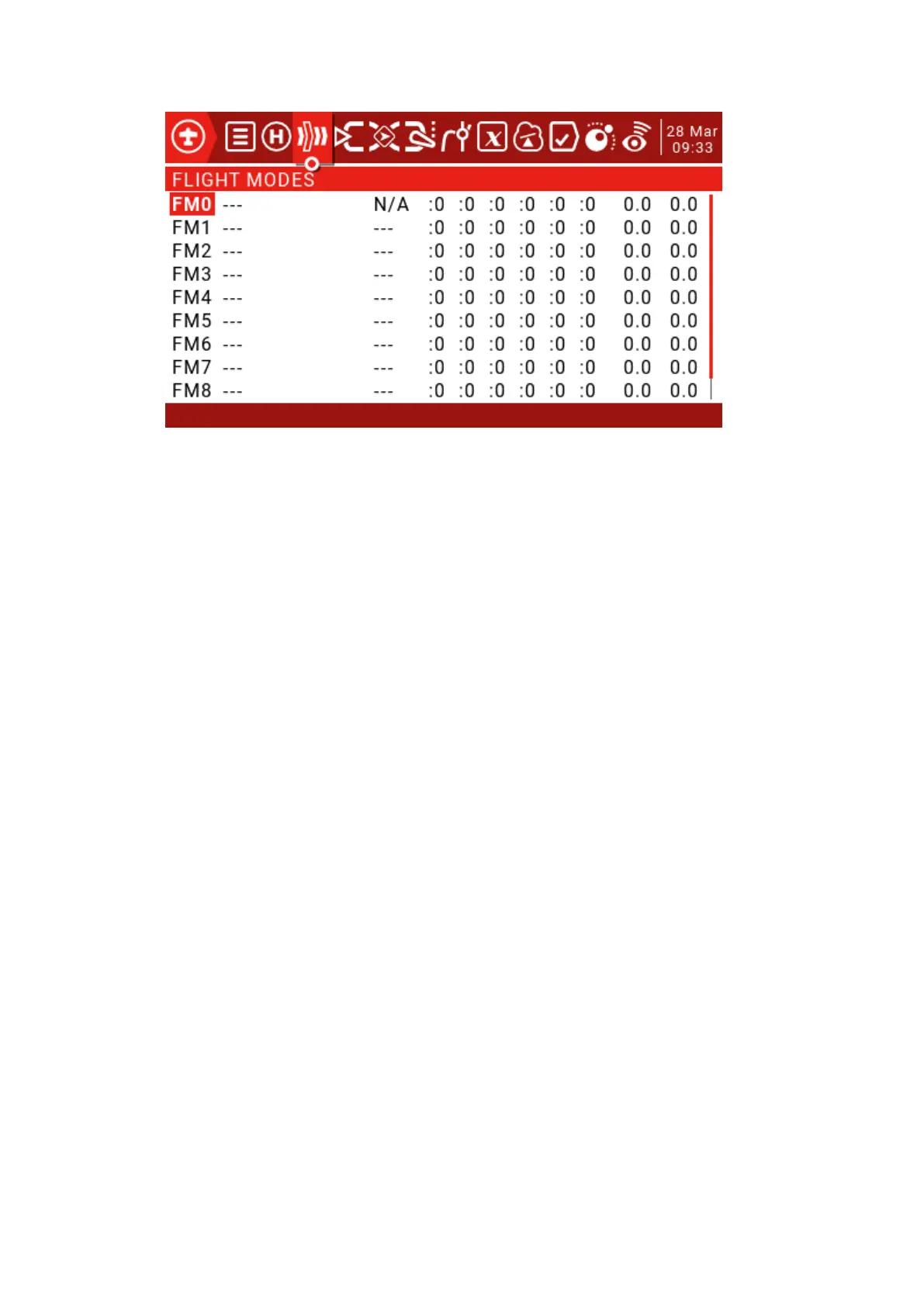
There are 8 flight modes plus the default FM0 available. The first switch of FM1-8 is valid.
When no switch is turned on, the default FM0 is valid. This explains why FM0 has no switches.
Name: Each flight mode can have a 10-character name.
Switch: Each flight mode has an optional activation switch (physical or logical)
Trim selection array: Fine-tuning arrays have the following features.
Fine-tuning off (--): Fine-tuning will not be activated in this FM. The spinner tab will not
do anything.
Use FMx(:x) for fine-tuning settings, for example, if we are on FM3, then selecting: 3 will
cause the flight mode to use its own FM3 fine-tuning settings for that channel. However,
selecting: 5 will cause the FM5's fine-tuning settings to be used for FM3.
Add your own fine-tuning to the fine-tuning of FMx (+x): The fine-tuning key only affects
the current mode, but the current mode is also affected when you change the FMx fine-tuning.
Fade in, Fade Out: Specifies the time between smooth transitions between modes.
Check Flight Mode Trims: At the bottom of the screen (below FM8) reminds you to check
the fine-tuning of each flight mode. Based on the activated FM number, the reminder will tell
you to check the relevant fine-tuning. For example, if flight mode 2 is active, it will display
"Check FM2 trims".



 To Next Page