13
2.7. Main interface
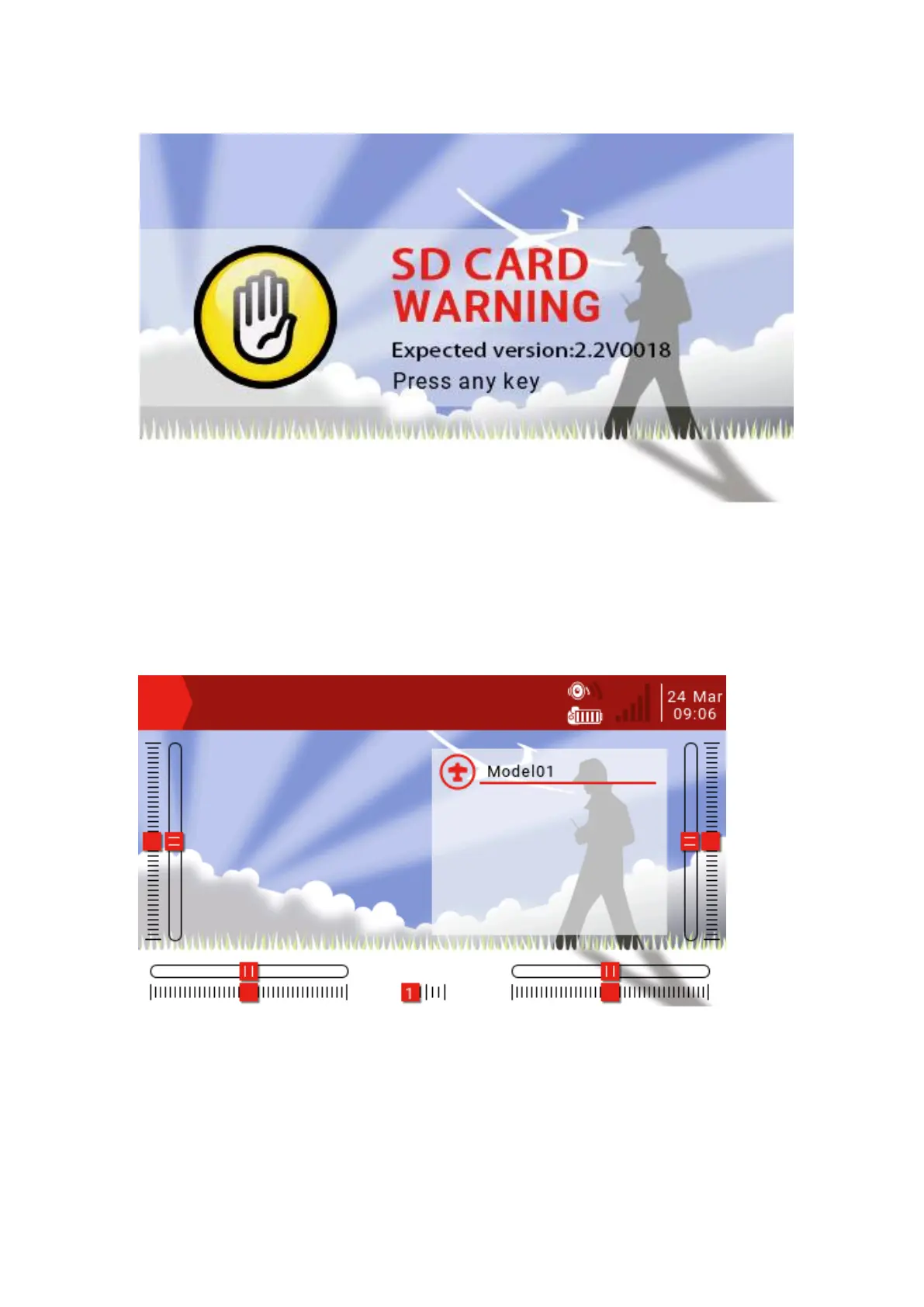
The default boot screen is as follows; the user can add the content to be displayed to
customize the main interface.
Top menu bar: The default top menu bar displays speaker volume, remote battery level,
receiver signal strength (RSSI), and time and date. Users can also add other display
information.
Model menu bar: The model menu bar on the right shows the model name and
model image currently in use. Model submenu: Press and hold the ENT key to enter
the model submenu.



 To Next Page