55
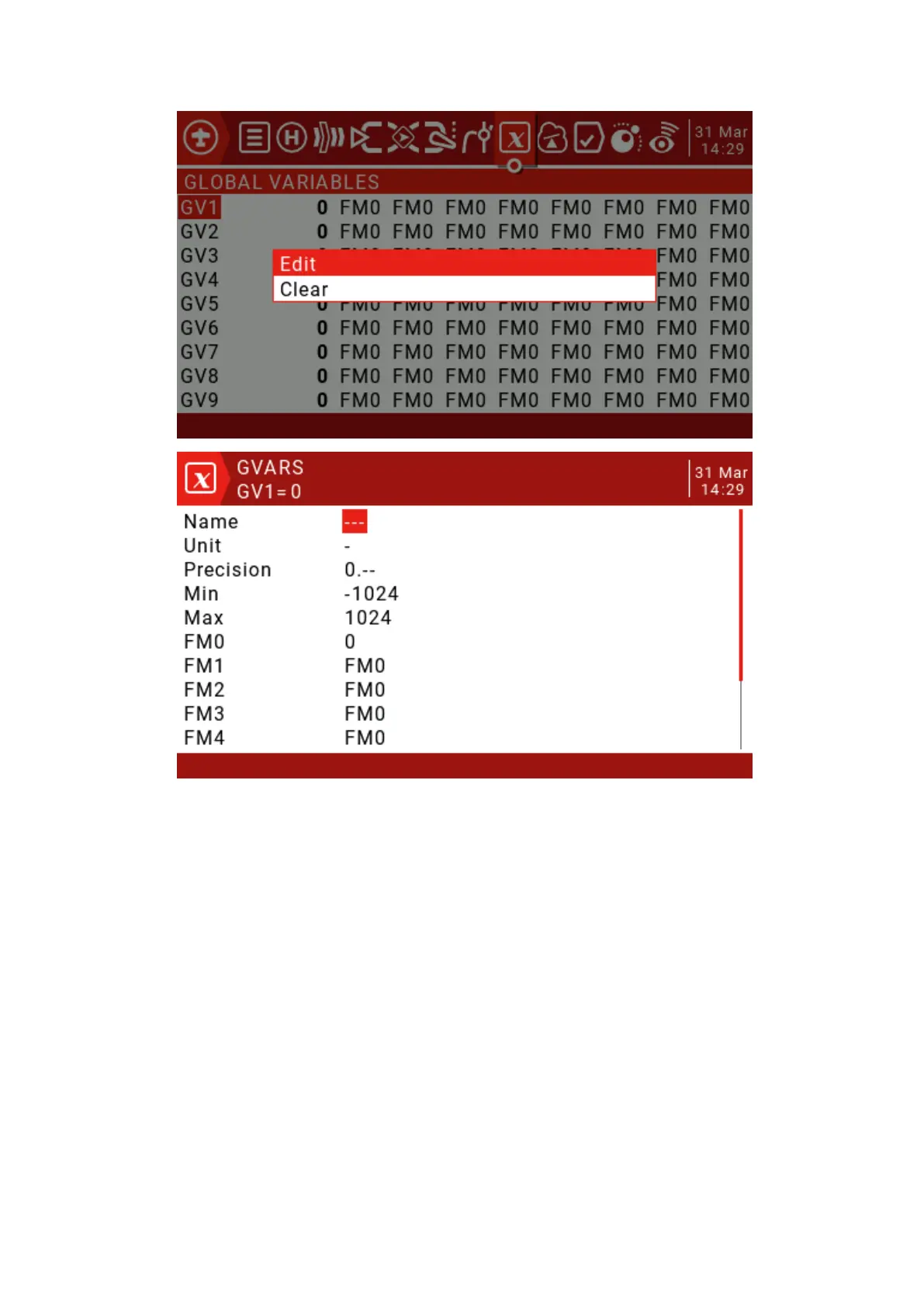
Name: Set the name.
Unit: For reference only, switch between normal and %.
Precision: When switching to "0.0", the Gvar value is divided by 10 for the logic
switch. This is necessary because, for example, Thr: -100 to 100 and GVars: -1024 to
1024. When switching to "0.--", Gvar will not be modified.
Min: For users who use button increment/decrement values, you can set the Gvar
boundary.
Max: For users who use button increment/decrement values, you can set the Gvar
boundary.
FM0-FM8: You can specify a value for each flight mode or set it to be the same as
other flight modes. Press and hold the ENT key to switch the input value and select the
flight mode on this field. When you edit a value, it increments/decrements by 1 or 0.1,
depending on the Precision setting above.



 To Next Page