32
Select Rename category and press ENT to modify the category name (as shown below)
To edit the category name, use the scroll wheel to select alphanumeric
characters and characters, press the ENT key to select, while the cursor is selected to
move to the next letter, long press the ENT key to switch between upper and lower
case, short press the SYS button to move the cursor to the left, short press TELE
Move the cursor to the right and press RTN to exit the edit mode.
To add more categories, select Create category to create a new category.
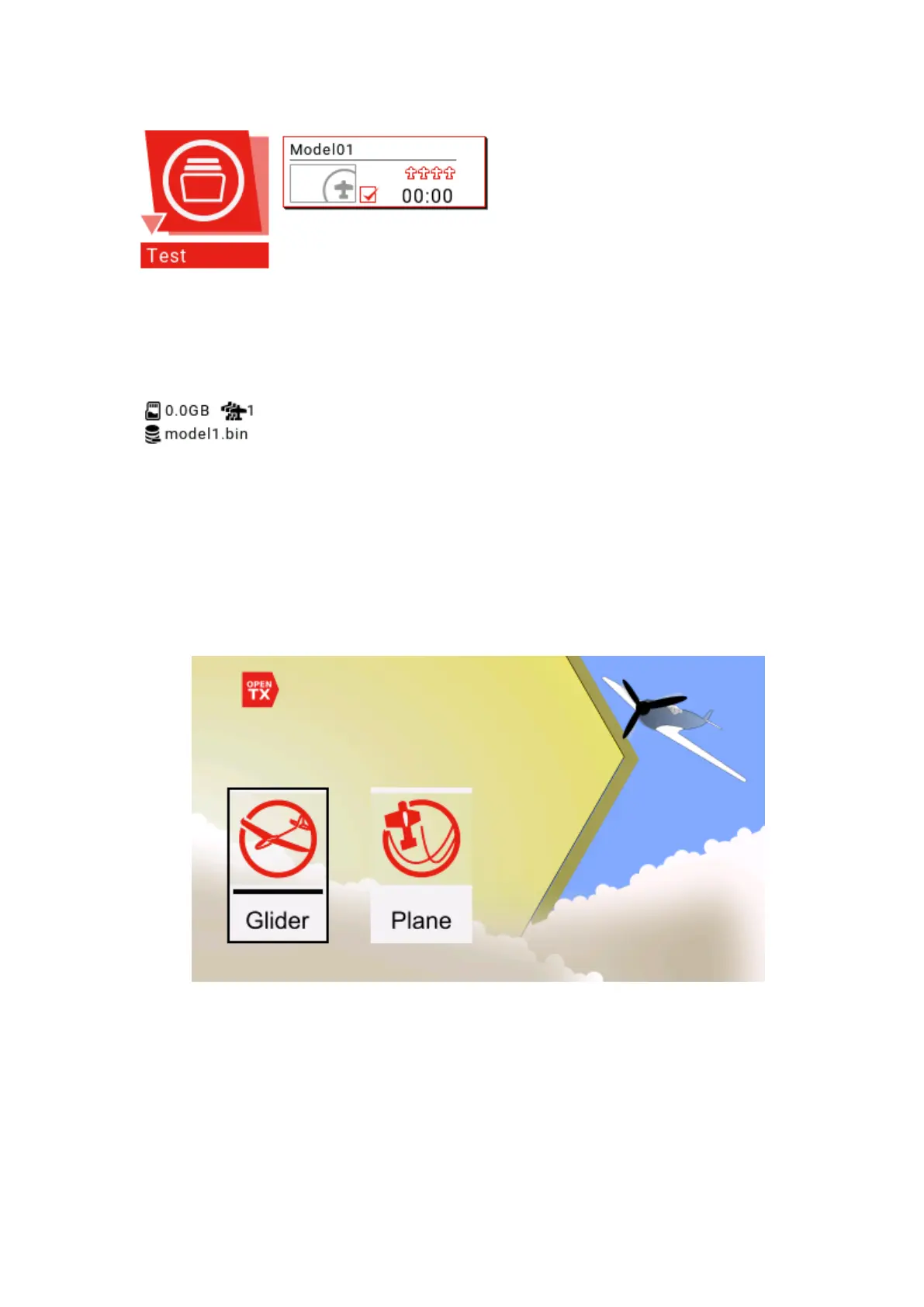
Select Create model to create a new model and enter the model wizard.
With glider and fixed-wing aircraft options, the wizard will ask you questions about
model configuration and make basic settings for you.
The final step of the wizard confirms the channel assignment of the model. If
you prefer to set it manually, press RTN to exit the wizard.



 To Next Page