64
Various applications for web applications and image processing, in this case for implementing
custom functions in the radio. There are three basic types:
One-time: The script only runs once and then terminates. For example, the receiver and
flight controller setup scripts, as well as the new Create Model Wizard. They are executed from
the /SCRIPTS/folder on the SD card.
Mix: The script becomes part of the control loop in the radio and runs repeatedly. These are
set using this custom script page. They usually read one or more values, do some processing
on them, and then output one or more values. These scripts should be as short as possible,
because exceeding the script execution runtime limit will cause the script to be forced to stop
and disable.
Function: Scripts run on demand using special features, usually triggered by events or
switches.
There are some caveats - if the script stops executing, you should never use Lua model
scripts to control any aspects of the model that might cause a crash. The reason is that if the
script tries to use too much CPU time or memory, it will be shut down and will not run again
when the model is selected.
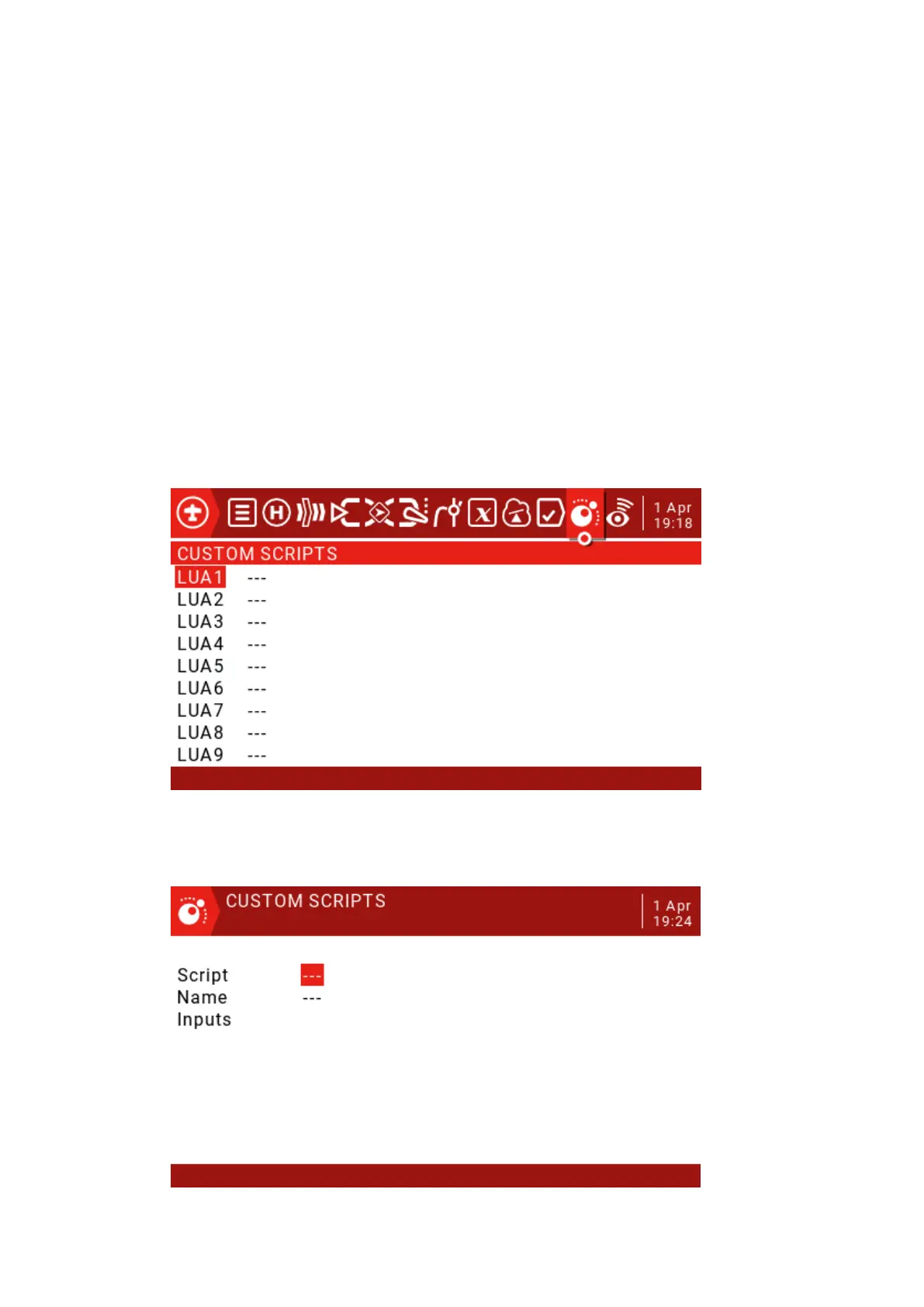
The Custom Scripts page is used for mixed-type scripts that run continuously. These scripts
should be placed in the SD card / SCRIPTS / MIXES / folder.
Up to 9 custom scripts



 To Next Page