66
sensor type:
RSSI
Receiver Signal Strength Indicator (RSSI): The value transmitted by the receiver in the
model to the remote control, indicating the strength of the received signal. Warnings can be set
to warn below the minimum value, indicating that you are out of range. Factors affecting signal
quality include external interference, excessive distance, poor orientation, or antenna damage.
It is not an absolute measurement, but a number that represents the ratio of the signal to
some initial "good" value. This number is relative, but can indicate that the model may be close
to the range limit of the control aircraft.
When the return signal is completely lost, the remote controller will have a "return signal
lost" prompt. Please note that due to a fault in the return link, the remote can no longer warn
you of RSSI or any other alarm condition, so no further beep will sound.
Digital transmission settings:
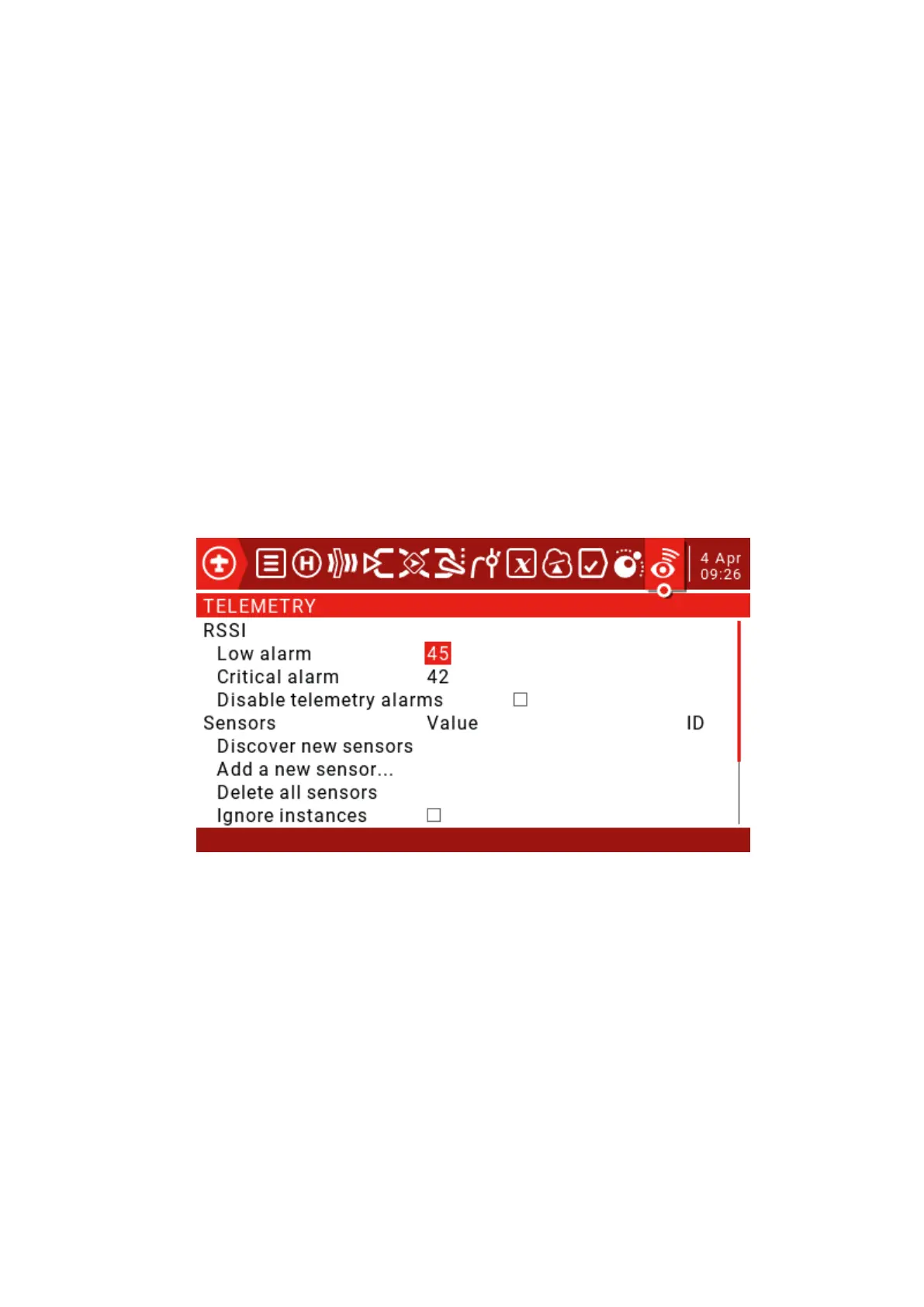
RSSI:
Low Alarm: Range 15-75, default 45.
Critical Alarm: Range 12-72, default 42.
Sensors:
Discover new sensors: Short press the ENT key to find a new sensor for the first time.
Stop Discovery: Short press the ENT key to stop discovering the sensor.
Delete all sensors: This option will delete all sensors so that you can start adding sensors again.
Ignore instances: Normally, you will see a pop-up window showing "all telemetry slots are full" and
you will not be able to close. Turn off the receiver, then close the pop-up window, enter the telemetry
screen and delete the duplicated items. Then check this option to prevent this sensor from repeating
errors.



 To Next Page