Connecting External Devices
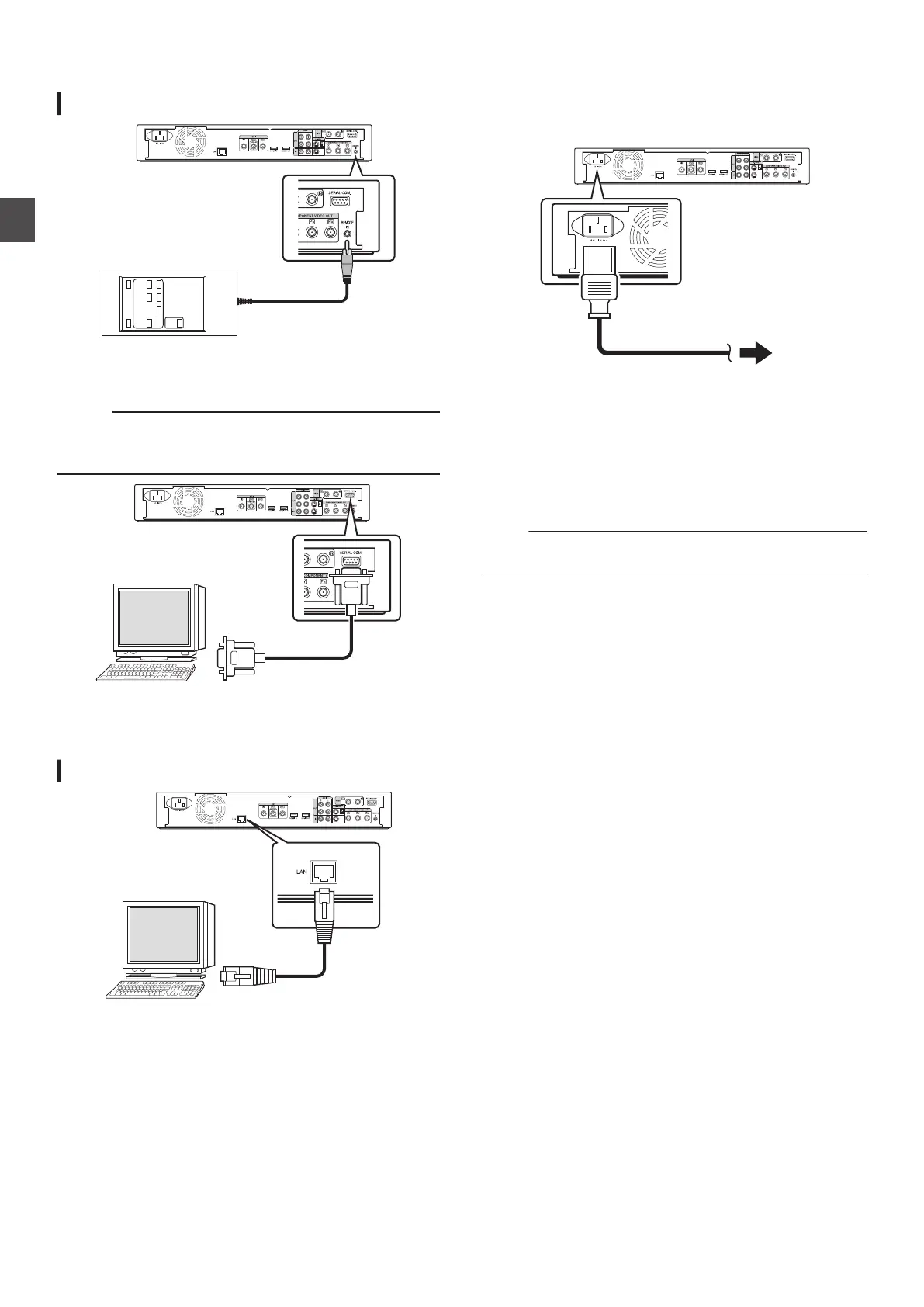
Connecting a wired remote control
.
Using a wired connection enables stable control of this unit from
an external device.
Operation is possible using any code (1 to 4) regardless of the
remote control code settings of this unit.
Memo :
0
There
is currently no compatible remote control unit available.
0
To create a wired remote controller, refer to “External Control”
(A P 97).
.
External operation is enabled by connecting an RS-232C cable
to a PC or similar device.
For details on external operation, refer to
“External Control”
(A P 97).
Connecting using a LAN cable
.
External operation is enabled by connecting to a PC or similar
device using a LAN cable.
For details on external operation, refer to
“External Control”
(A P 97).
Connecting the Power
Supply
Connect the supplied power cable to this unit as follows.
.
1
Connect the supplied power cable to the AC IN
terminal of this unit
2
Connect the other end of the power cable to a
power point
3
Press the [A] button on the remote control or
this unit to switch on the unit.
0
The power of this unit turns on, and a “HELLO
” message
appears on the display window.
Note :
0
Do not use power cables other than that supplied with this
unit. Doing so may cause this unit to malfunction.
22
Connecting External Devices
Preparation



 To Next Page