4K HDBaseT™ 8x8 Matrix Switcher
MX-HDBASE8X8-4K 7
KanexPro.com
8) Connect an AC 100V~240V power outlet and the switcher with the AC power cord.
Note:
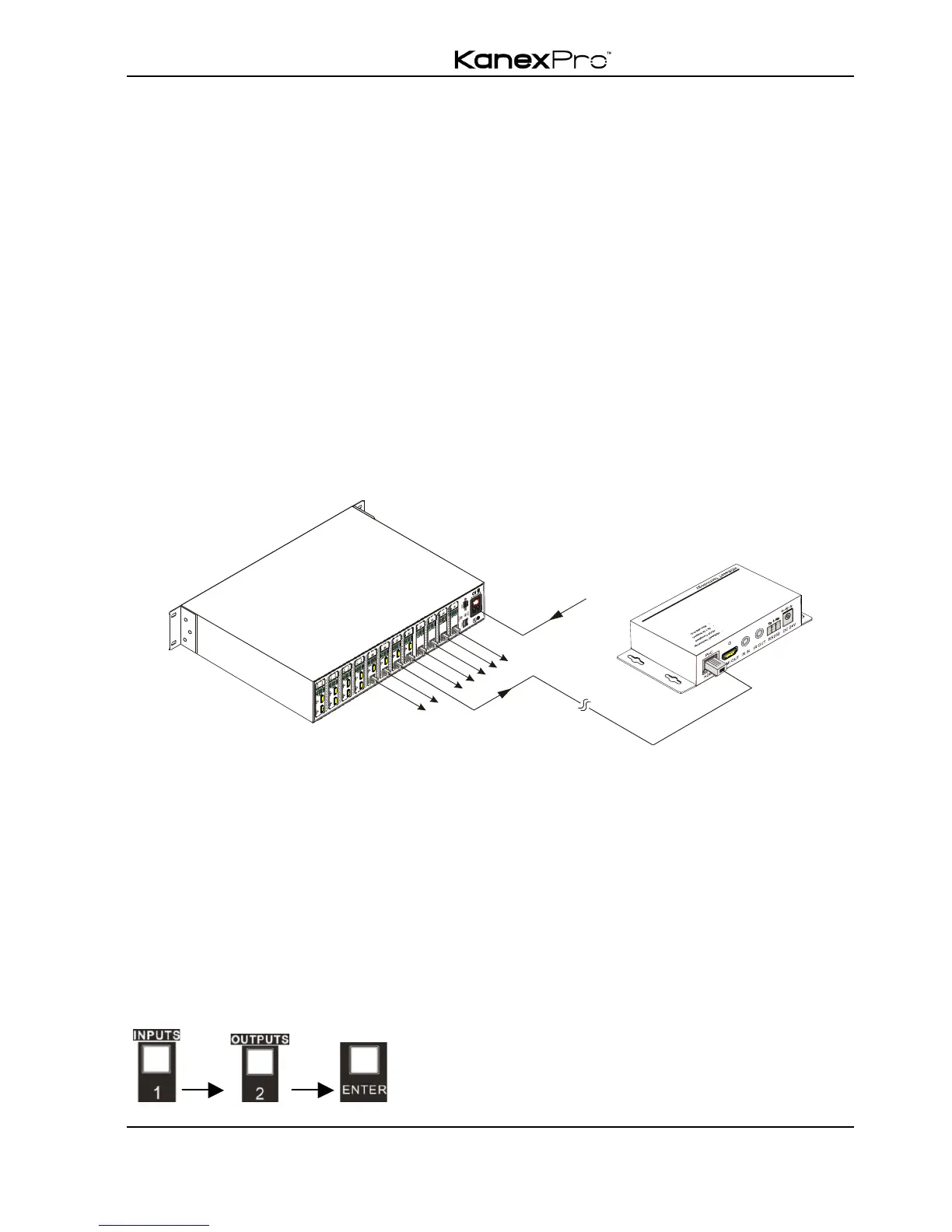
1. Connect HDBT ports of switcher and far-end receiver with straight-through cable.
2. Output audio is selectable via RS232 command Audio/[X]:[Y]. It’s free to select
whether analog audio or HDMI audio to output. Default is HDMI audio.
3. IR receivers connected to IR IN& IR ALL IN should be with carrier. If not, send
command %0900.or %0901.to activate native carrier mode or force carrier mode in
the IR matrix launched between the switcher and far-end receivers.
3.5 Connection with HDMI Twisted Pair PoC Receiver
4K HDBaseT 8x8 Matrix Switcher boasts 8 HDBaseT output ports, which support PoC
solution. Connect the HDBT output ports of 4K HDBaseT 8x8 Matrix Switcher to
HDBaseT Receivers supporting PoC(like HDMI Twisted Pair PoC Receiver) via twisted
pair. Plug a power supply to the power port of the switcher; the HDBaseT Receivers will
be energized synchronously with PoC solution.
4. System Operations
4.1 Front Panel Button Control
The operation examples are showed in 2.1 Front Panel. Here we make a brief
introduction to the system operations.
4.1.1 Switching I/O connection
1) To convert one input to an output:
Operation: “input”+“output”+“ENTER”
Example: input 1 to output 2



 To Next Page