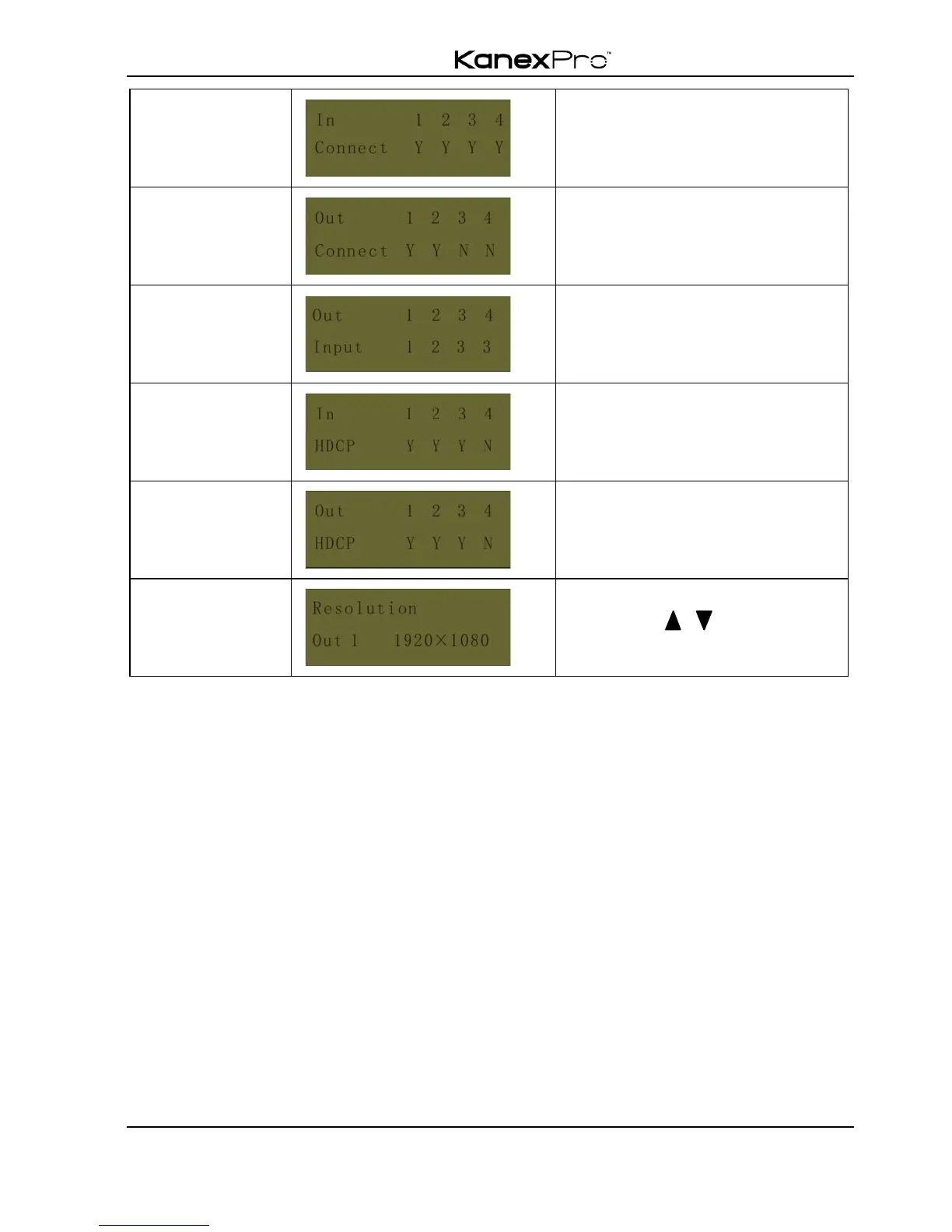
Y means the corresponding port
is connected with input device, N
means not.
Y means the corresponding port
is connected with output device,
N means not.
" Output check
Press any output button to check its corresponding input.
Example: Check which one is the corresponding input for output 2. (Presume Output 2
corresponds to Input 1.)
Operation: Press Output 2 button, LCD screen display “AV: 1->2 IR: 1->2”, and
indicators of input 1 and output 2 turn on and last for 3 seconds. Then output 2
corresponds to input 1.
4.1.4 Clear operation
When you switch output channel, learn EDID data, or set EDID data, press Clear button
to withdraw the operation before you press “ENTER” to carry it on. When you press it,
the matrix will return to the previous status.
4.2 IR Control
By using IR & HDBaseT transmission technology, the switcher has some functions as
follows:



 To Next Page