4K HDBaseT™ 8x8 Matrix Switcher
MX-HDBASE8X8-4K 31
KanexPro.com
Step4. Set the PC’s network segment to the original ones.
Step5. Connect the switcher and PC(s) to the router. PC(s) within the LAN is able to
control the switcher asynchronously.
Then it’s able to control the device via GUI.
4.4.2 GUI for TCP/IP control
The switcher provides with built-in GUI for convenient TCP/IP control. GUI allows users
to interact with switcher through graphical icons and visual indicators.
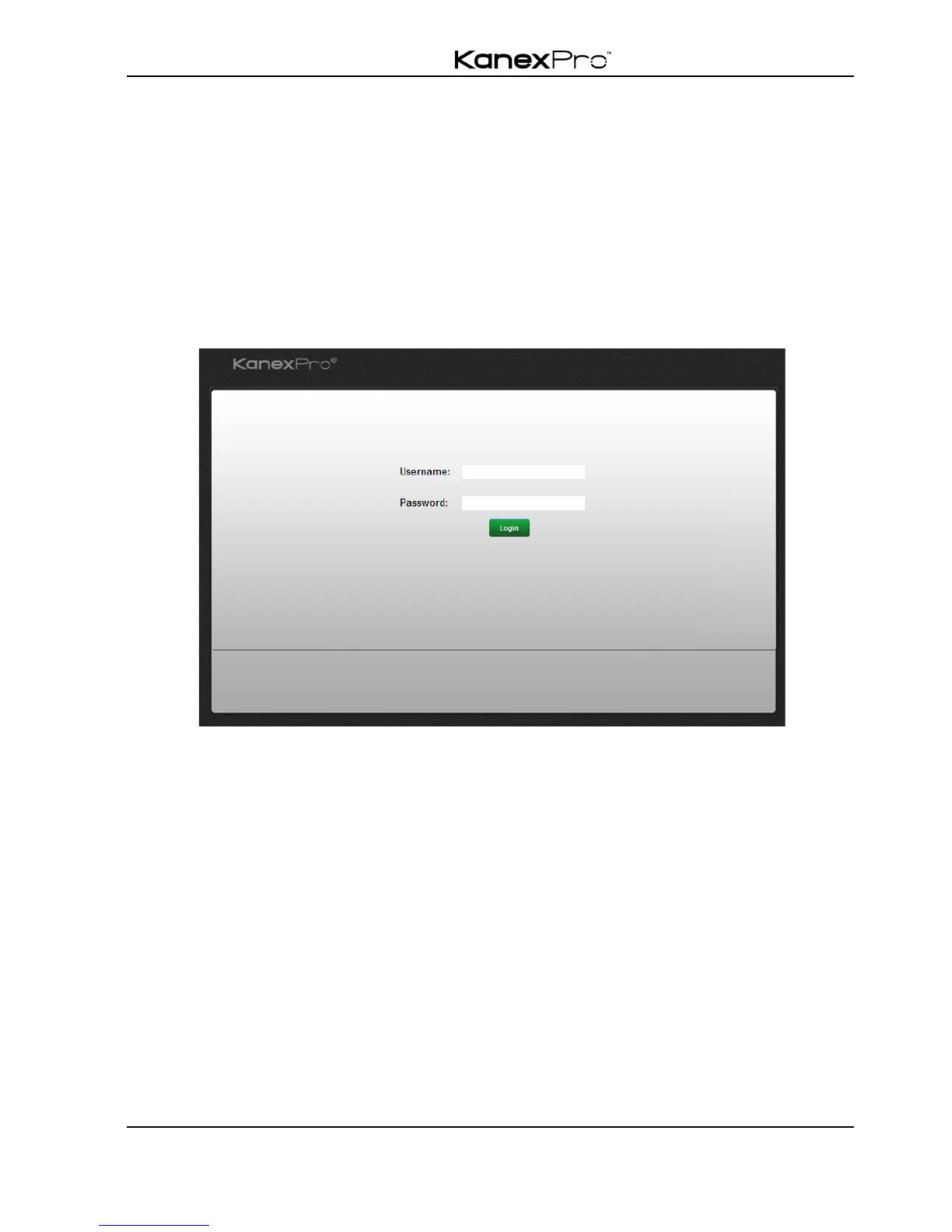
Type 192.168.0.178 in your browser, it will enter the login interface shown as below:
There are 2 selectable usernames – admin (default password: admin) and user (default
password: user). Log in as admin can access more configuration interfaces than user.
Enter username and the right password. Here is a brief introduction to the interfaces.
Main: Interface shown after logging in, provide intuitive I/O connection switching. See
the screenshot below:



 To Next Page