4K HDBaseT™ 8x8 Matrix Switcher
MX-HDBASE8X8-4K 30
KanexPro.com
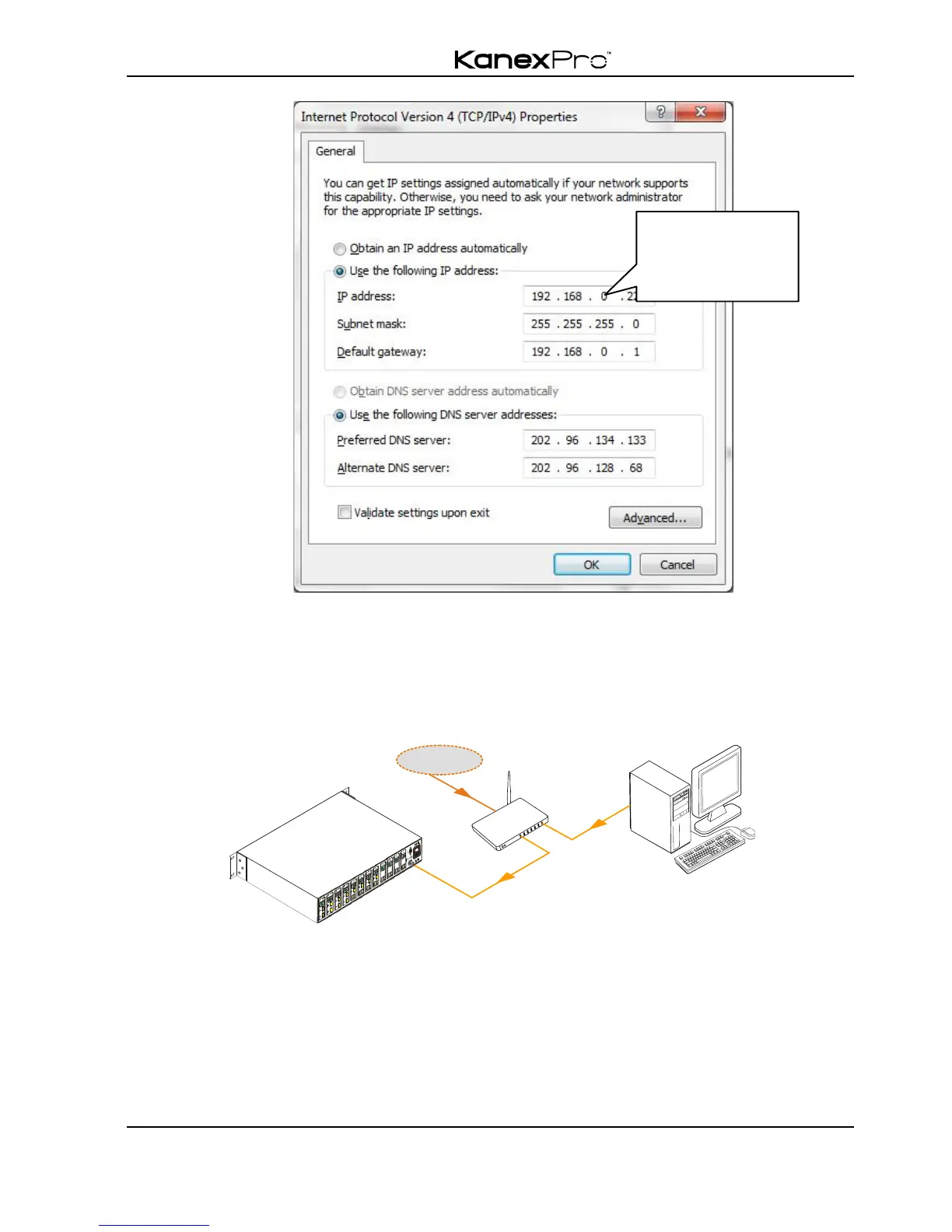
! Controlled by PC(s) in LAN
Connect the switcher, a LAN based router and several PCs to setup a LAN (as shown in
the following figure). Set the network segment of the matrix switcher to the same as the
router’s, then PCs within the LAN are able to control the switcher.
Follow these steps to connect the devices:
Step1. Connect the TCP/IP port of the switcher to Ethernet port of PC with twisted
pair.
Step2. Set the PC’s network segment to the same as the switcher’s. Please remember
the PC’s original network segment.
Step3. Set the switcher’s network segment to the same as the router.



 To Next Page