IP TELEPHONE SET
3
Check this list before installation to ensure that you have received each item. If you are
missing any items, contact your IP phone reseller.
ASSEMBLING THE PHONE
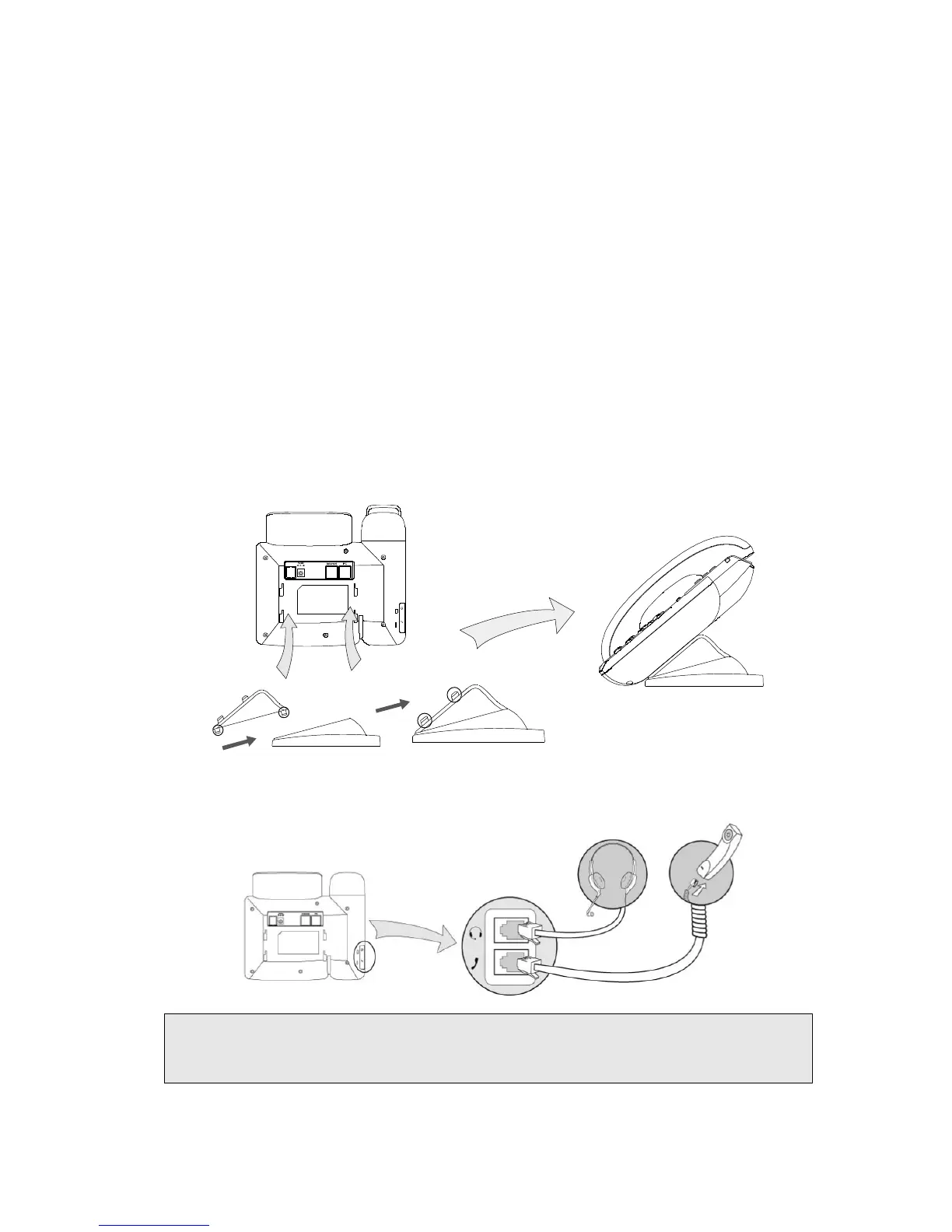
This section introduce how to assemble the phone with the components in the packing
list:
z Attach the stand;
z Connect Handset and Headset;
z Connect Network and Power.
1) Attach the Stand, as shown below:
Stand attached
2) Connect Handset and Headset, as shown below:
Note:
Headset is not provided in the packing list. Please contact your distributor for more
information.



 To Next Page