IP TELEPHONE SET
26
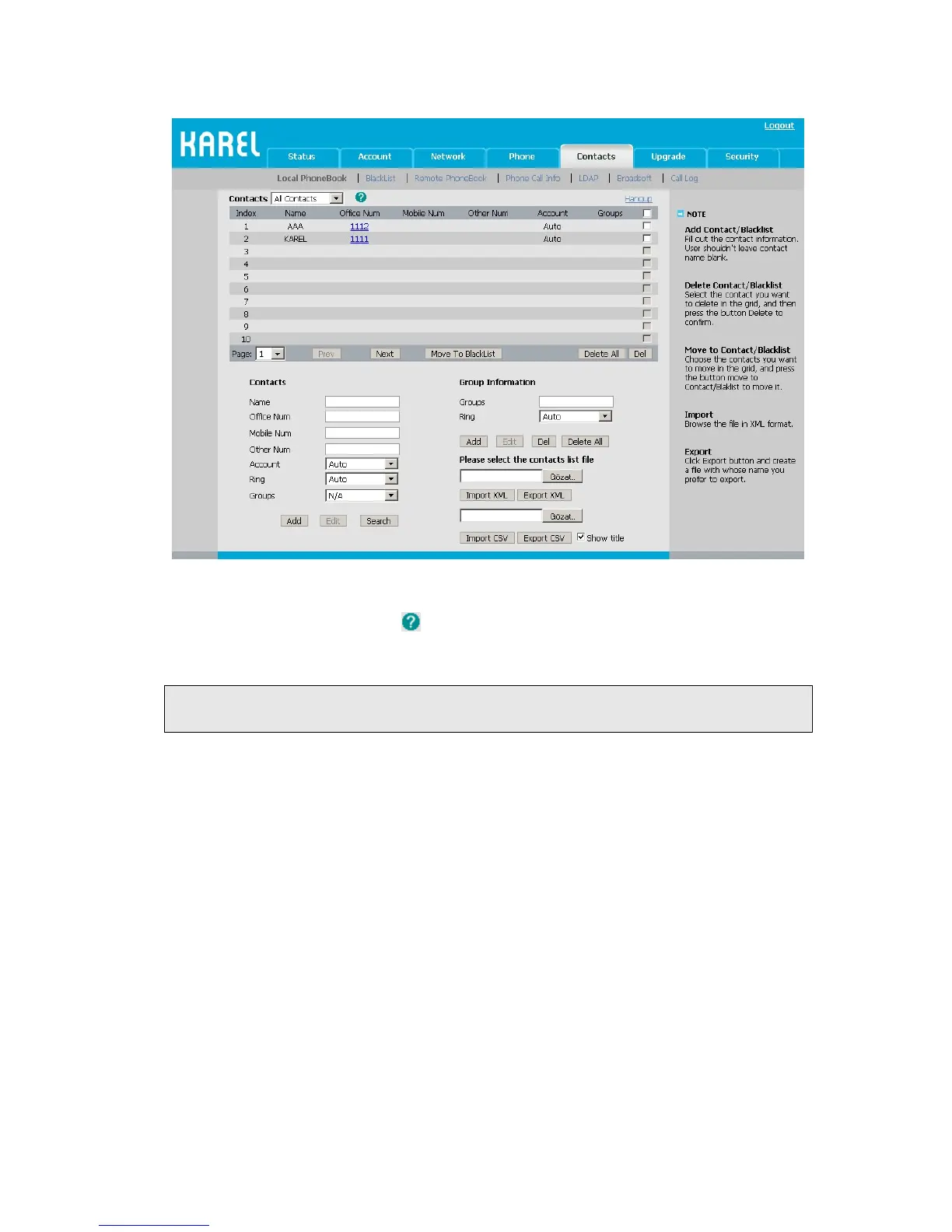
2) Browse the specific contact list file in .XML or .csv format, and then click Import
button. The imported contact lists will be showed in the Contact List.
3) Move the mouse to the icon
, you will see the notes for parameters. The meanings
of this icon on other pages is the same, we will not elaborate it one by one.
4) Click the Export button to export the contact list.
Note:
Import/Export Contact List can be only set via Web interface.
BLACKLIST
If you add a contact to blacklist, then the call from this contact cannot get through. The
operation of blacklist is the same as contact.



 To Next Page