IP TELEPHONE SET
8
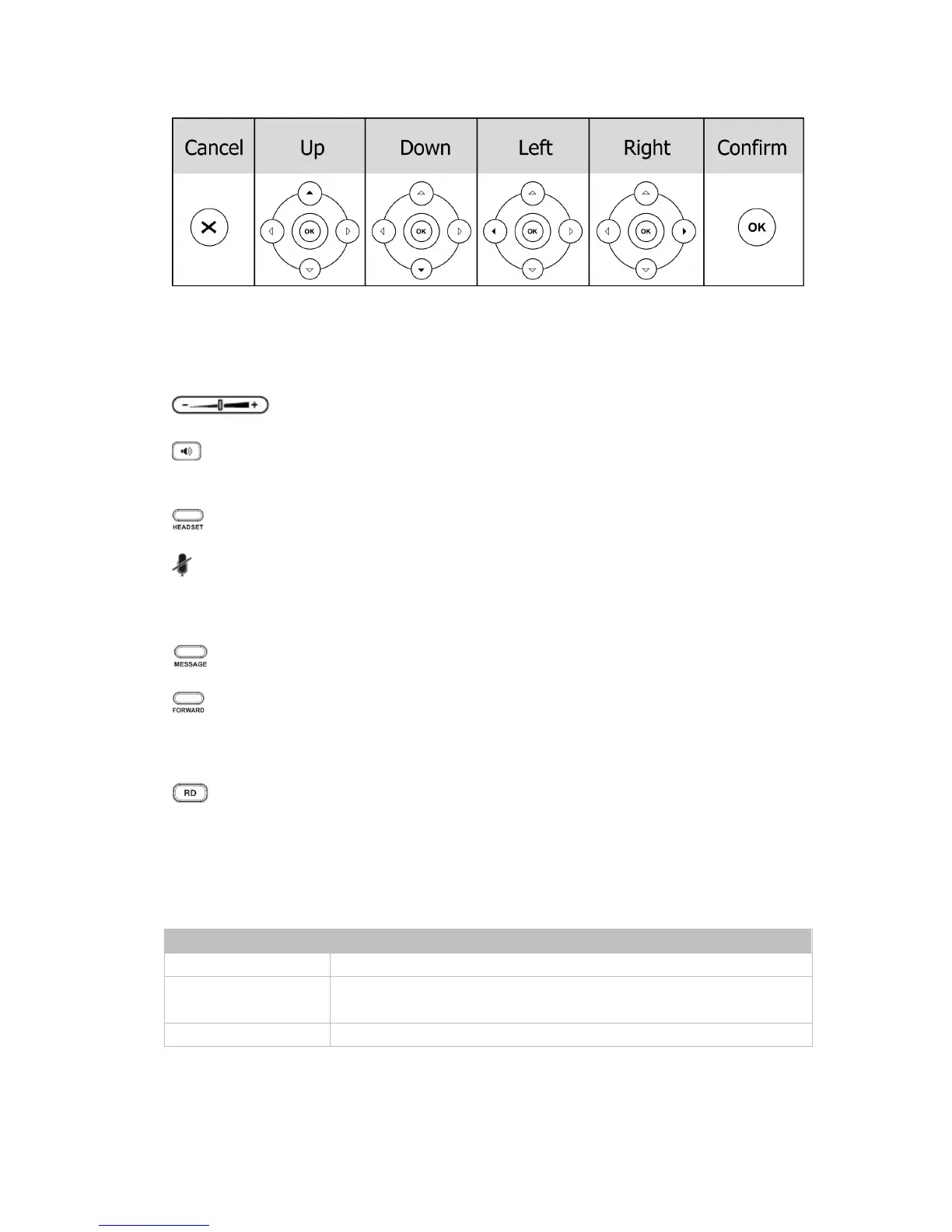
Audio Device Control Keys
Use the audio device control keys to perform the following actions depending on your
phone type:
: Adjust the volume of the handset, headset, speaker and ring tone;
: Allows for hands-free communication during calls;
Press to switch to the Group Listening mode.
: Place and receive calls through an optionally connected headset.
: Mute audio transmission locally during calls;
Hard Feature Keys
: Allow users to access the Voice Mail interface directly;
: Forward the current call to third party;
When the phone is idle, press to enter the forward configuration page.
: Press to enter the Dialed Calls interface, then choose a record to dial out.
LED INSTRUCTION
Table 1 Line Keys
LED Status Description
Steady green The account is active
Blinking green There is an incoming call to the account, or there is a call on hold
status
off The phone is in idle status whatever registered/ unregistered



 To Next Page