IP TELEPHONE SET
40
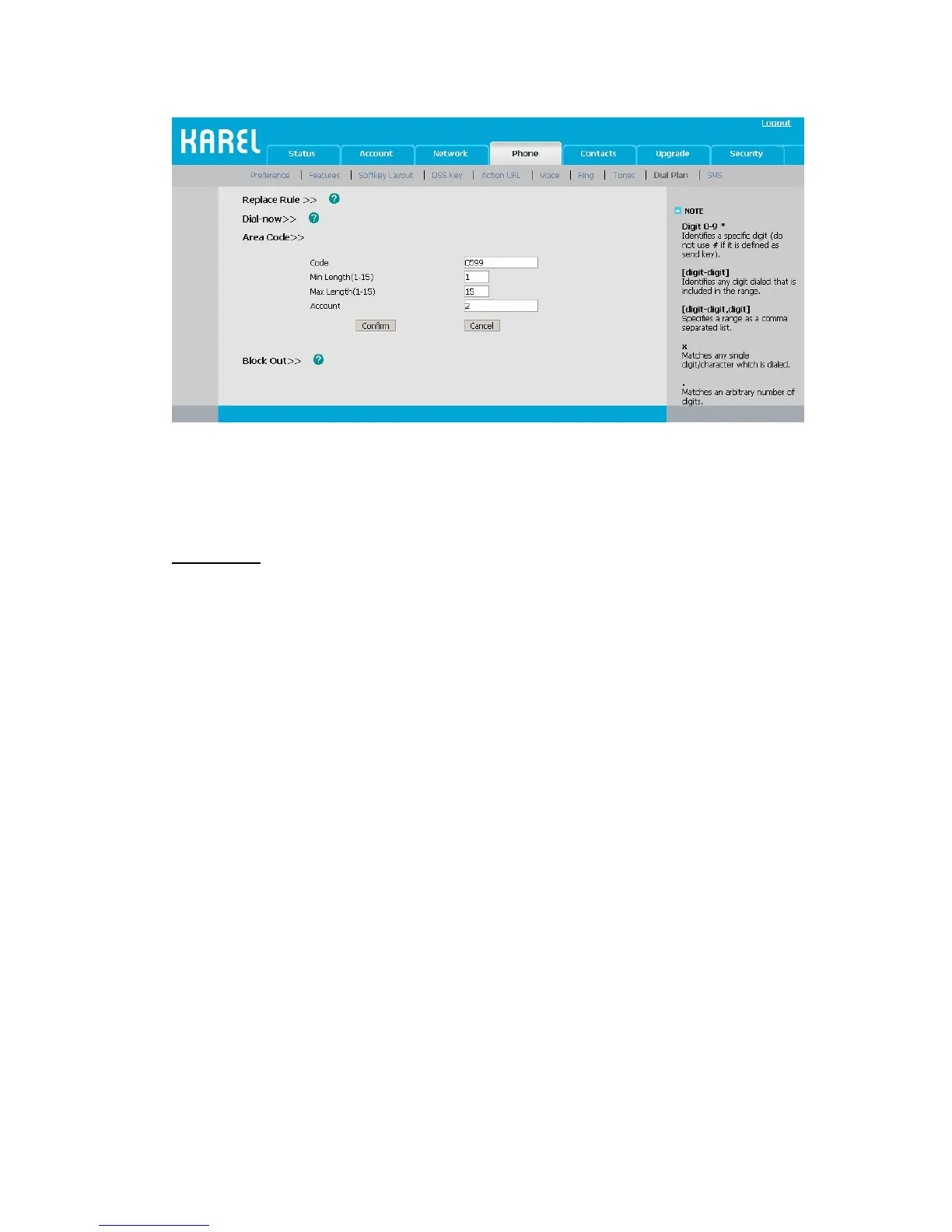
2) Enter the Code and Account, set the Min Length and the Max Length option, and
then click the Confirm button to save.
Block Out
The specific phone numbers can be forbidden to be call out from your IP phone.
1) Choose Phone->Dial Plan->Block Out.
2) Enter the phone number and Account, and then click Add button to save the changes,
or choose the specific one in the list, click Delete button to delete the record.
3) You can select a record to modify, then click Edit button to submit.
4) You can not dial out the number from your IP phone unless it is removed from the
Forbidden List.



 To Next Page