IP TELEPHONE SET
34
To set Auto Answer via Web interface:
1) Choose Account->Basic->Auto Answer.
2) Choose Enabled or Disabled in the pull-down menu, click confirm button to save the
change.
Missed call log
Defines whether to save the missed calls to the call history record or display the missed
calls on the idle screen. This function can only be set via the Web interface:
1) Choose Account->Basic->Missed call log.
2) Choose Enabled or Disabled in the pull-down menu, click confirm button to save the
change.
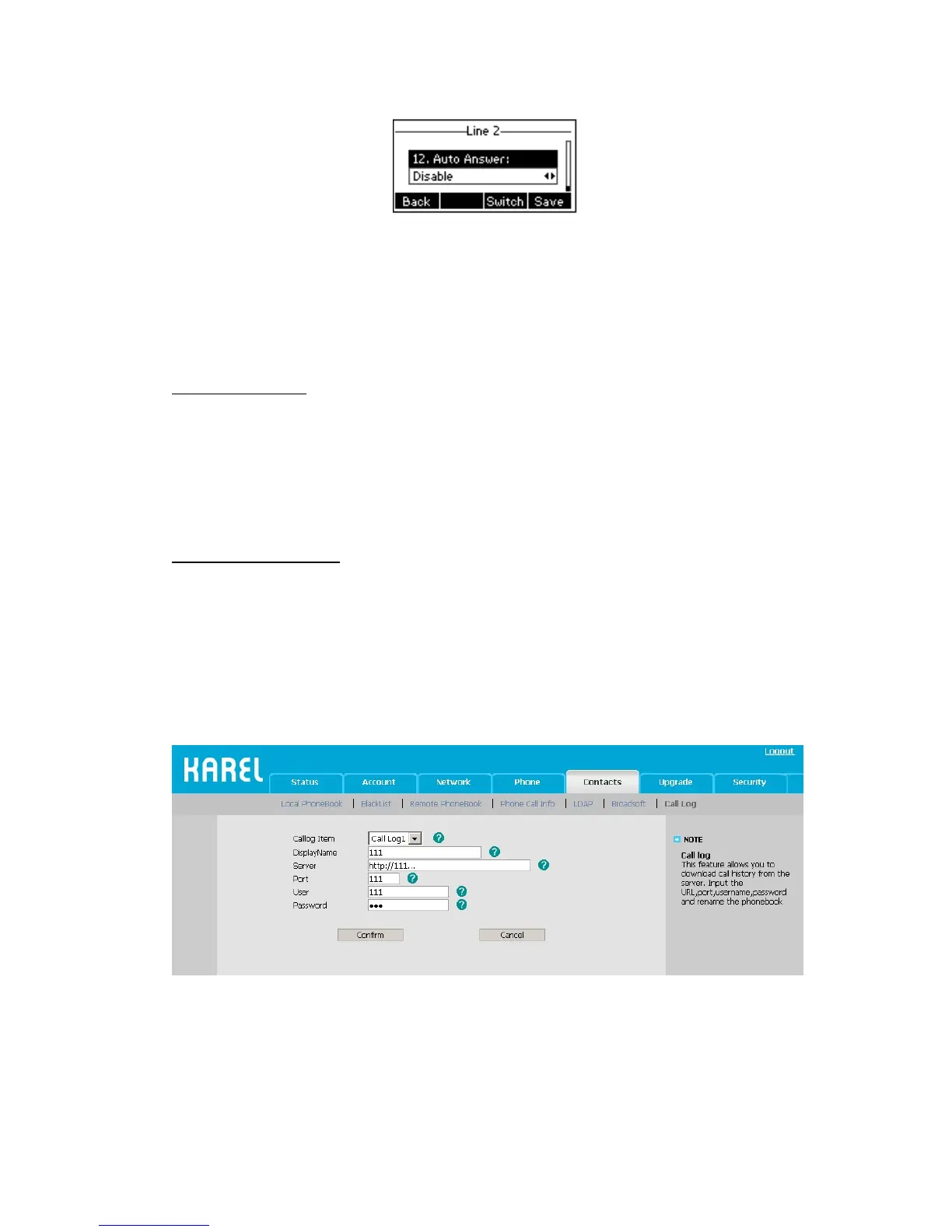
Broadsoft Call Log
This feature allows you to download call history from the server. Input the URL, port,
username, password and rename the phonebook
Configure Call Log via web interface:
1) Choose Contacts->Call Log
2) Choose the Calllog Item.
3) Input the display name, URL, port, username and password.
4) Click the confirm button to save the changes.
Check Call Log via phone interface:
1) Press Menu->History Type->Network Call Log
2) Choose the Call log Item, press Enter softkey to download the call log.



 To Next Page