IP TELEPHONE SET
38
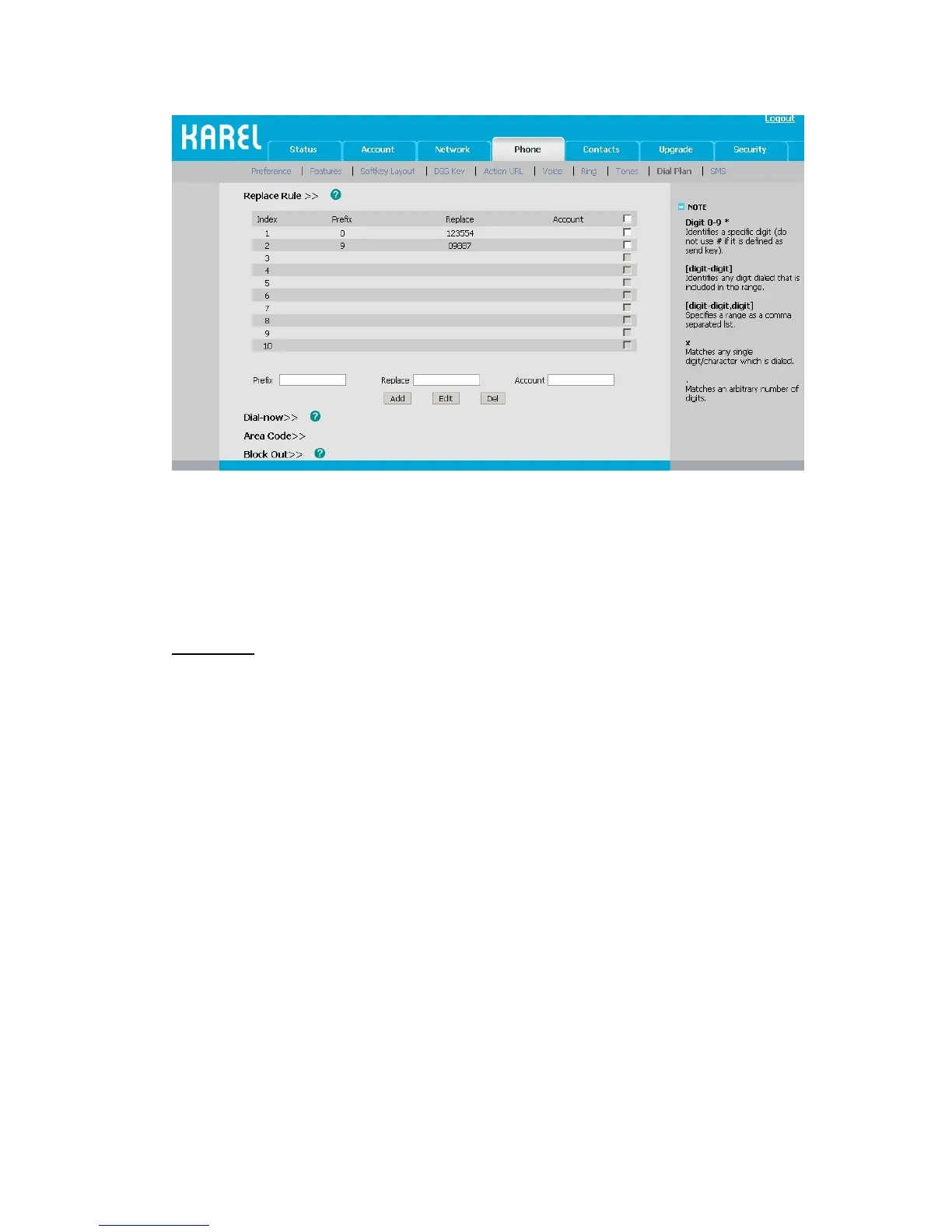
2) Enter the desired Prefix, Replace and Account.
3) Press Add button to save the changes.
4) You can also delete a specific one from the dial plan list.
5) You can select a record to modify, then click Edit button to submit.
Dial Now
Dial-now enables you to define the specific length of any number/letter in advance(for
example xxx), next time when users dial out the 123 whose length matches the Dial-now
rule, the phone will dial out 123 immediately without pressing Send button.
To set a Dial Plan via the Web interface:
1) Choose Phone->Dial Plan->Dial Now.



 To Next Page