IP TELEPHONE SET
66
HTTPS
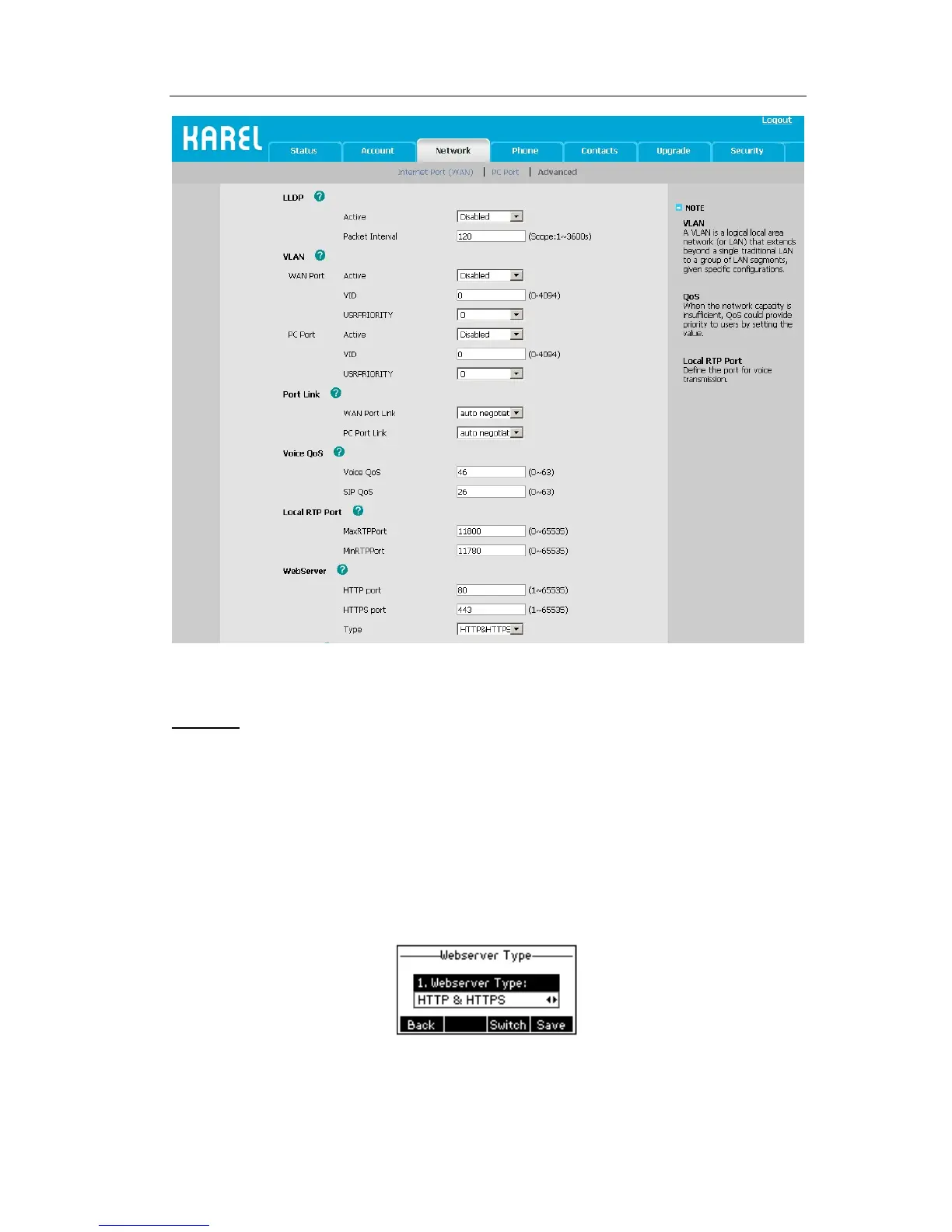
This IP phone can support HTTPS (Hypertext Transfer Protocol over Secure Socket
Layer). Adding SSL layer under HTTP, in short, it is a security version of HTTP. Users can
set this transmission mode via web page.
To configure HTTPS settings via Phone interface:
1) Press Menu->Settings->Advanced Settings.
2) Enter the password required, scroll to Network option, press Enter hot key, select
Webserver Type option, then press Enter hot key again.
3) Press the navigation keys or Switch hot key to choose the transmission mode.
4) Press Save hot key to save the settings, or Back hot key to return to Webserver Type
menu.



 To Next Page