IP TELEPHONE SET
50
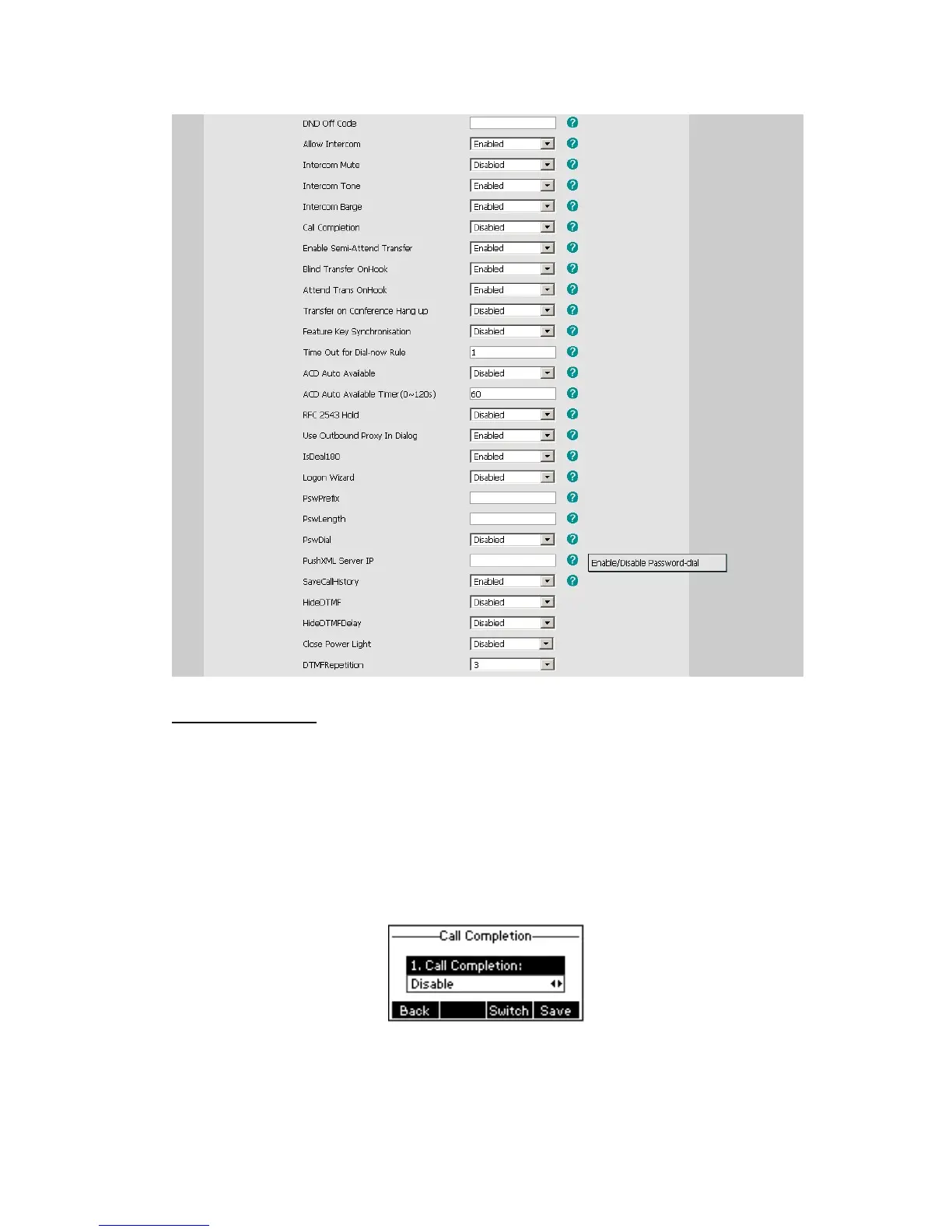
Call Completion
Have encountered such a situation? When you call a contact, but the other side is busy
on a call. Do you want the server to inform you immediately when the contact end the call,
in order to establish a conversation with each other in time? Call Completion can help you
to solve this problem.
To configure Call Completion via phone interface:
1) Press the following hot keys: Menu->Features ->Call Completion to enter the
configuration page.
2) By the Switch soft key, choose whether to enable this option.
3) Press the Save soft key to save your changes.



 To Next Page