IP TELEPHONE SET
21
Codec Selection
The IP phone supports the following voice codecs: G722, G723_53, G723_63, G726-16,
G726-24, G726-32, G726-40, G729, PCMU and PCMA.
You can enable/disable the desired codecs via Web interface. Please contact your
System Administrator for more details about the codecs.
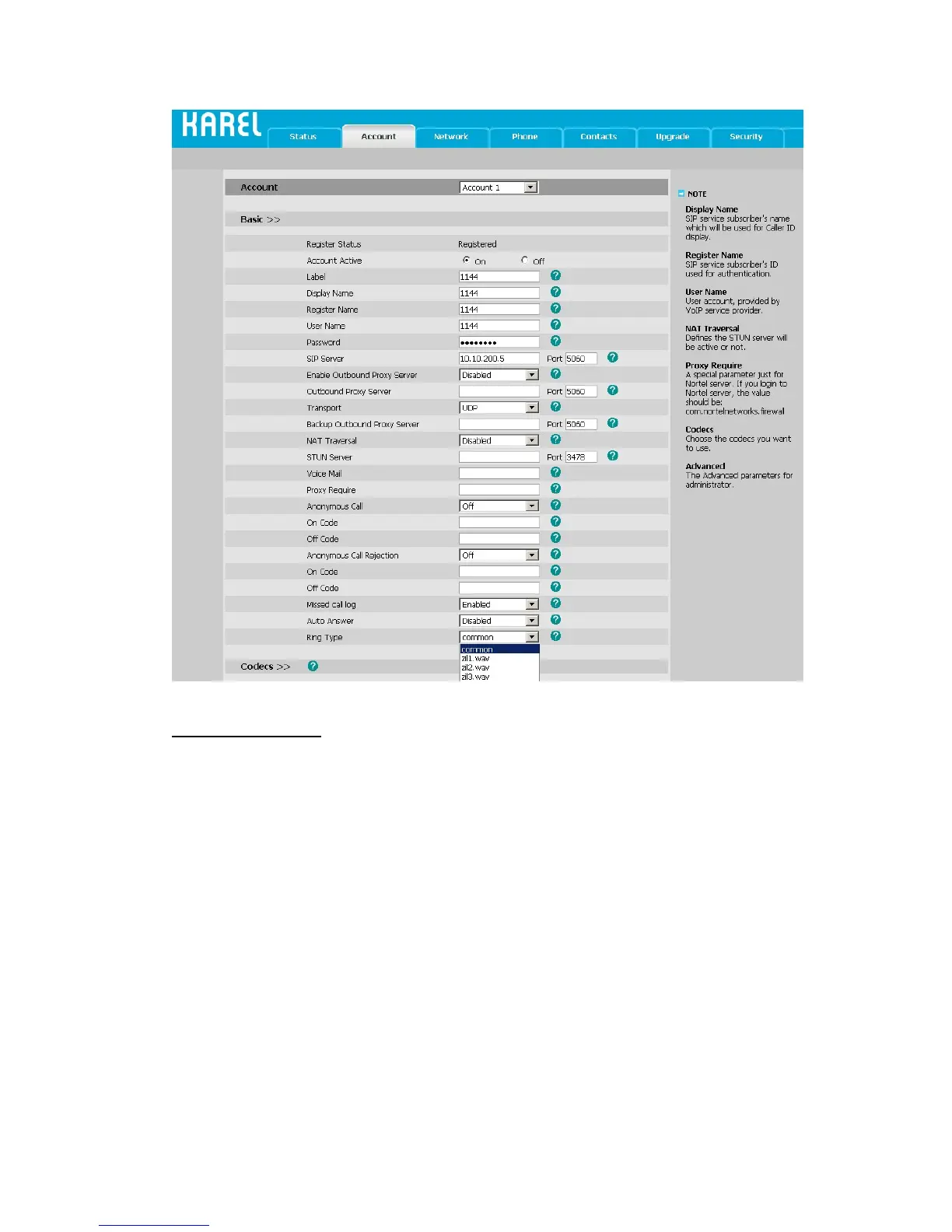
To enable/disable the codecs:
1) Choose Account->Codecs.



 To Next Page