IP TELEPHONE SET
9
Table 2 Line Keys set to BLF
LED Status Description
Steady green The monitored account is in idle status
Fast blinking green There is an incoming call to the monitored account
Slow blinking green The monitored account is on an conversation
Off It is not active as BLF
Table 3 Power Indication LED
LED Status Description
Steady green Power on
Blinking green There is incoming call to the device, or there is call on mute
off Power off
Table 4 Line Keys set to BLA
LED Status Description
Steady green All of the members are in idle status
Slow blinking green Some part(s)is seizing the line/ ring-back/ under the private hold
status.
Fast blinking green Some part(s) is ringing /on the phone / under the public hold
status or all of the parts press hold.
Off It is inactive as BLA
ICON INSTRUCTION
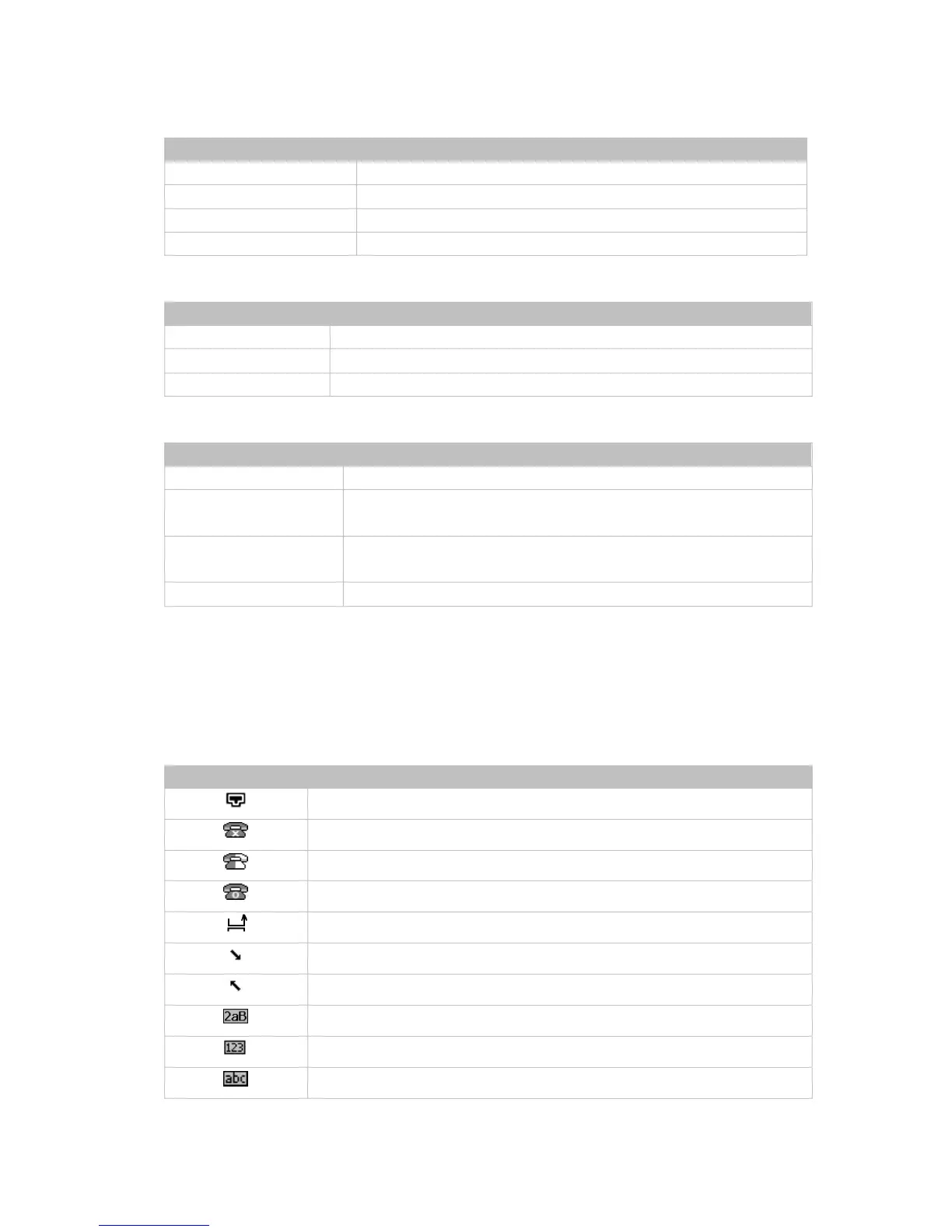
The IP Phone displays different kinds of icons on its LCD, you can refer to the following
table for their meanings:
Icon Description
Flashes when the internet is disconnected
Account register failed
Account registering
Account register successful
Missed calls
Call in
Call out
Input Method: all letters and numbers
Input Method: numbers
Input Method: multi-lingual letters in lower case



 To Next Page