IP TELEPHONE SET
62
On), the IP phone UI will display the connecting and ring back interface. If the reception
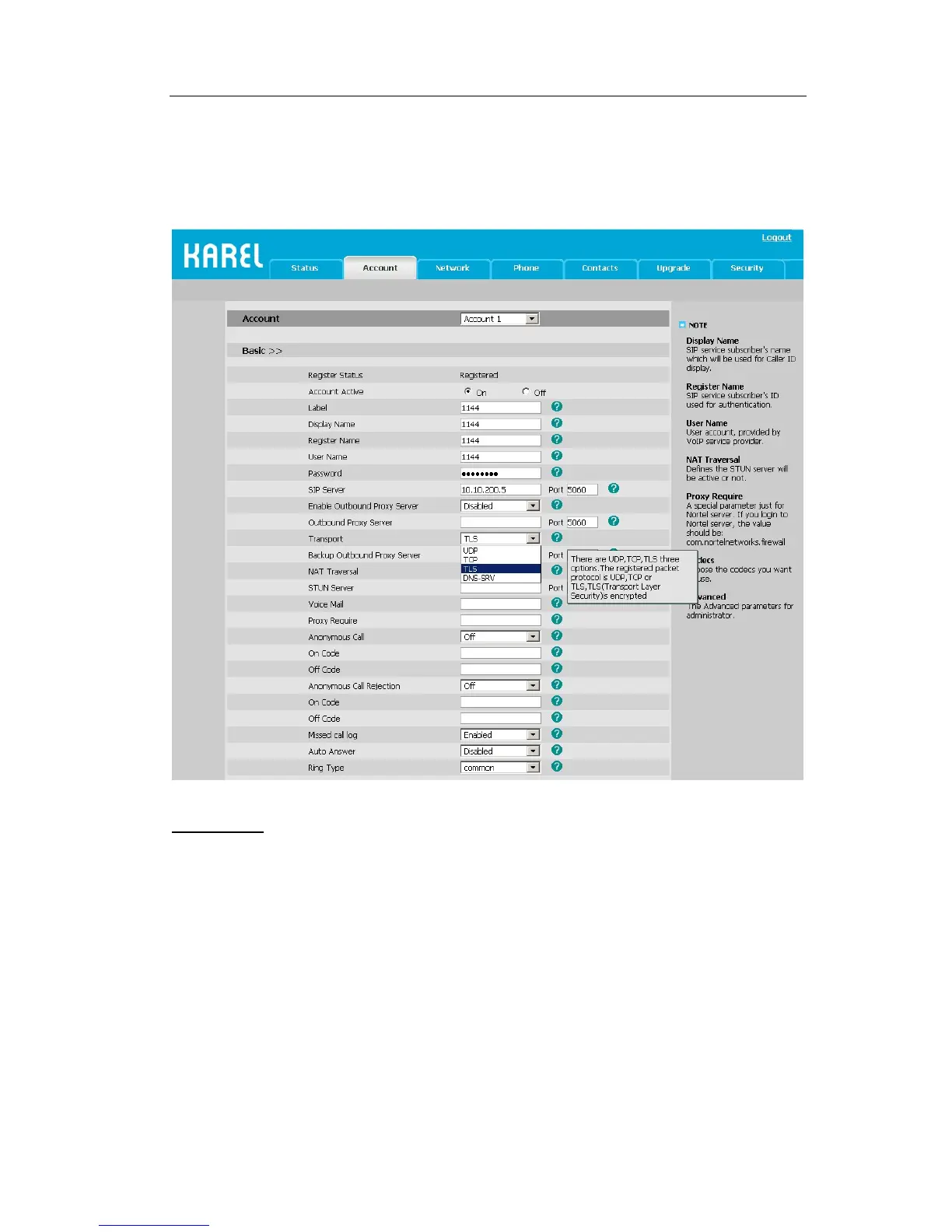
also set the transport as TLS, then IP Phone UI will display the icon on both side.
Go to Account->Basic, choose Transport option, in the pull-down menu, you can choose
the TLS option, and then click the Confirm button to save the change.
DNS-SRV
If the SIP server cannot be used, the phone will be connected on the server which is
available.
To set DNS-SRV via web interface:
Go to Account->Basic, choose Transport option, in the pull-down menu, you can choose
the DNS-SRV option, and then click the Confirm button to save the change.



 To Next Page