IP TELEPHONE SET
45
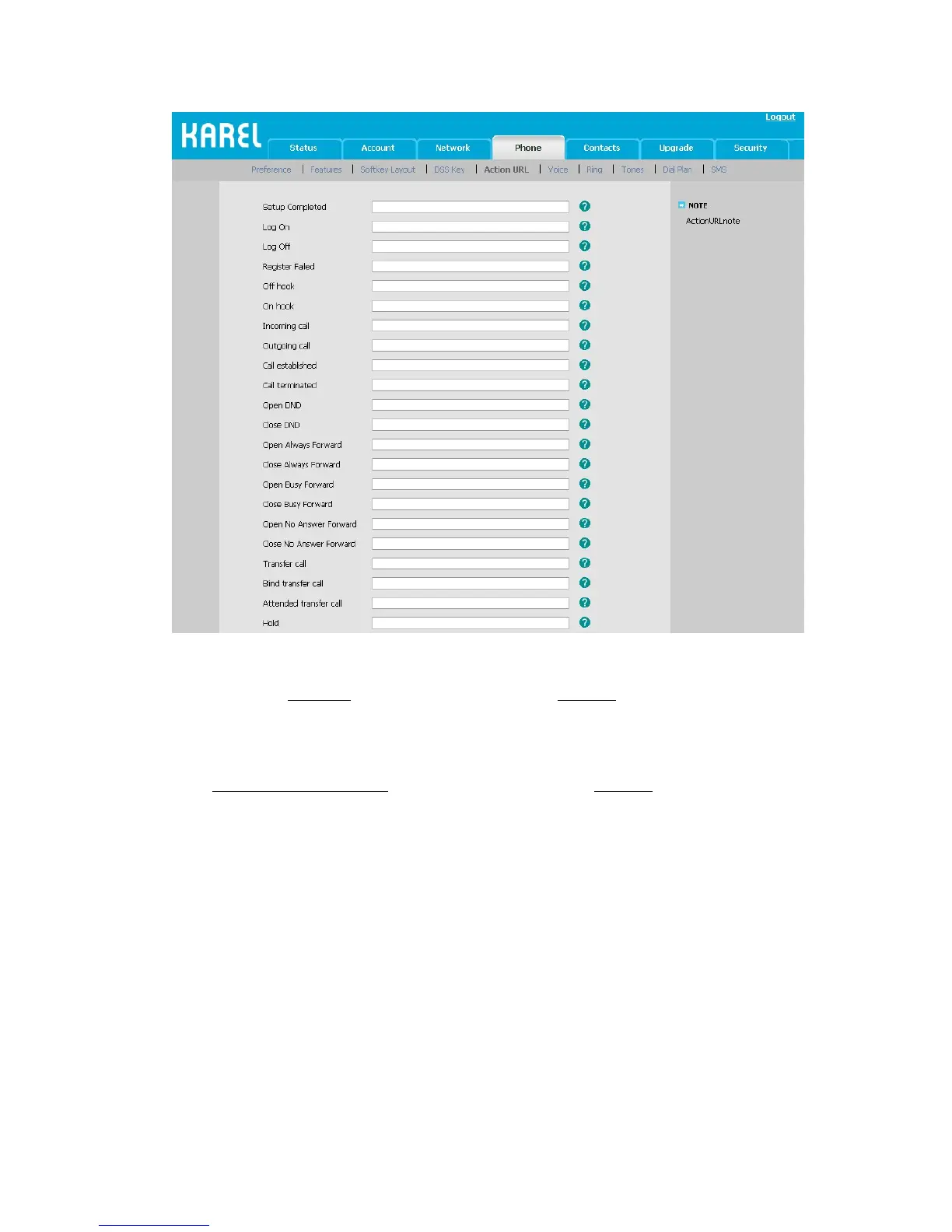
Action URI:
Enter the “http://Phone ip
/cgi-bin/ConfigManApp.com?key=xxx” in Browser address bar,
the phone will realizing the corresponding function. If you not login the web with the user
name and password, you will need to specify the user/password to confirm the operation.
The username/password can be added into the URI like:
http://admin:admin@10.2.3.25
/cgi-bin/ConfigManApp.com?key=OK
Our phone can support the following functions function:
Phone ip stand for the phone’s IP address. Key=xxx stand for the following rules:
To answer the call: key=OK/key=ENTER
To turn on speaker mode: key=SPEAKER
Press transfer button: key=F_TRANSFER
Increasing the volume: key=VOLUME_UP
Reduce the volume: key=VOLUME_DOWN
To mute the call: key=MUTE
To hold the call: key=F_HOLD
To end the call: key=X
To enter the DTMF number(include Numeric , * or # keys): key=0-9/*/POUND
Press a line key: key=L1-L6
Press Conference button: key=F_CONFERENCE



 To Next Page