IP TELEPHONE SET
57
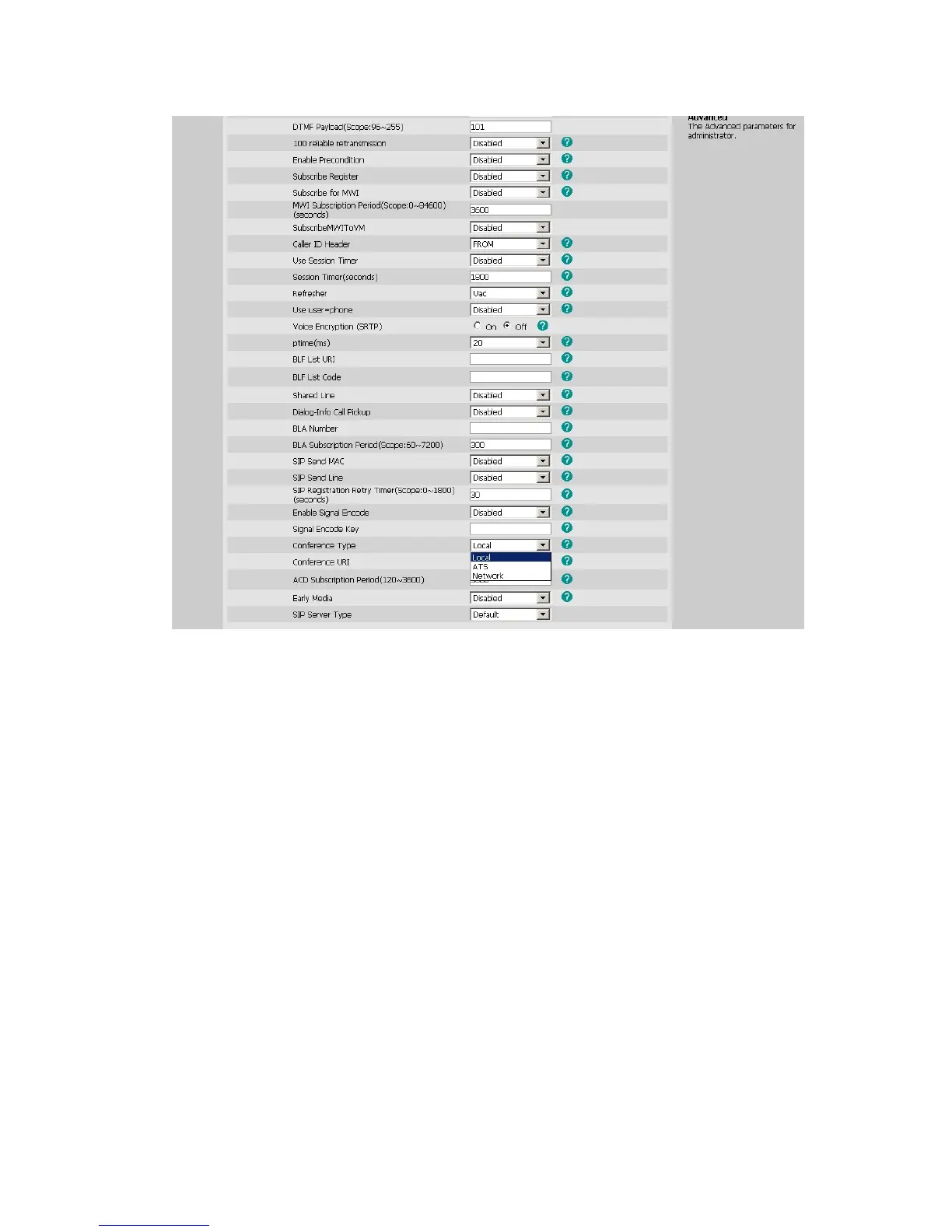
2) Enter the Conference URI.
3) Press Confirm button to save the changes.
To establish a conference:
1) Press the Conf hot key during an active call.
2) Dial the number to conference in, then press the Send hot key
3) When the call is answered, press the CONF button.
4) After the CONF is established, initiator can continually add CONF members, press
Add hot key to enter into dial-up interface,enter the number,press send button to
dial out,when the people answer the call , he have been attended to the CONF.
5) Initiator can use private chart function to have a private chart with any member, press
PriChat, choose any members in phone member list, and then press PriChat hot key,
both sides enter into private chart mode, if there only 3 CONF members, both sides
begin to private chart and the third party enter a Hold mode. If the attender is more
than 3, and then the other attenders keep on talking. If you want to end the private
chat, press ExitPri hot key.
6) Initiator can use remove function to remove any CONF members, press remove hot
key, choose any members in phone member list , and then press remove hot key
again.
7) Initiator Hangs up, the CONF over.



 To Next Page